View Search Criteria
Use these instructions to see what criteria was used to generate the saved search.
- Mouse over Searching on the navigator and select Saved Results from the fly-out menu.
- After selecting Saved Results, results from previously run searches display in the main screen.
- After selecting the search to update from the results section, click the Activities drop-list. SelectBatch Processes >View Criteria in the Search Task Bar.
-
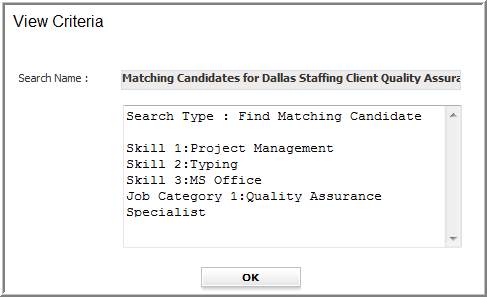
The View Criteria will open in a new window.
Some searches, such as quick searches, do not have saved criteria to view; you will receive a message if the criteria is not saved.
- The search name, template and criteria used are displayed in the segment.
-
Click Ok to close the segment.
Was this helpful?