Exporting Expenses
Overview
The Expense sub-tab contains information on expenses entered into timesheets for a given period.
Steps
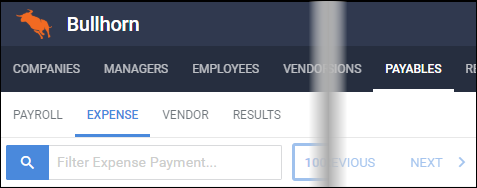
- From the Payables tab, select the Expense sub-tab.
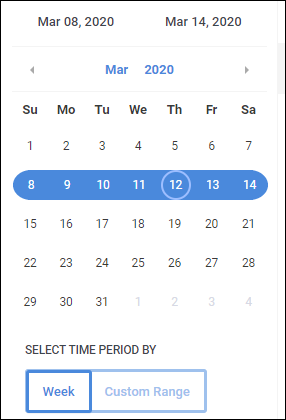
- Select the Pay Period by clicking on the desired week on the calendar view.
- Alternatively, you can select Custom Range and choose a start and end date.
- The expenses for the selected period will show to the right.
Check the box for one or more approved expenses you wish to export.
- From the Actions drop-down, select Export to CSV, Export to Excel, or Export to PDF depending on the desired filetype.
Was this helpful?