Exporting and Saving Commission Data
Overview
This article contains information on how you can export and save the Commission Dashboard data to a CSV, Excel, or PDF file.
Steps
- Navigate to the Commissions tab.

- Select the Payout sub-tab.

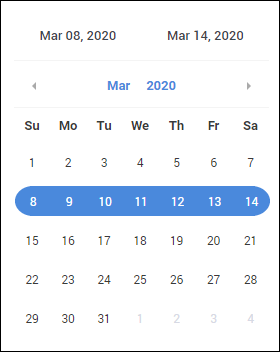
- Choose a commission period using the calendar on the left.
- To export all commission data, check the box at the top of the column.
- Alternatively, if you only want to export selected commission data, check the box next to each line you wish to export.
- Choose Actions / # Selected and then your preferred export option:
- Export to CSV
- Export to Excel
- Export to PDF
Was this helpful?