Using Phone Clock
's Phone Clock allows employees the flexibility to track time via phone from locations where the installation of a time clock is not possible. Phone Clock access is limited by phone number - an approved work location must be added before time can be captured.
How Phone Clocks Work
Using the bi-lingual interface (English and Spanish), punches are collected with a few key presses from any touch-tone phone. Employees should dial in from an approved location to track their time.
Phone Clock functionality must be set up to be usable. Contact Bullhorn Support to set up a Phone Clock at one of your locations.
Punch Instructions for Phone Clock
To use Phone Clock
-
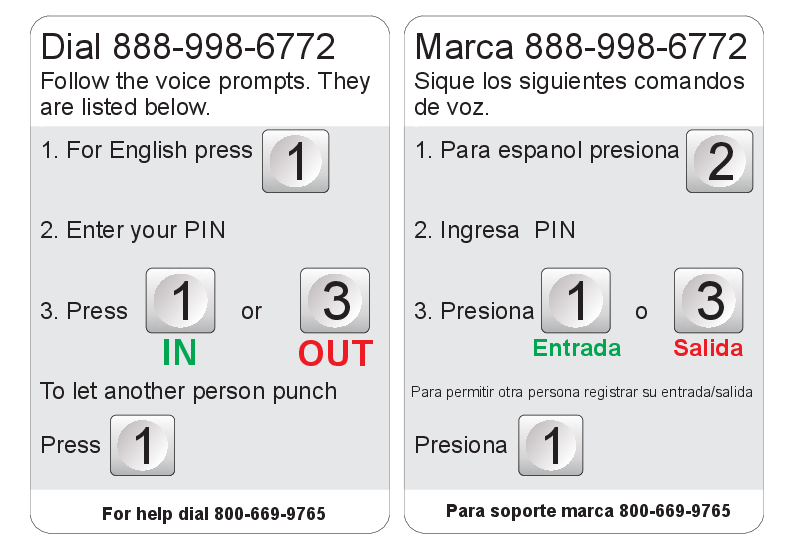
Dial 888-998-6772.
-
Follow the voice prompts to track time:
-
Choose language by pressing 1 for English or 2 for Spanish.
-
Enter your PIN.
-
Press 1 to clock in or 3 to clock out.
-