Monster Data Import
This workflow runs scripts to create Monster seed data.
This workflow requires the user to be part of the Adapt-Admin group.
- Mouse over Administration on the main navigator and then select Administration.
- Select Monster Data Import from the General Settings section of the segment.
- The Adapt screen opens a new window to display the Monster Data Import segment.
-
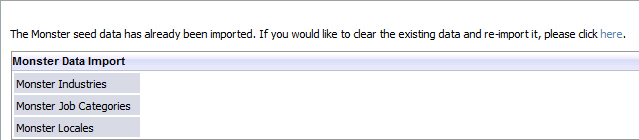
Click on the here link to clear the data and automatically start the import.
-
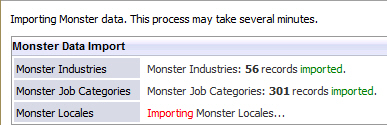
The segment will display the import process; and is complete once all categories are green.
Was this helpful?