Update Web/Mobile Password
This workflow will update the current user’s Adapt Web Services/Mobile password.
You do not need administration security to run this workflow.
- Mouse over Administration on the main navigator and then select Administration..
- Select Update Web Password from the General Settings section of the segment.
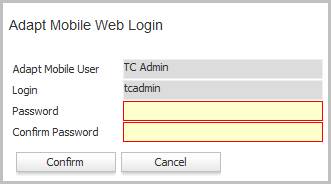
- The Update Web User workflow will open in a new window.
-
Enter the new password information:
- Fields in red are required.
- Click Confirm to complete the workflow.
- The password cannot be the same as your previous password.
- After completing the workflow, Adapt will refresh to display the record for the login.
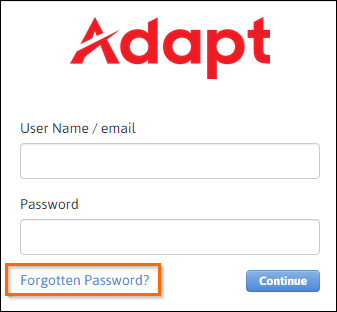
- Passwords can also be updated through the Password menu option in the workflows control panel, or through the Forgotten Password link on the Adapt login screen.
Was this helpful?