Sophia Chat Access from Help Menu
Sophia
What's new?
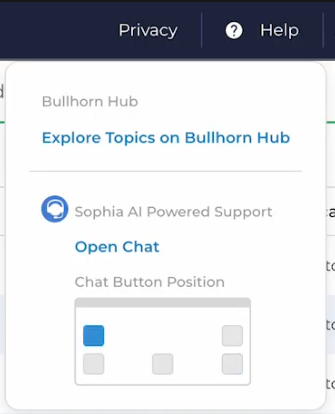
You can now open and close the Sophia chat window directly from the Help menu. Select Help > Open Chat to launch Sophia, and close the window to return it to the chat icon.
Why does it matter?
This makes it easier and more intuitive to access Sophia when you need help, without relying on the chat icon alone.
How do I enable this?
This update is automatically available to all Sophia users. To use it, open the Help menu and select Open Chat.
This is part of the BH R2026.4 release. Click here for release calendar details.
Was this helpful?