Candidate Searches
Use these instructions to view searches connected to the job order, the OFCCP data for the searches and to re-run the search.
- Select Candidate Searches from the segments drop-list.
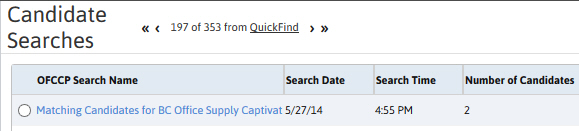
- The Candidate Searches Segment lists all searches associated with the job order.
-
Adding searches to the segment can be done through the job order’s searching menu and through the search center.
Add job order # to an advanced candidate search to display in list box.
-
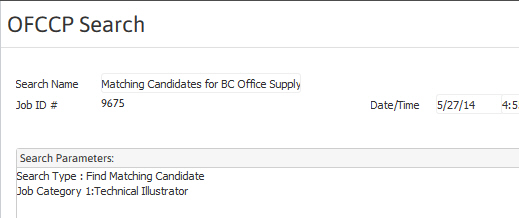
To view the search criteria, results and disposition of each candidate listed in the search click on the Search Name link in the list box.
-
Select a search and click View Searches from the workflow button below the list box to open the search template to re-run the search or to modify the criteria and run a new search.