Job Order Financial
The job order financial link is the portal into the financial component for the job order record and is visible in systems with an active back office license.
-
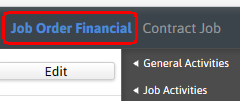
Select the Job Order Financial link on the entity title bar.
-
If the link is not visible in the title bar select the Activate Job Order Financial workflow from the Job Activities menu in the workflow control panel.
Anytime the job id# link is visible, clicking on this link will display the job order profile or front office record.
-
-
Click edit to modify the segment.

-
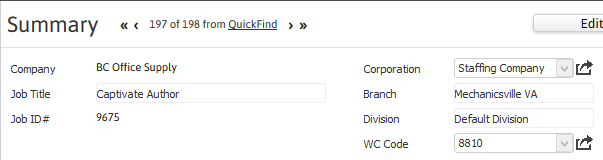
The corporation and workman’s compensation code are the two modifiable data points on the segment.
The WC Code field does not appear for a direct-hire Job Order Financial.
- Fields in gray or with workflow icons are not modifiable when the segment is in edit mode.
- By clicking on the buttons to the right of certain fields, a new window will open, allowing you to search and select options related to that specific field.
-
-
Click Save to keep changes or Cancel to discard.
