Job Order Mass Telecommunications
Use these instructions to view the broadcast messages processed for the job order.
- Select Mass Telecommunications in the segments drop-list
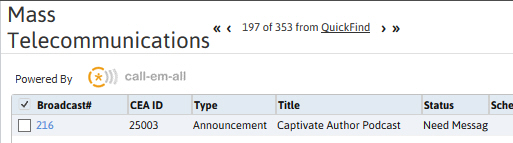
- The segment lists all Mass Telecommunications processed for the job order’s record.
- To view the record click on the Broadcast ID link in the list box.
- The UpdateStatus button to refreshes the status of the records.
-
Click the Cancel Broadcast button to stop the broadcast from processing.
-
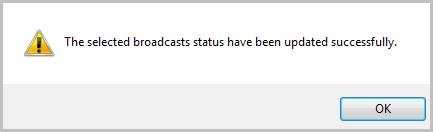
Select a record and click the Update Status button below the list box will refresh the segment and display the candidate’s survey result and the status of the broadcast message selected.
Was this helpful?