Contact Projects
Use these instructions for viewing and modifying the Projects Segment.
- Locate Projects in the segments drop-list.
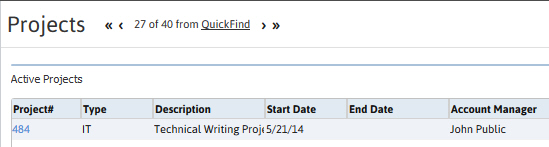
- The Project Segment lists all Projects associated with the Contact.
- Adding a Project to the list can be done through the Contact’s Add New Project workflow.
- To access the Project record click on the Project # link in the list box.
-
The segment is separated into two list boxes with the Active Projects at top and the Closed Projects on bottom.
Was this helpful?