Candidate Experience Changes

Candidates using the Talent Platform onboarding portal will see a modernized, visually consistent experience across all forms and pages, with updated input fields, refreshed buttons, enhanced form presentation, and cleaner table styling. A cohesive, polished interface reduces friction and helps candidates move through onboarding with confidence.

This update is cosmetic only. No functionality has changed. The options available in the portal are determined by your organization's settings.

Basic Information

Before
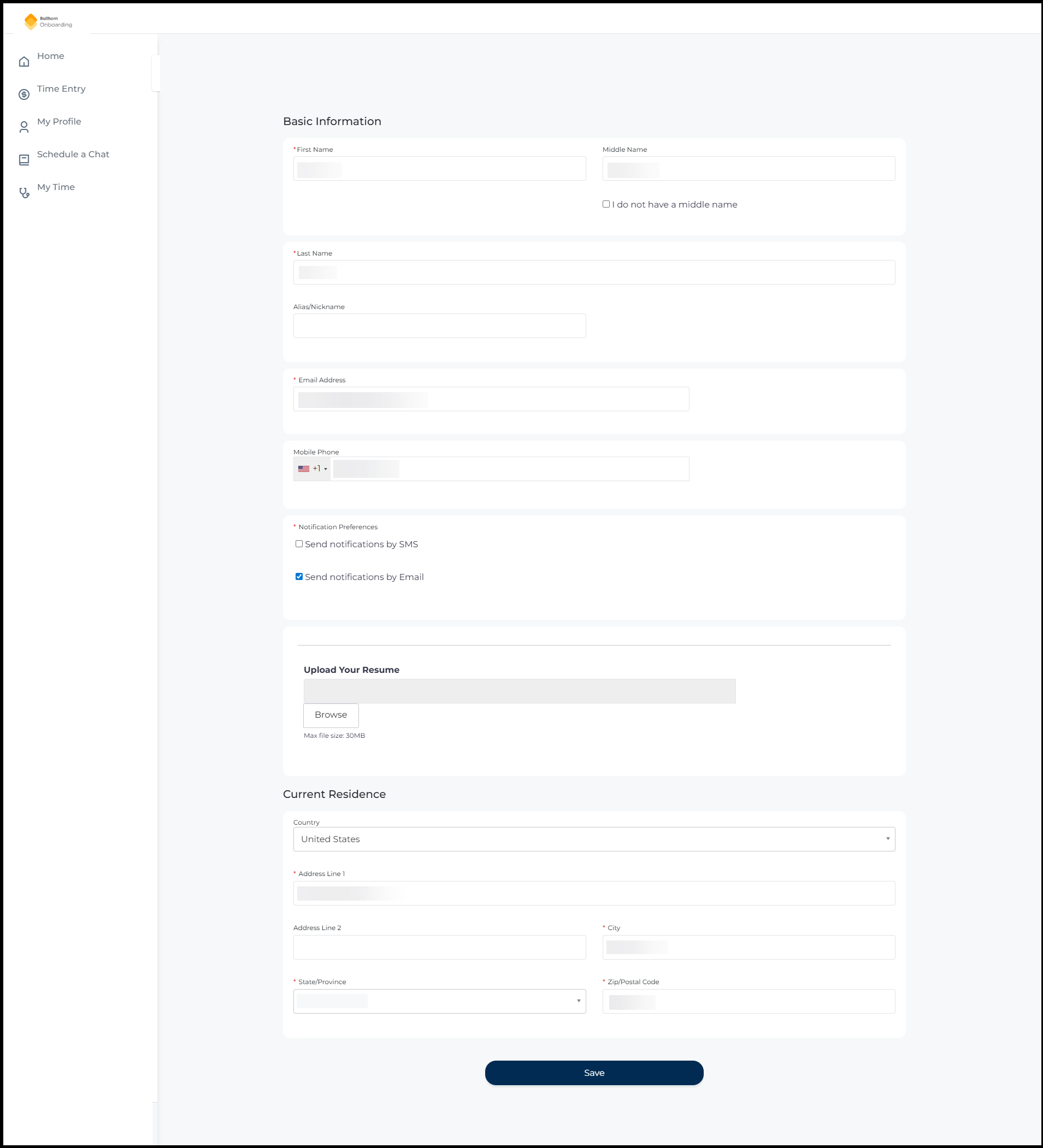
The old Basic Information form showing fields for First Name, Middle Name, Last Name, Alias/Nickname, Email Address, Mobile Phone, Notification Preferences checkboxes, an Upload Your Resume section, and Current Residence address fields.
After
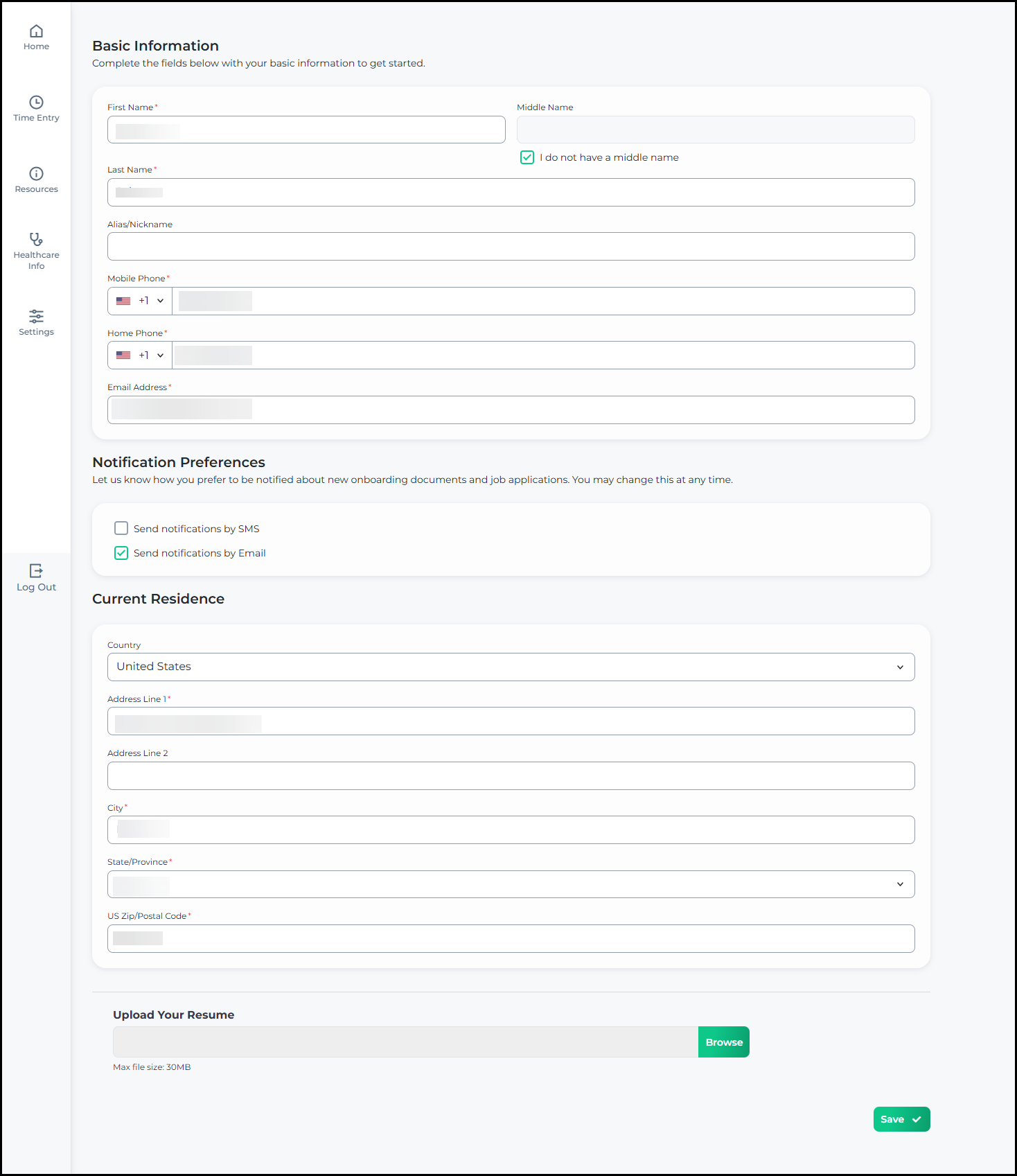
The new Basic Information form showing fields for First Name, Middle Name, Last Name, Alias/Nickname, Mobile Phone, Home Phone, Email Address, Notification Preferences, Current Residence, and Upload Your Resume, displayed within a stepped onboarding flow.
Click to flip between Before and After

Tax Exemptions

Before
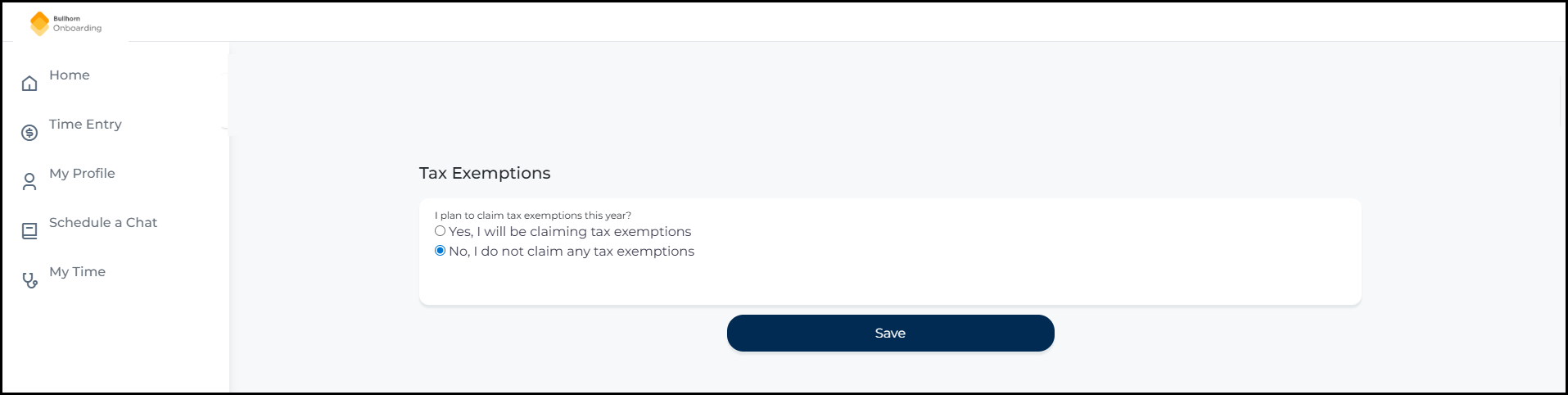
The old Tax Exemptions page showing a yes/no question about claiming tax exemptions, with a Save button, in the previous visual style.
After
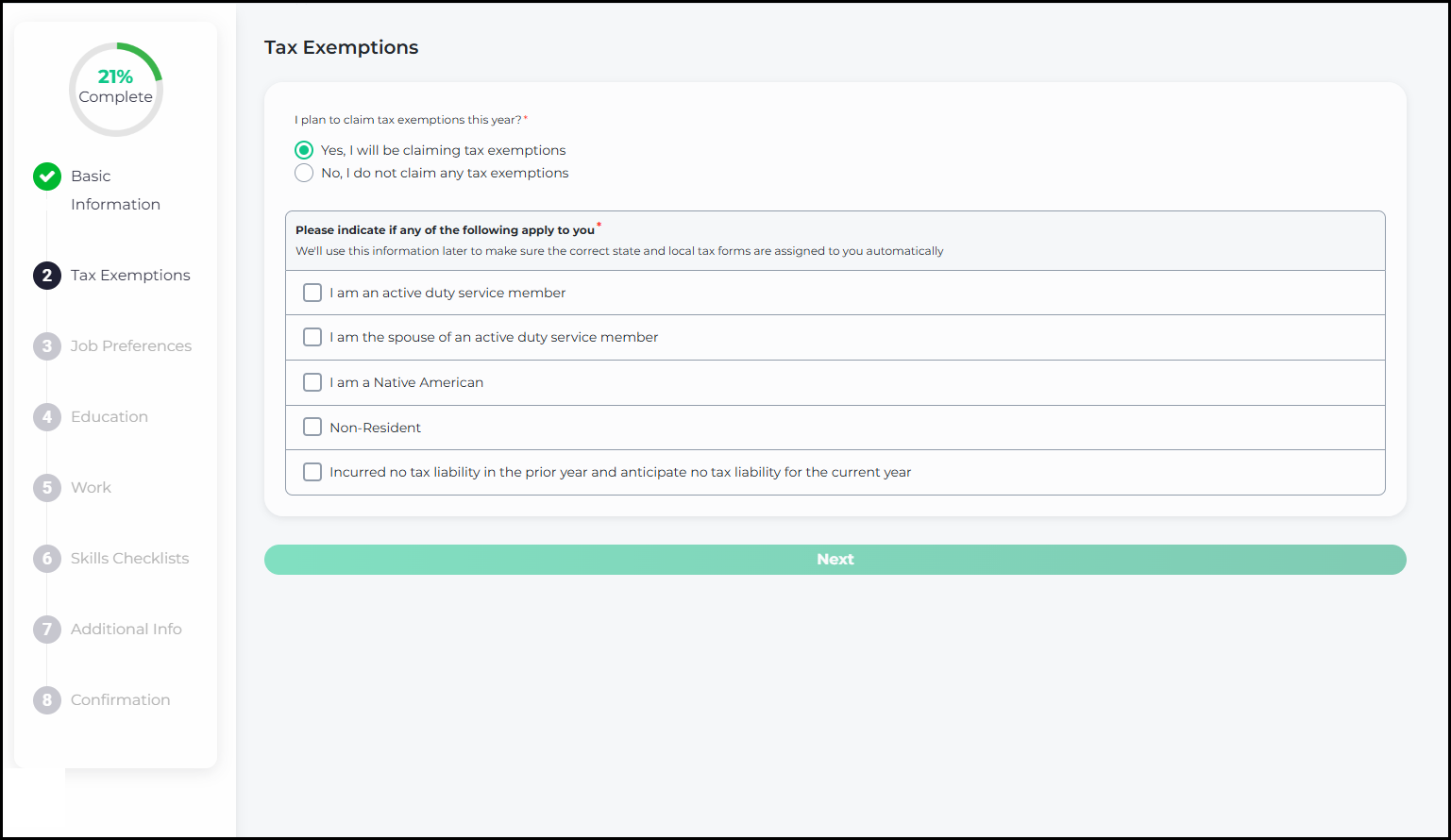
The updated Tax Exemptions page showing the same yes/no question about claiming tax exemptions in a refreshed card-based design, with a stepped onboarding progress indicator on the left.
Click to flip between Before and After

Job Preferences

Before
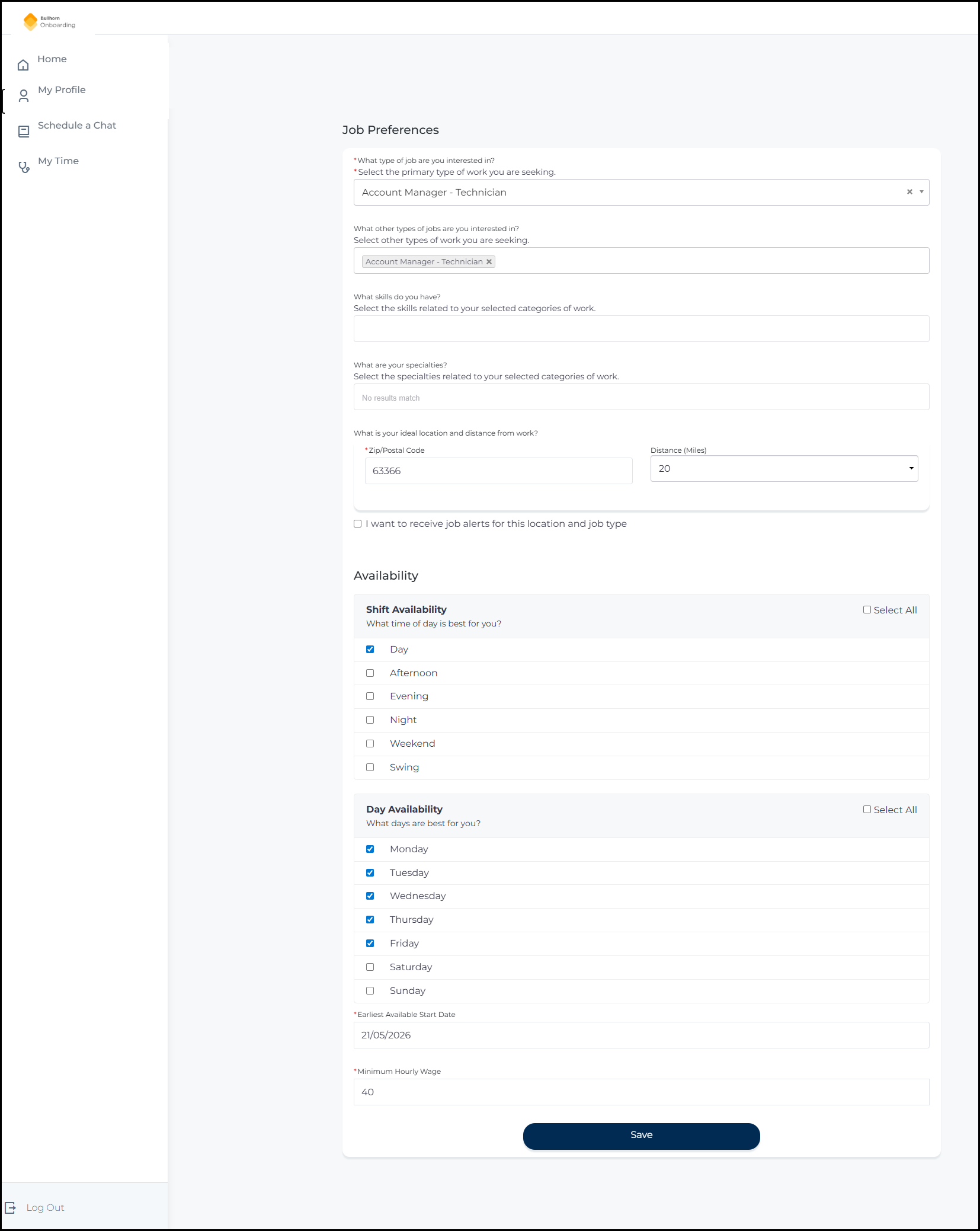
The old Job Preferences page showing job type, skills, specialty, location, and an Availability section with shift and day availability checkboxes, in the previous visual style.
After
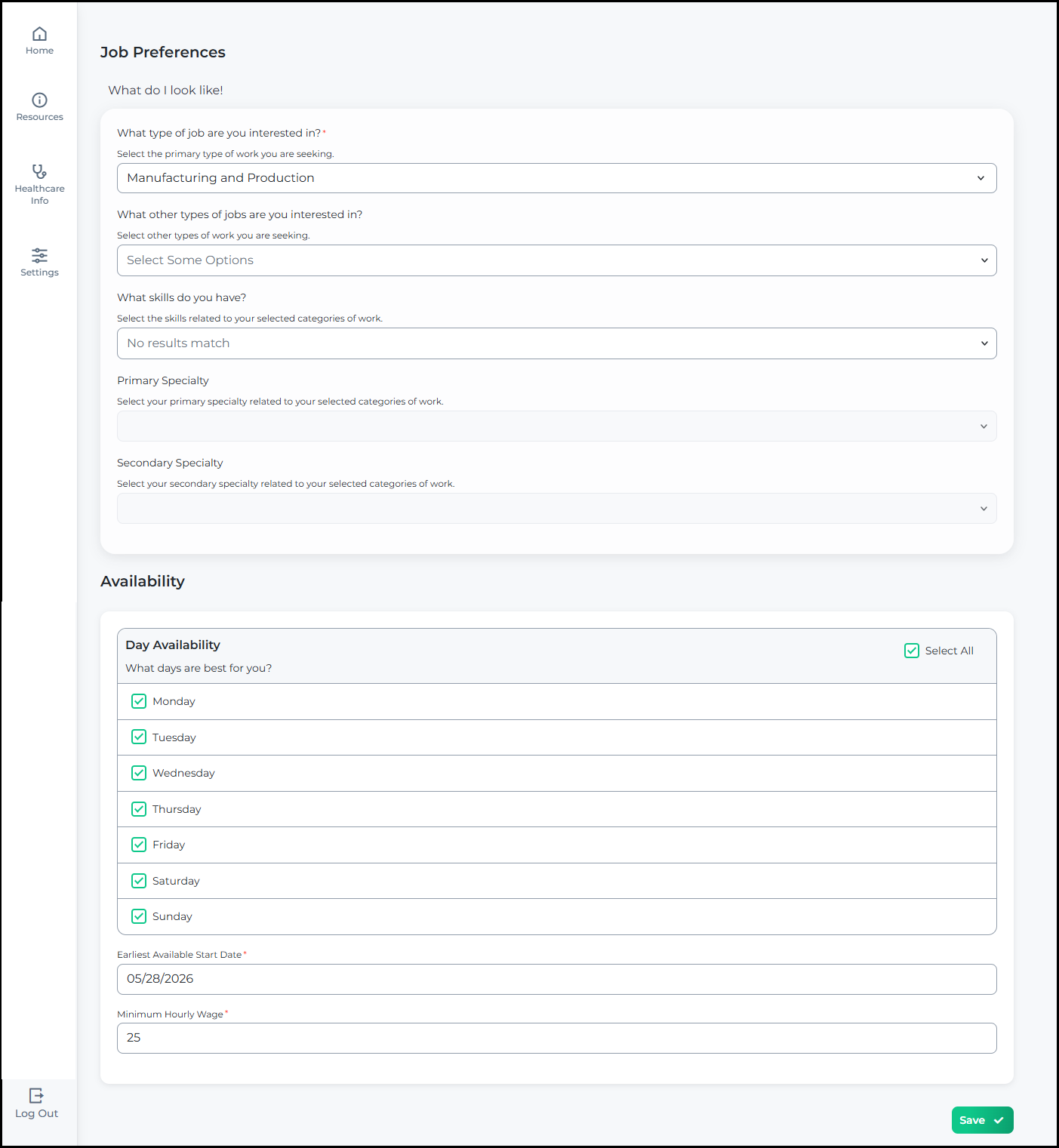
The updated Job Preferences page showing job type, skills, Primary Specialty, Secondary Specialty, and an Availability section with day availability checkboxes, in the refreshed visual design.
Click to flip between Before and After

Education History

Before
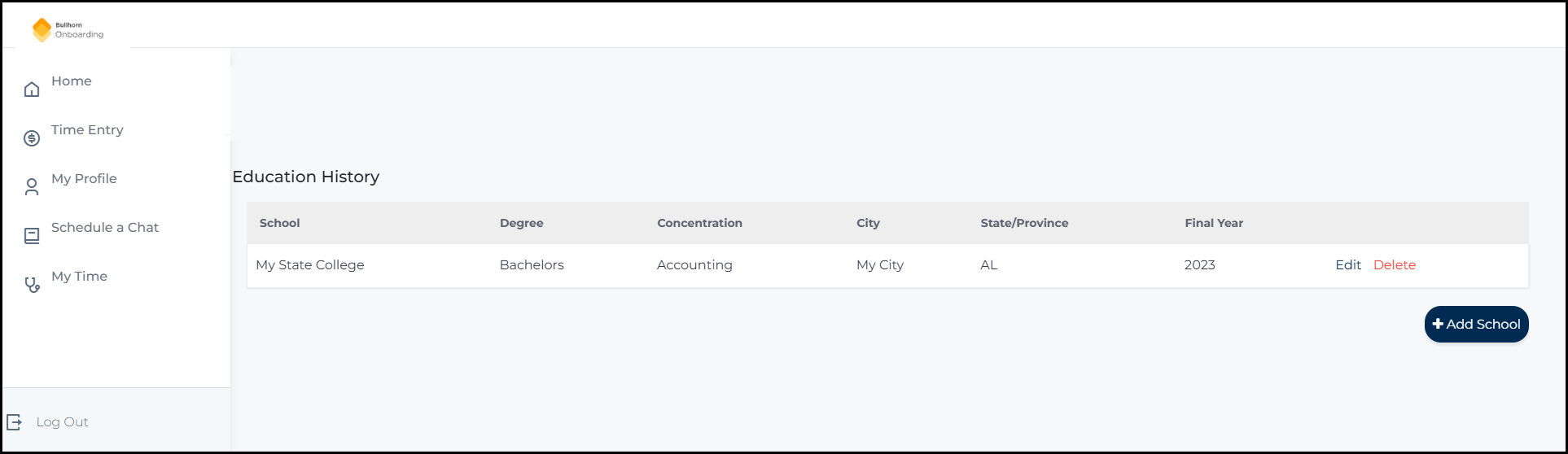
The old Education History section showing a list of education records with text-based Edit and Delete links.
After
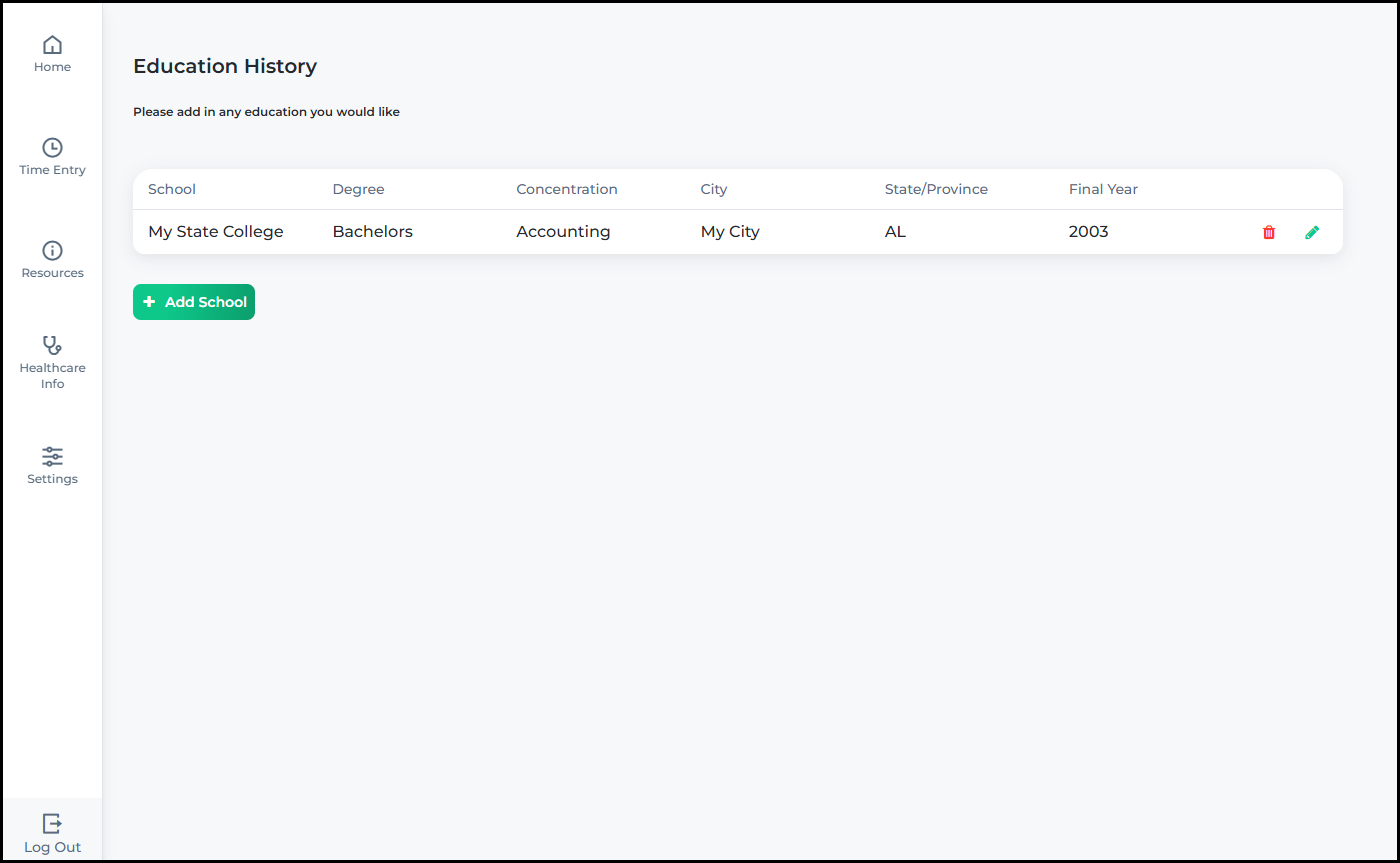
The updated Education History section showing education records in a card-based layout with icon-based pencil edit and trash delete actions per record.
Click to flip between Before and After

Work Experience

Before
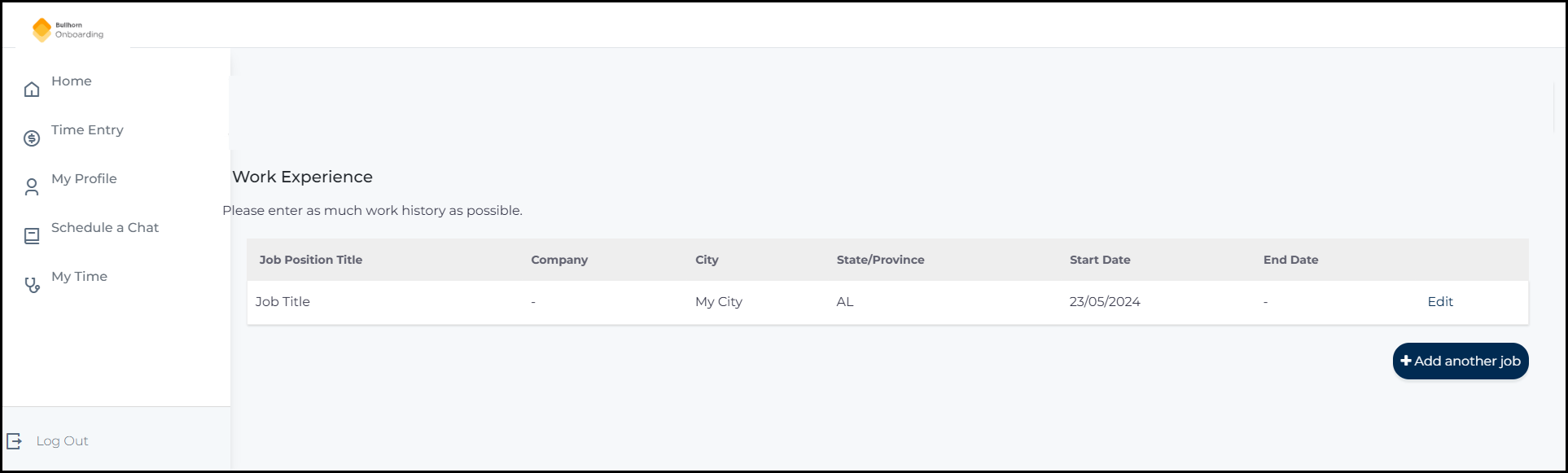
The old Work Experience section showing a list of work records with text-based Edit and Delete links.
After
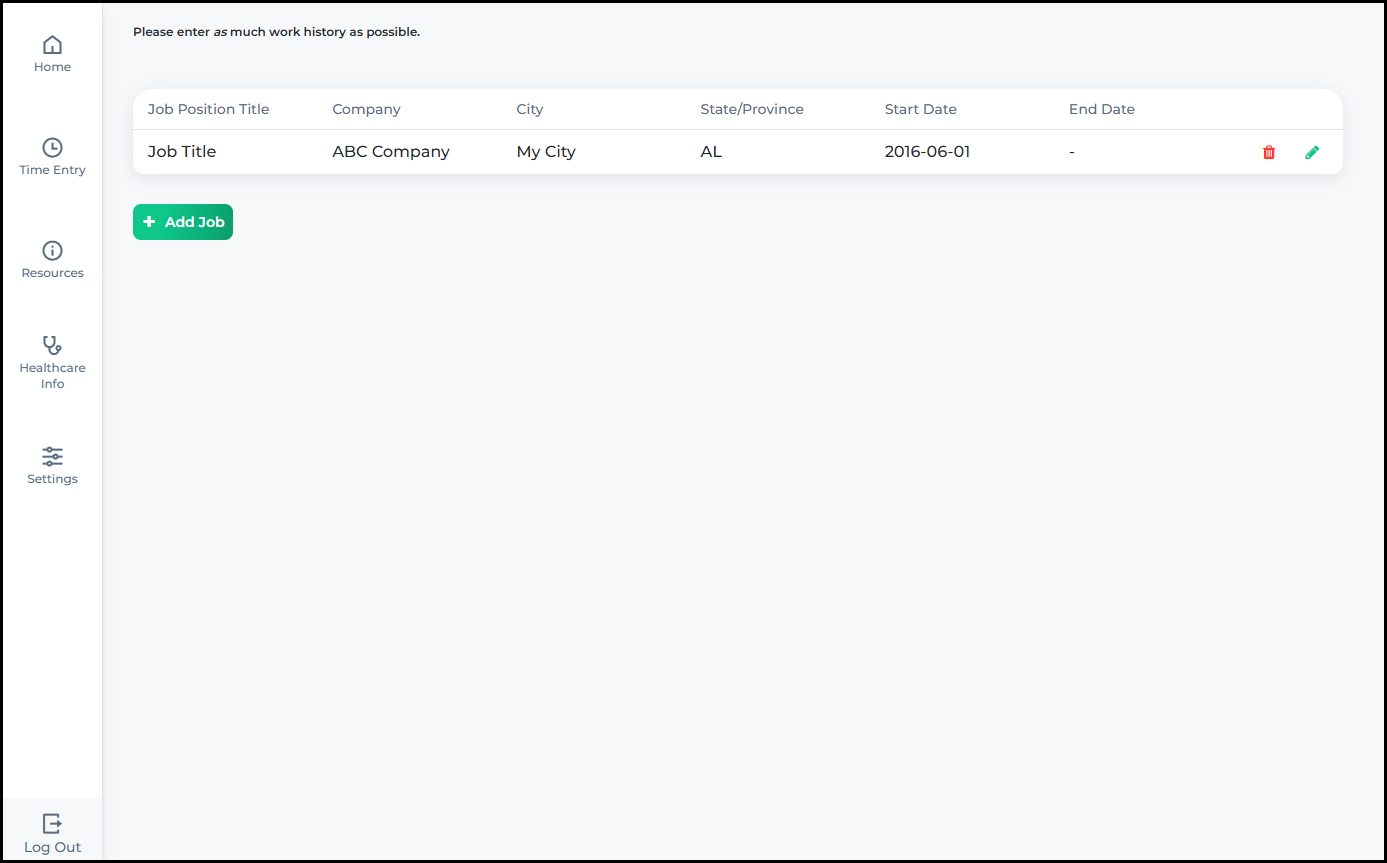
The updated Work Experience section showing work records in a card-based layout with icon-based pencil edit and trash delete actions per record.
Click to flip between Before and After

Professional References

Before
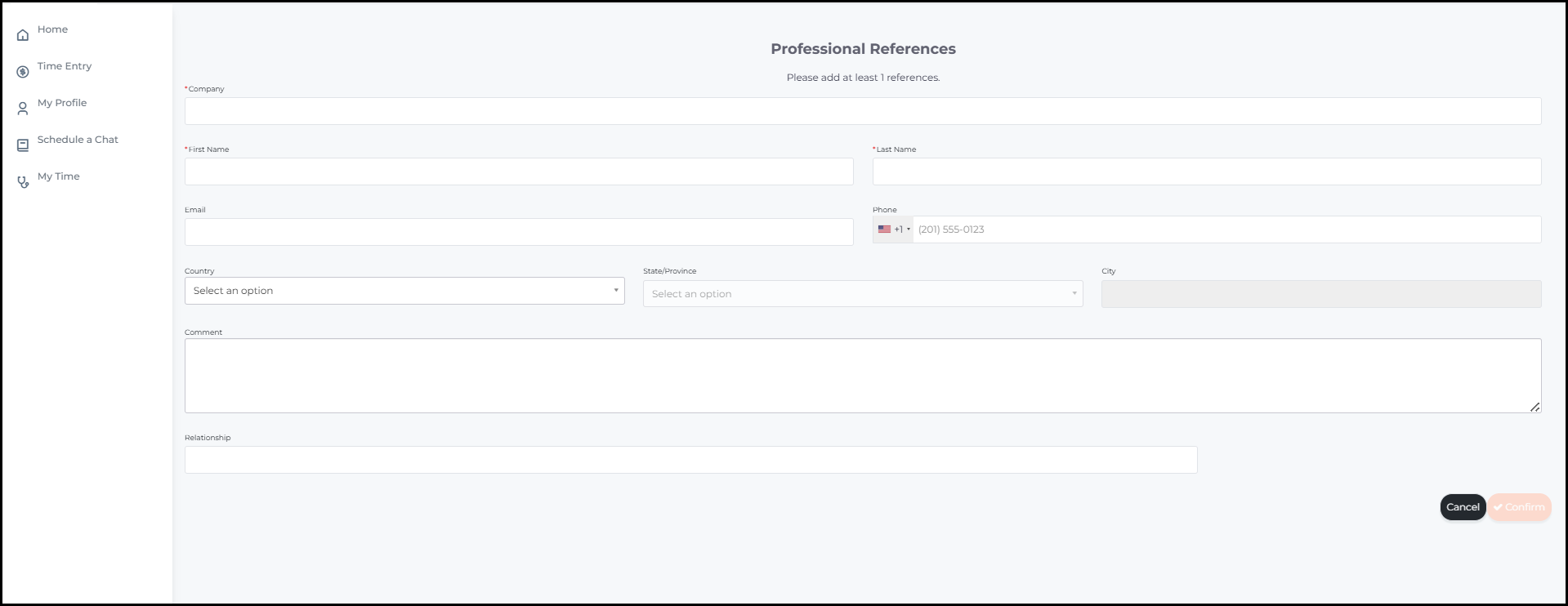
The old Professional References section showing a Name and Company table with text-based Edit and Delete links per row.
After
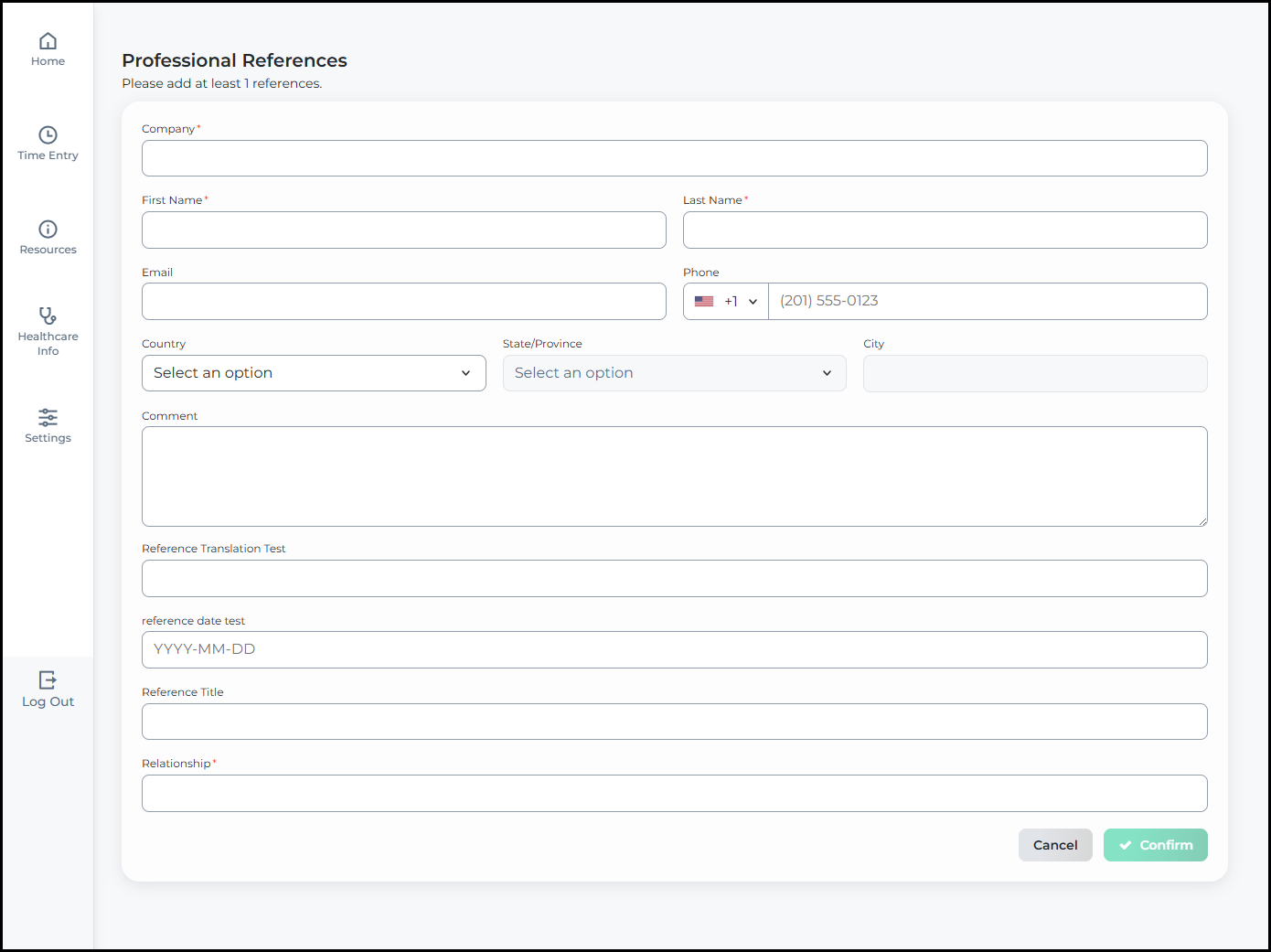
The updated Professional References section showing a Name and Company table with icon-based pencil edit and trash delete actions per row, replacing the previous text links.
Click to flip between Before and After

Credentials

Before
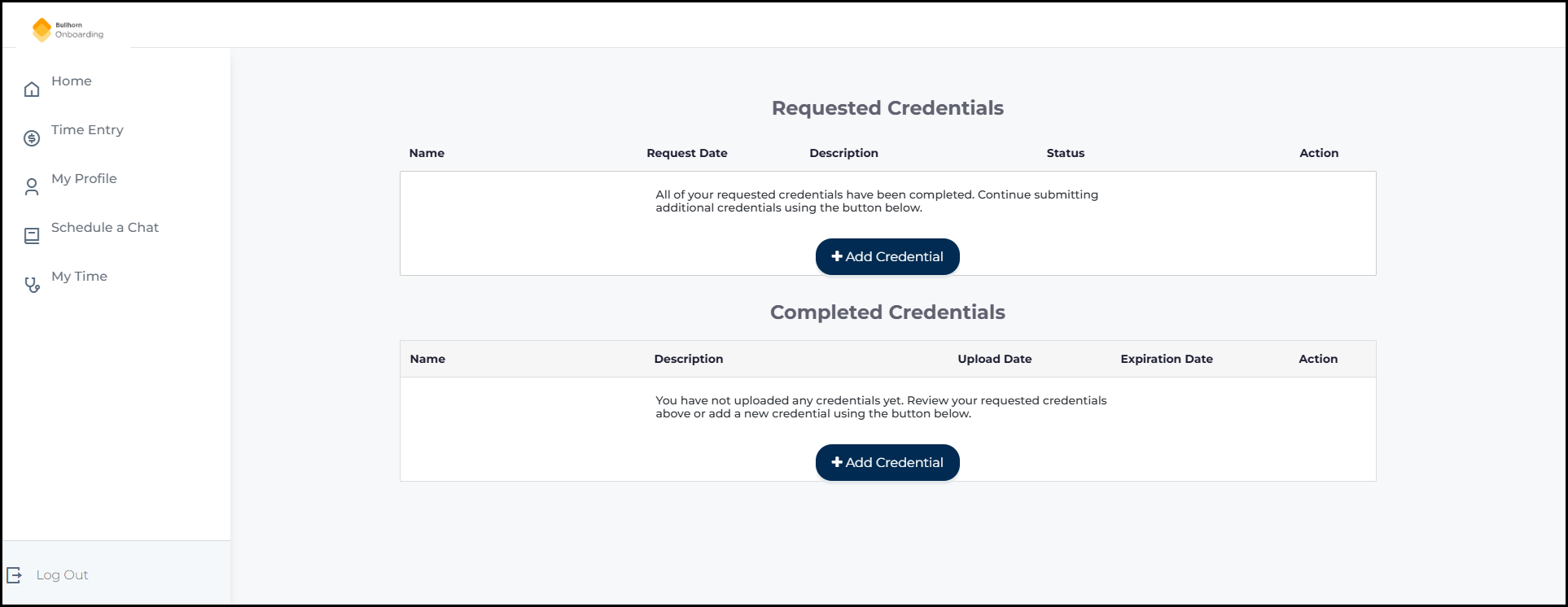
The old Credentials page showing separate Requested Credentials and Completed Credentials tables with text-based action links.
After
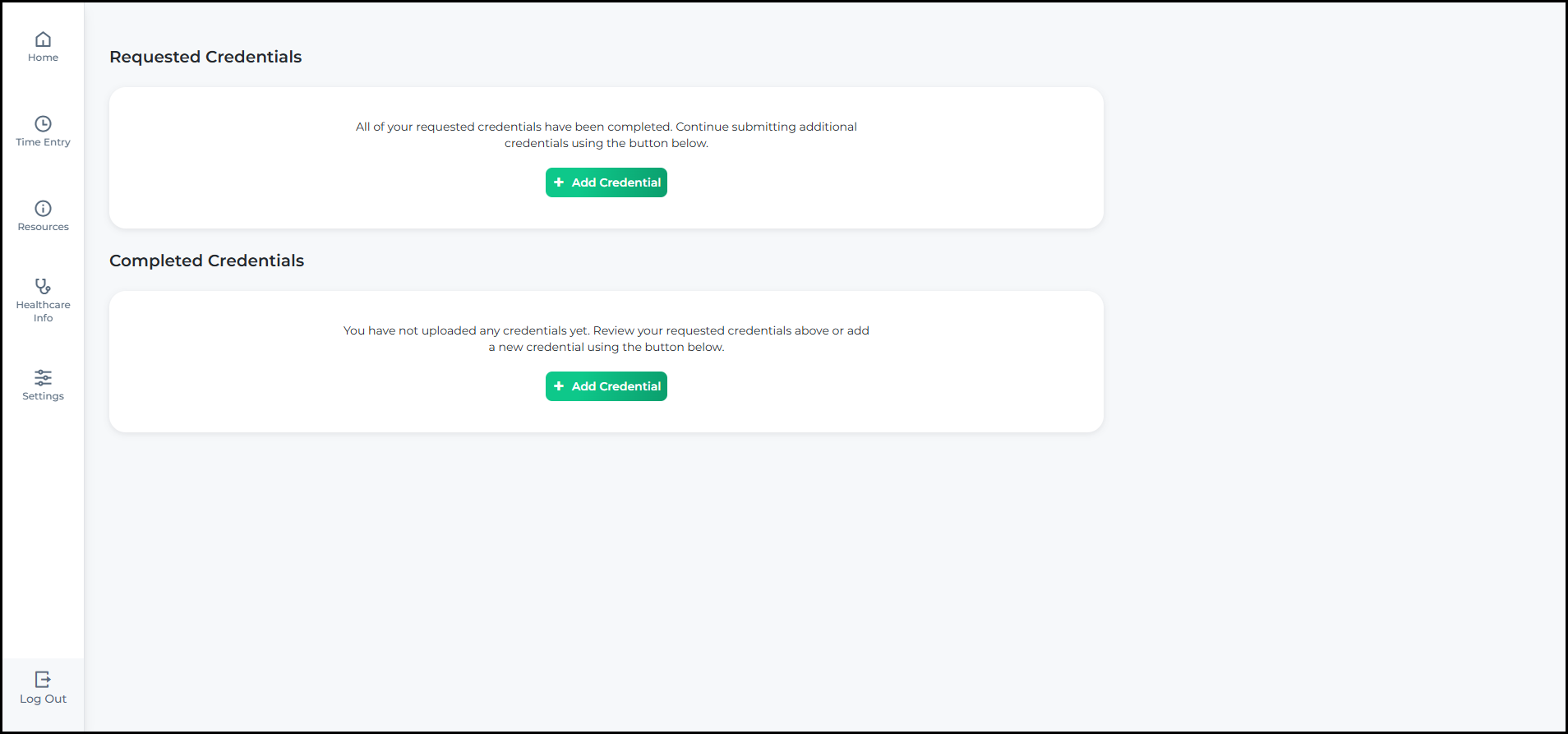
The updated Credentials page showing credential items in a streamlined card-based layout with a refreshed visual design.
Click to flip between Before and After

Additional Information

Before
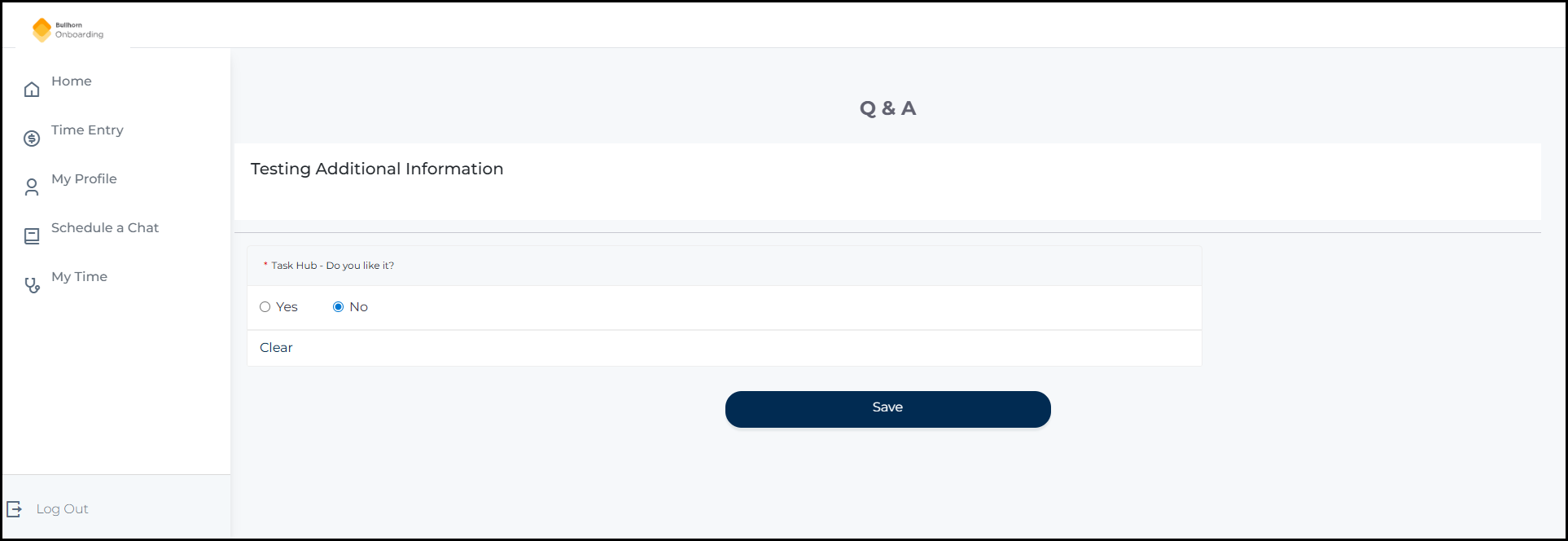
The old Additional Information page displayed as a Q and A form, showing a questionnaire section with a yes/no question and a Save button.
After
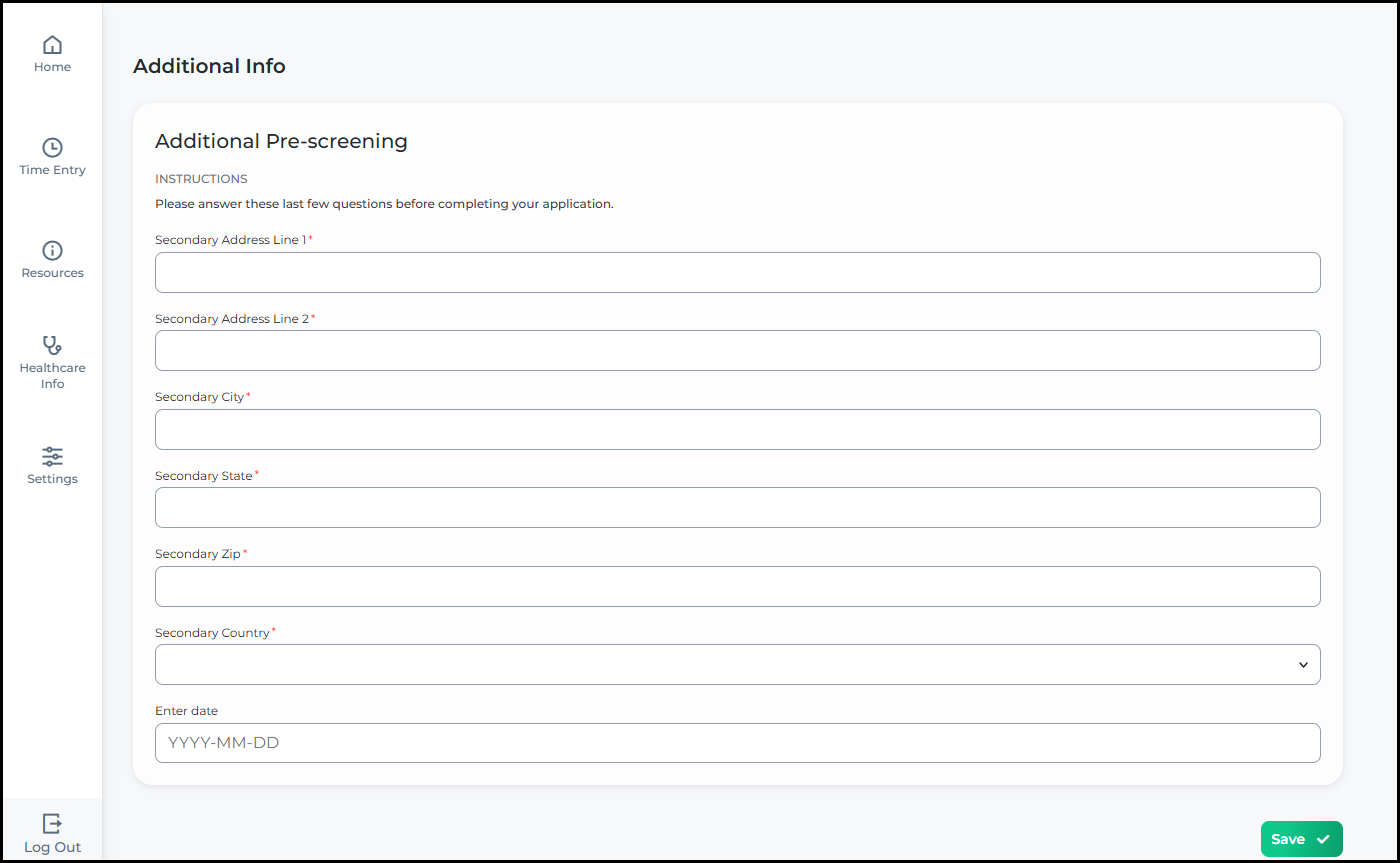
The updated Additional Information page showing the Q and A form with a refreshed visual design, displaying the same questionnaire content in a cleaner layout with the onboarding flow sidebar.
Click to flip between Before and After

Skills Checklists

Before
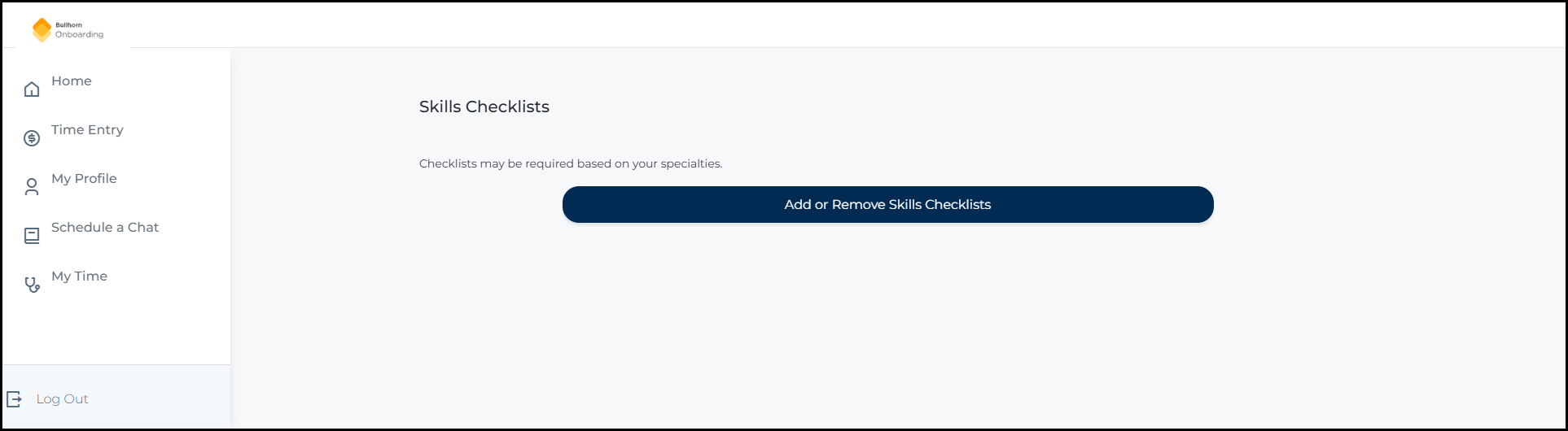
The old Skills Checklists page showing checklists in an accordion-style layout with expanded and collapsed sections.
After
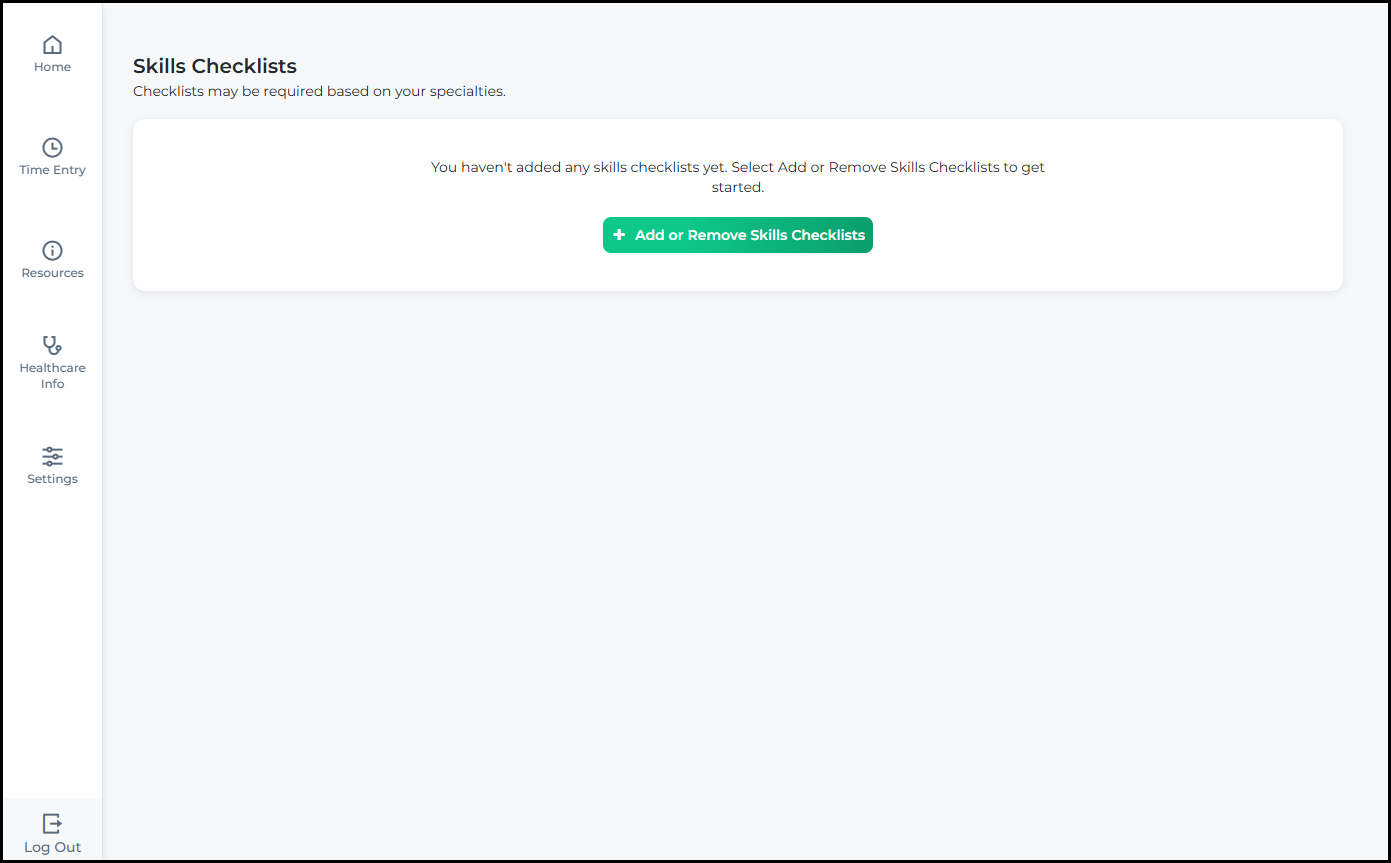
The updated Skills Checklists page showing checklists in a streamlined view with a refreshed visual design.
Click to flip between Before and After

Preliminary Info

Before
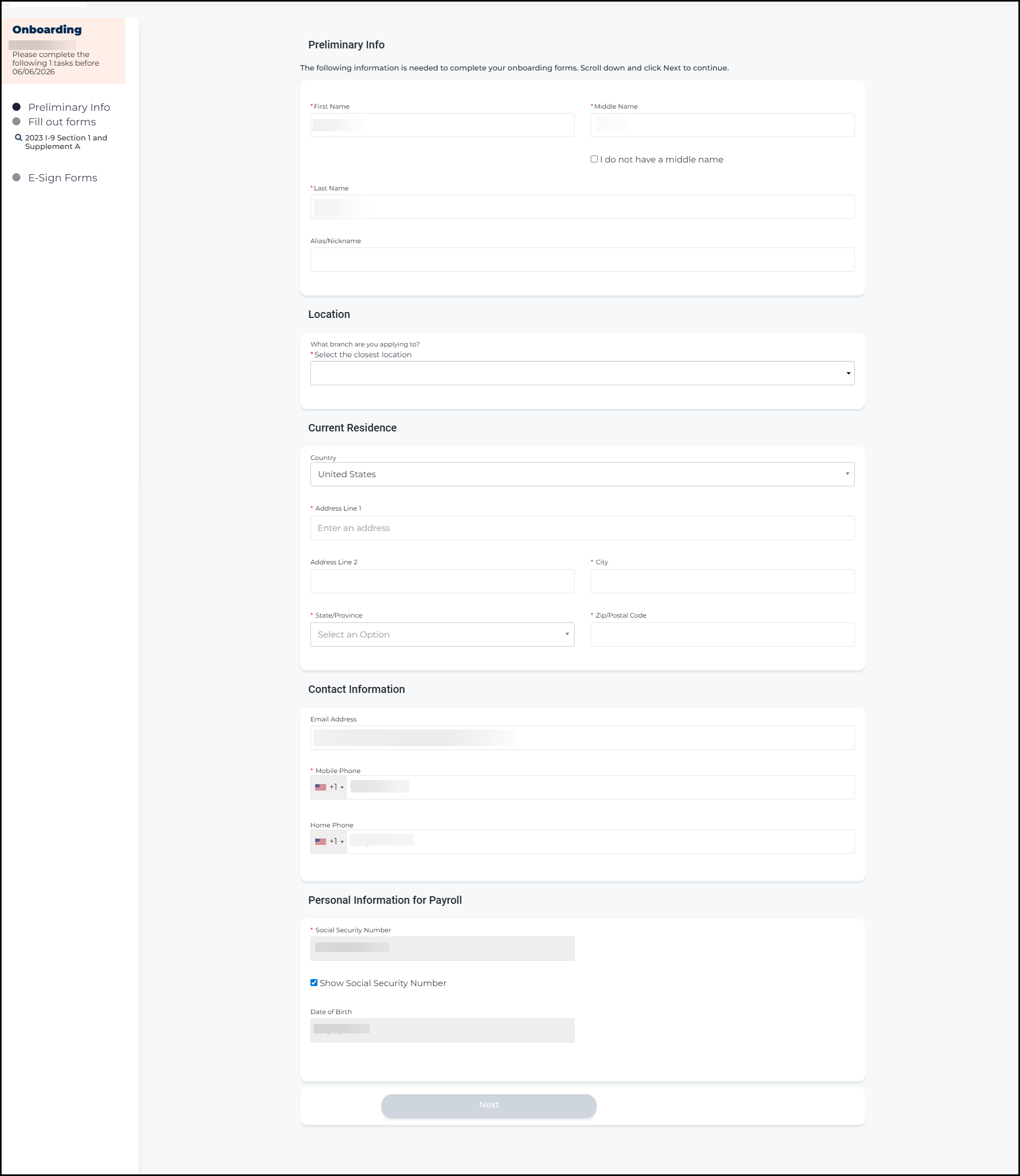
The old Preliminary Info page showing name, location, current residence, contact information, and personal information for payroll fields, centered on the page with the previous visual style.
After
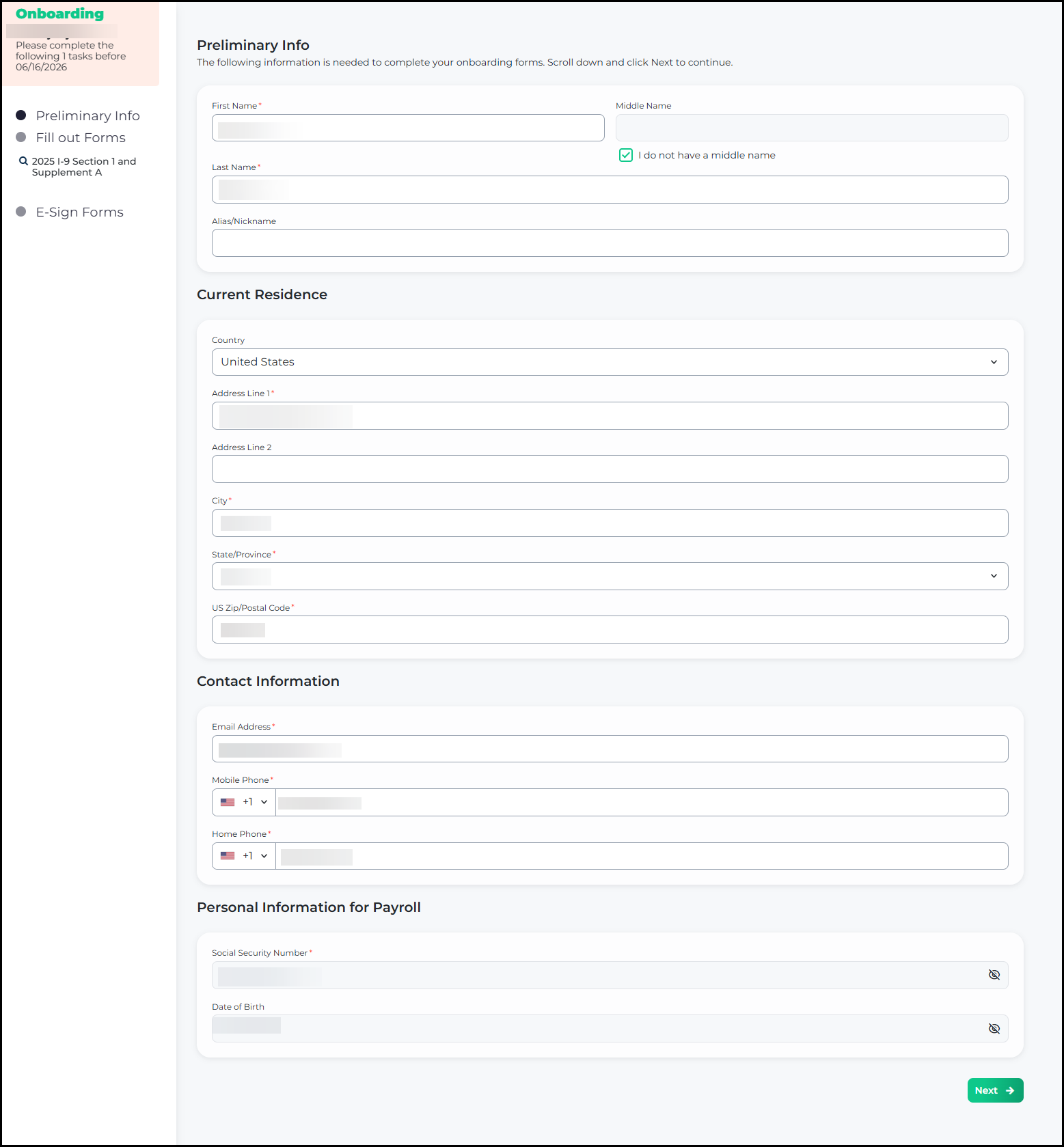
The updated Preliminary Info page showing the same fields in a left-aligned layout with fields grouped in rounded card containers and a refreshed visual design.
Click to flip between Before and After

Fill Out Forms

Before
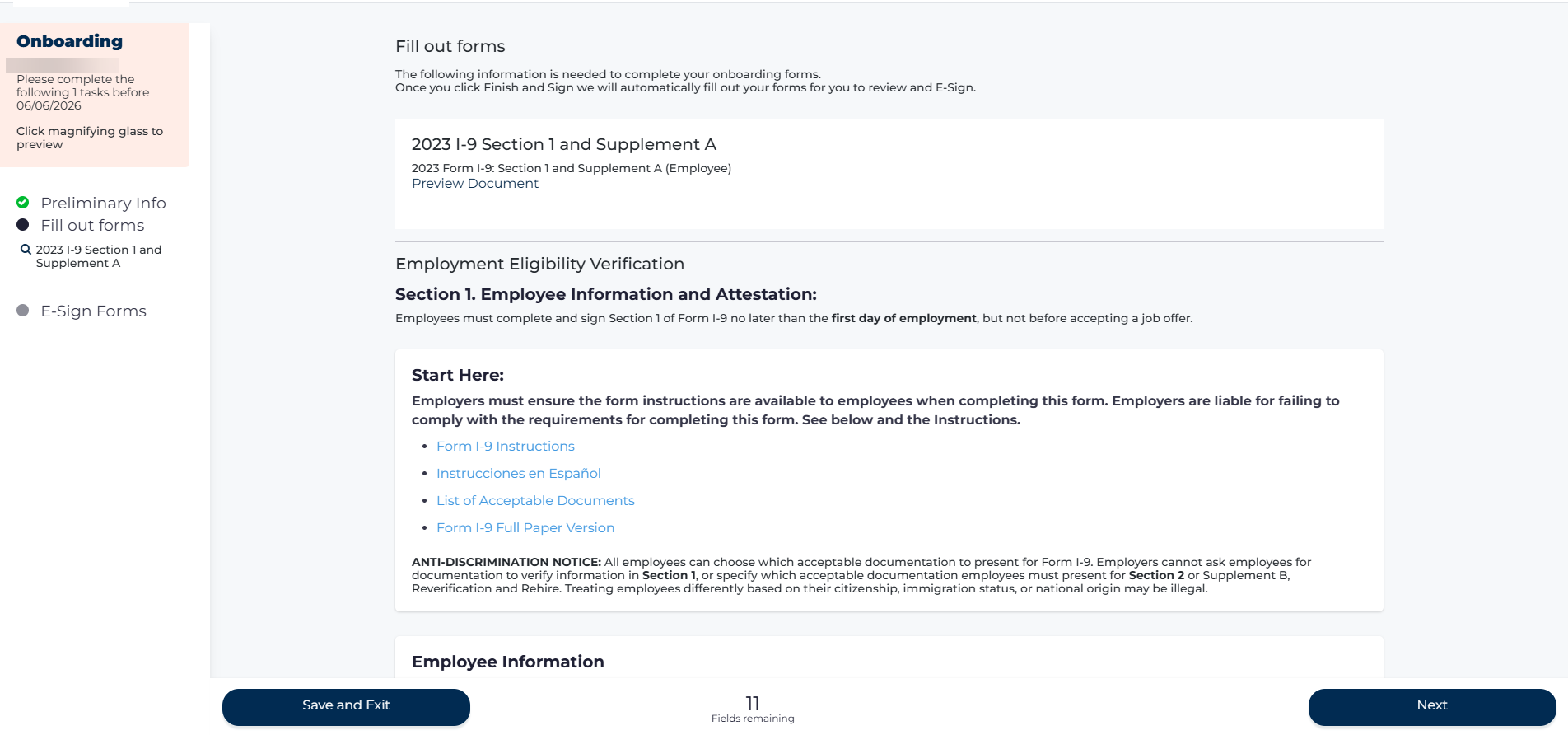
The old Fill Out Forms page showing the I-9 Employment Eligibility Verification form with a center-aligned layout, dense text, and navigation buttons at the bottom.
After
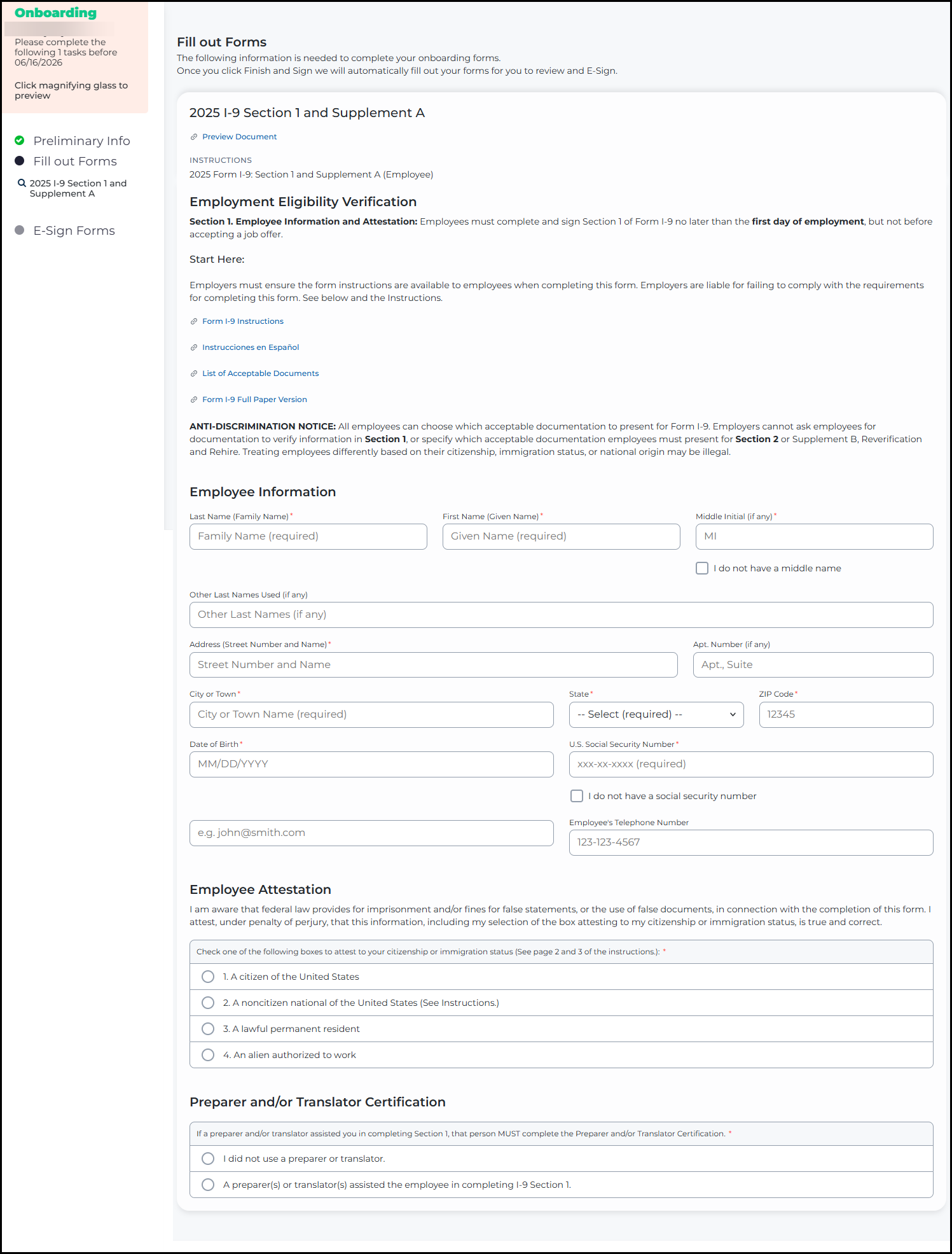
The updated Fill Out Forms page showing the same I-9 form content in a left-aligned layout with form fields grouped in containers and a refreshed visual design.
Click to flip between Before and After