Applicant Login and Sign Up Changes
The applicant login, sign up, and forgot password pages have been rebuilt with a modernized visual design. The pages now use a clean card layout, refreshed button styles, and improved field organization. Page colors and logo reflect your organization's branding settings. Some fields and options have also been updated as part of this release.
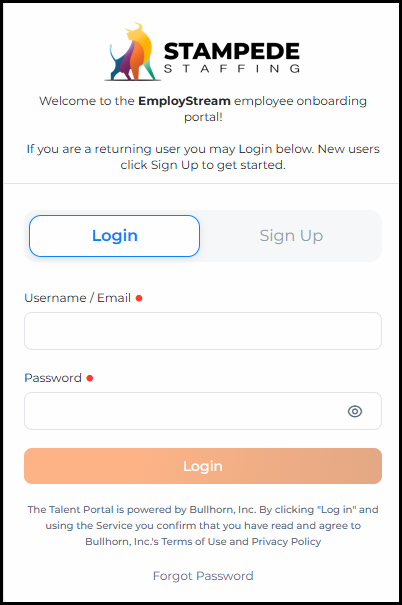
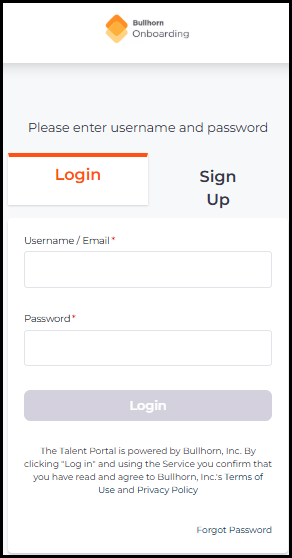
Login
The Login page now displays in a centered card layout. A language selector is now available in the top-right corner, and the password field includes a show/hide toggle.
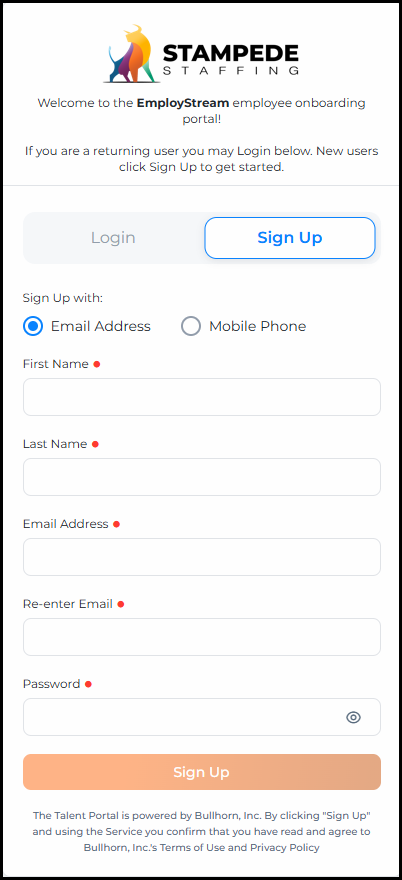
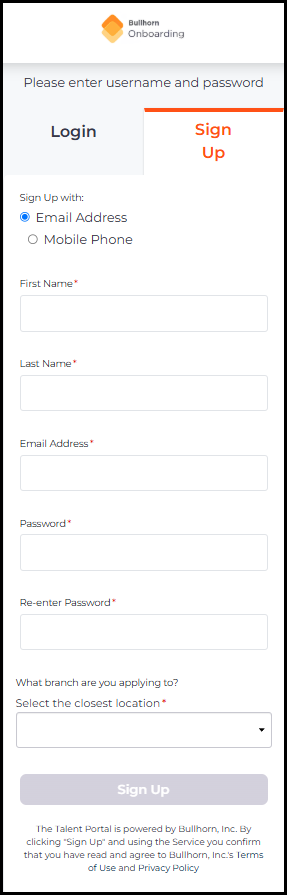
Sign Up — Email Address
When signing up with an email address, the field order has been updated. Email Address is now followed by a Re-enter Email confirmation field, and Password has moved to the bottom of the form. The Re-enter Password field has been removed.
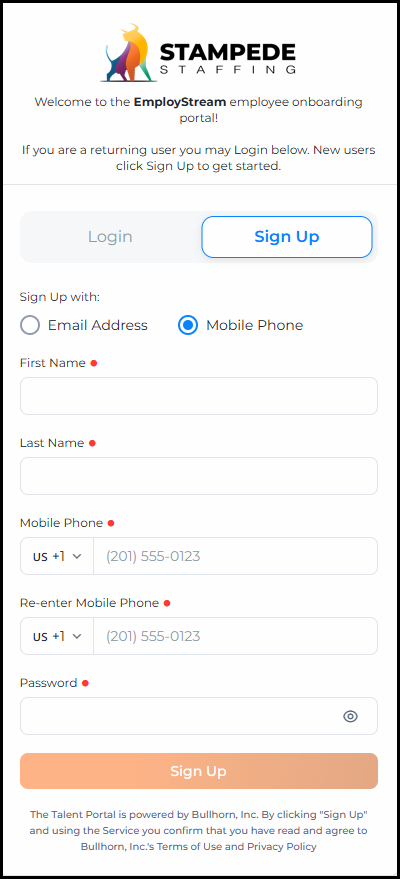
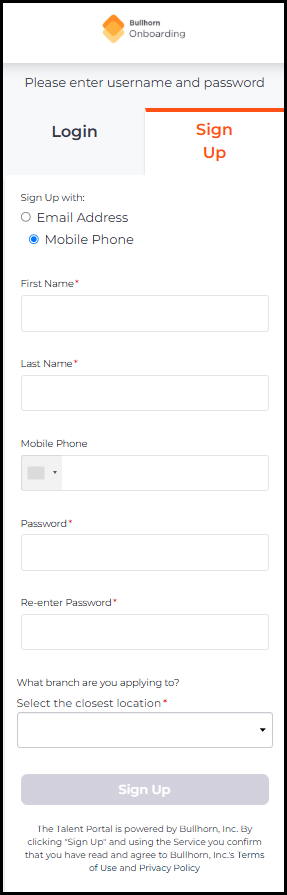
Sign Up — Mobile Phone
When signing up with a mobile phone number. A Re-enter Mobile Phone confirmation field has been added. The Re-enter Password field has been removed.
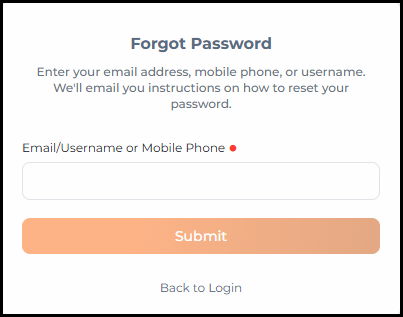
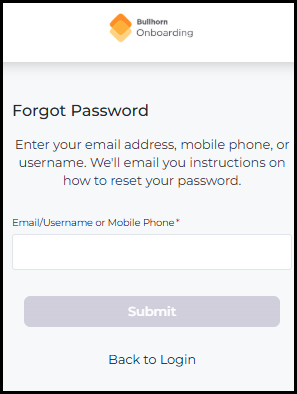
Forgot Password
The Forgot Password page has been updated with the same card-based layout as the login page. The fields and functionality remain the same.