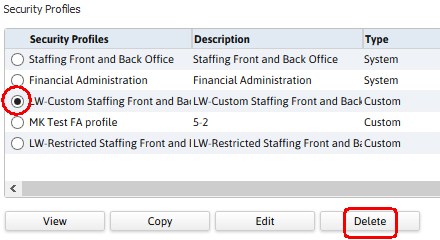
Delete Profile
This workflow removes a custom security profile; if the profile is associated with a user id, this workflow will not complete.
Permission for this component is granted via the manage security profiles and groups permission under the general administration category; default with general and financial administration security profiles.
Was this helpful?