Edit Profile

This workflow edits the profile name and/or description.

Permission for this component is granted via the manage security profiles and groups permission under the general administration category; default with general and financial administration security profiles.
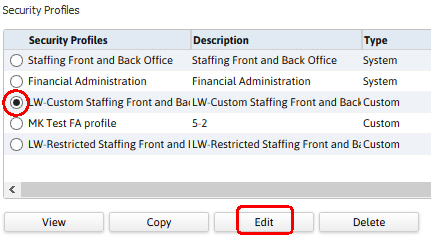
  1. From the Manage Security Profiles segment, select a profile and click the Edit button below the list box.

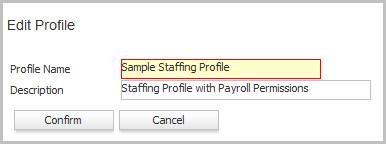
  2. The Edit Profile workflow will open in a new window.

    •  While updating the form, fields marked in red are required to complete the workflow.
    • Click complete to finish the workflow and edit the profile.