Paybill Code General Information
The General Information segment of a paybill code record contains summary information.
Permission for this component is granted via the manage paybill codes permission under the financial administration category.
-
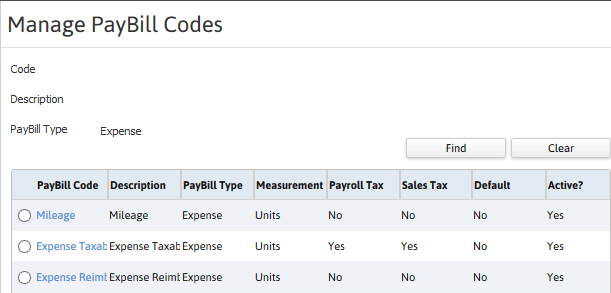
Filter the list box on the Manage PayBill codes segment to find a record.
- Use the Find button to open the Set Filter for PayBill code workflow.
- Input criteria, viewable above the list box, and click run to filter the list box.
- Click on the code to view the record.
-
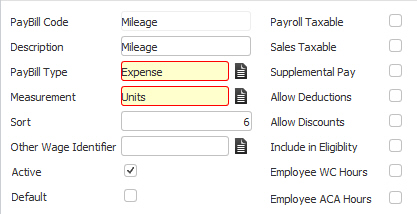
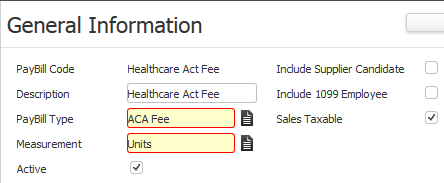
After selecting a record the screen refreshes to display the General Information segment.
- Paybill code general details are displayed.
- Change modifiable details via the Edit button. While updating the form, fields marked in red are required to complete the workflow. Click on the buttons to the right of certain fields to open a new window which will allow you to search and select options related to that specific field.
Non-Fee PayBill Code General Information
Fee PayBill Code General Information
Was this helpful?