Employee Setup Views
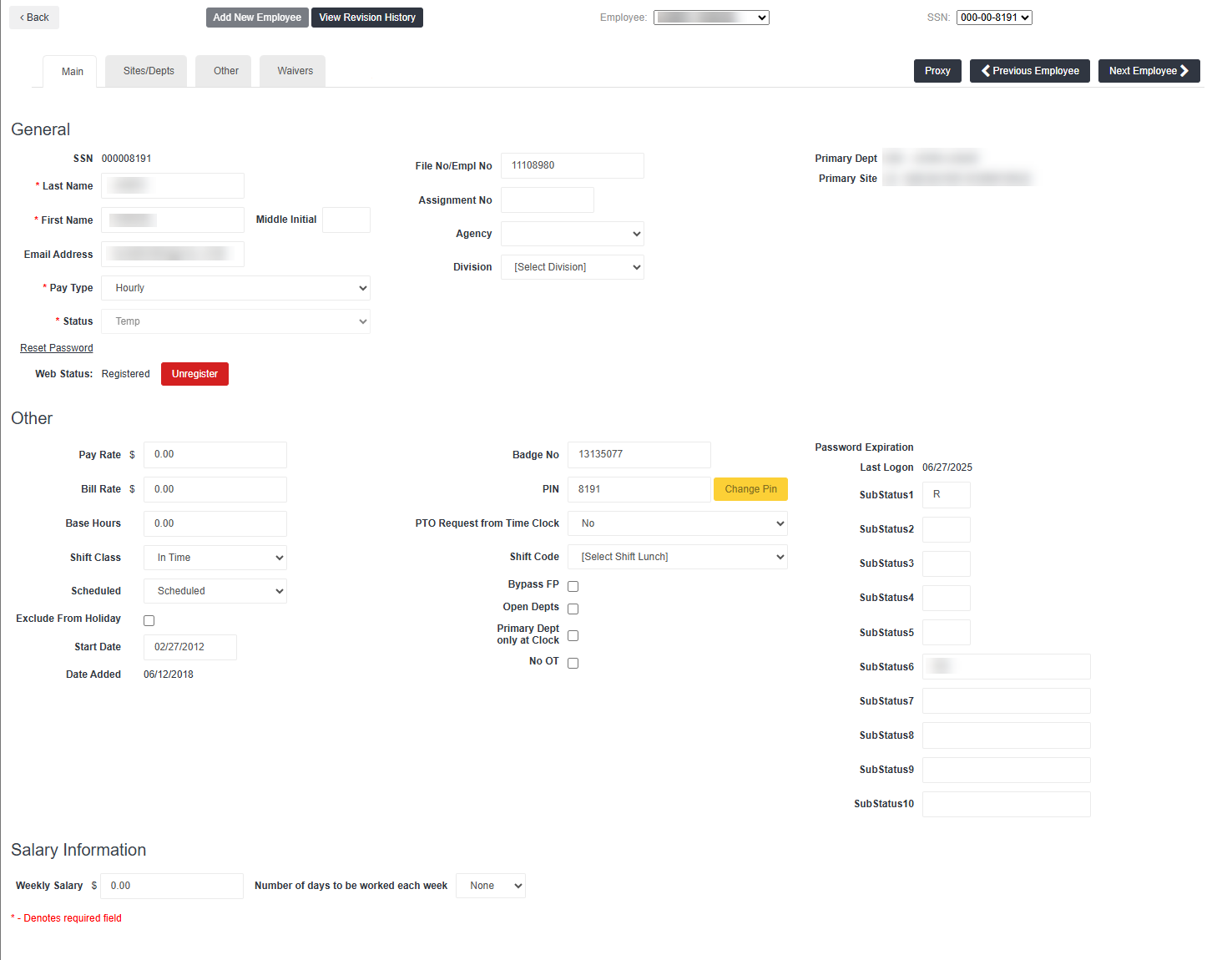
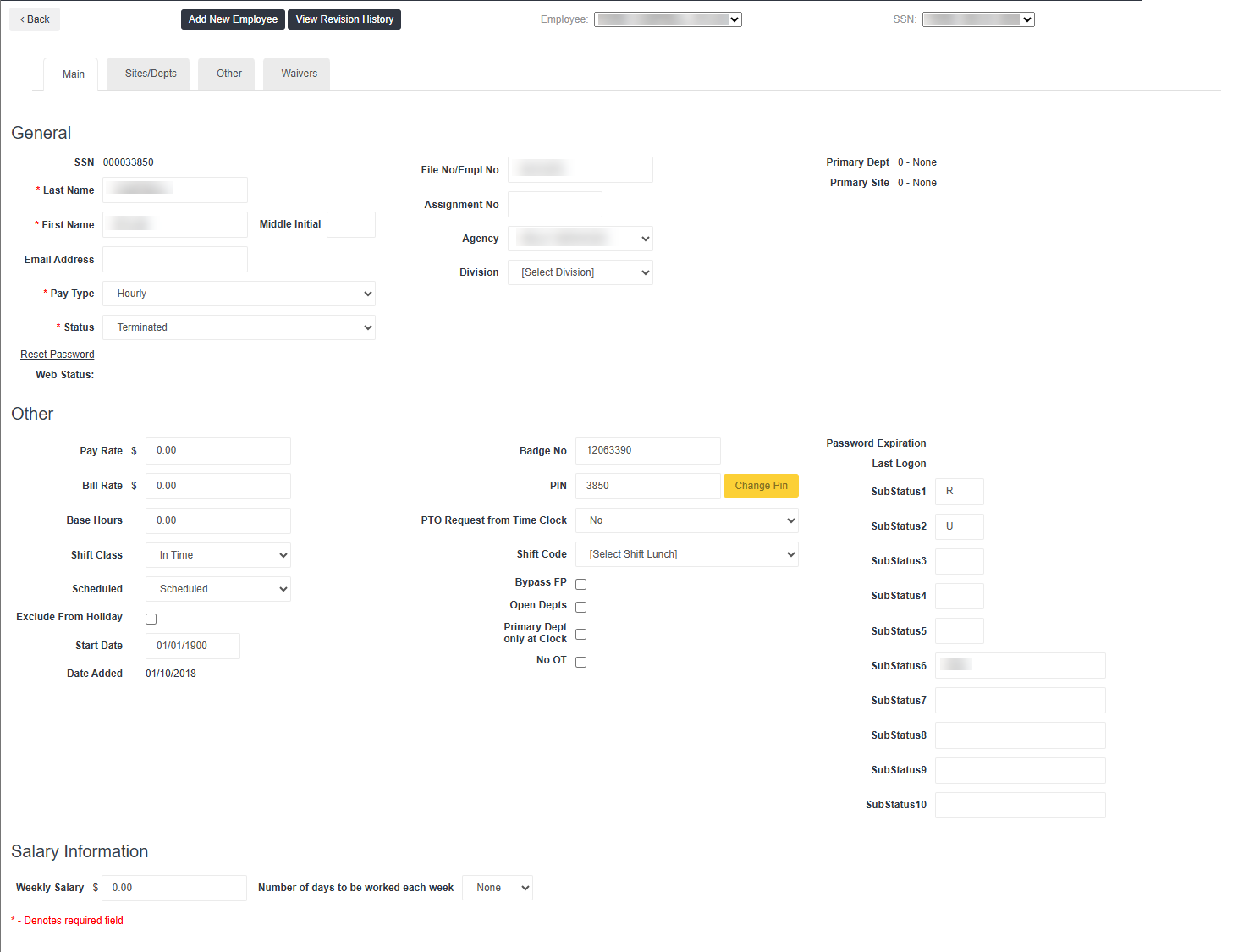
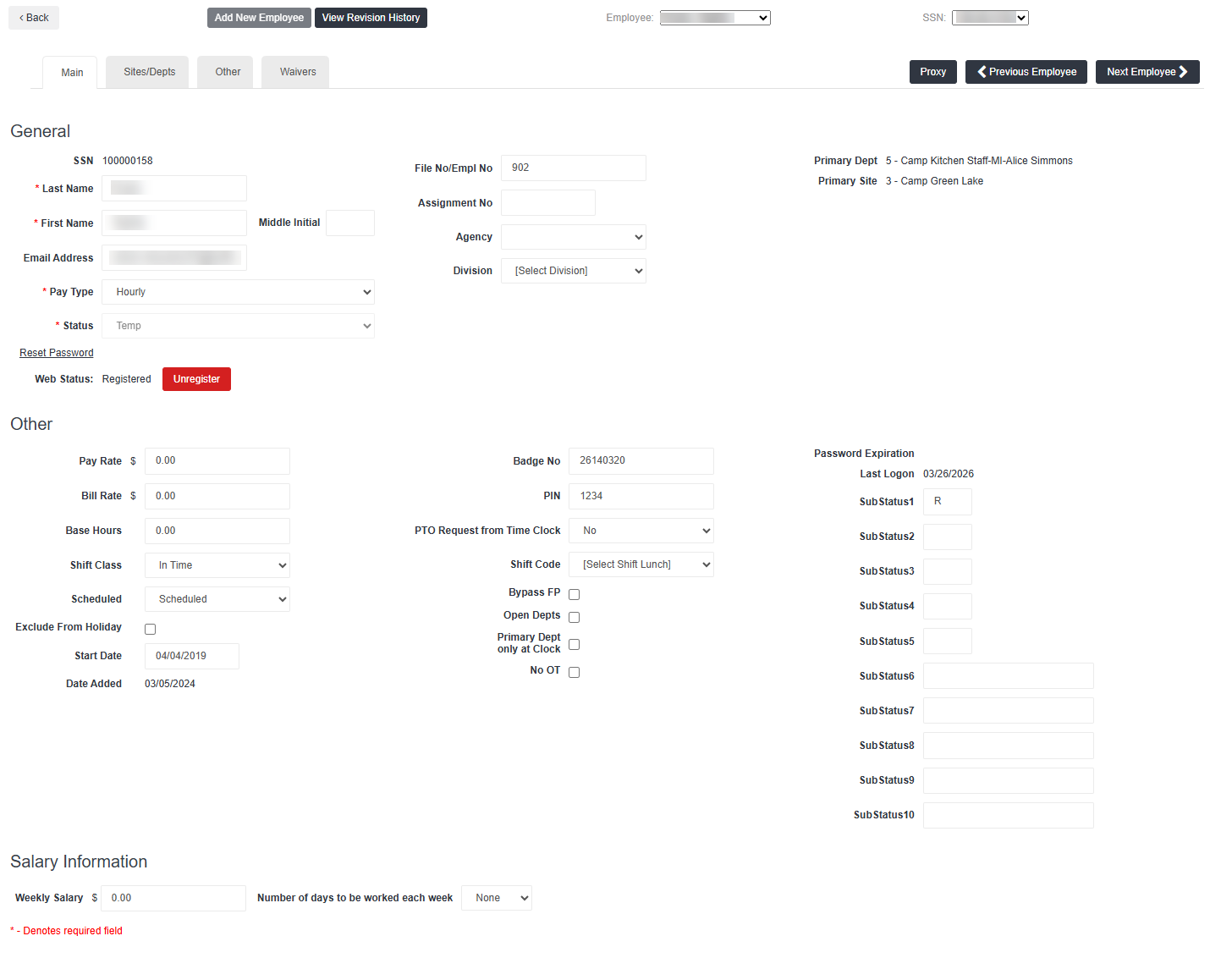
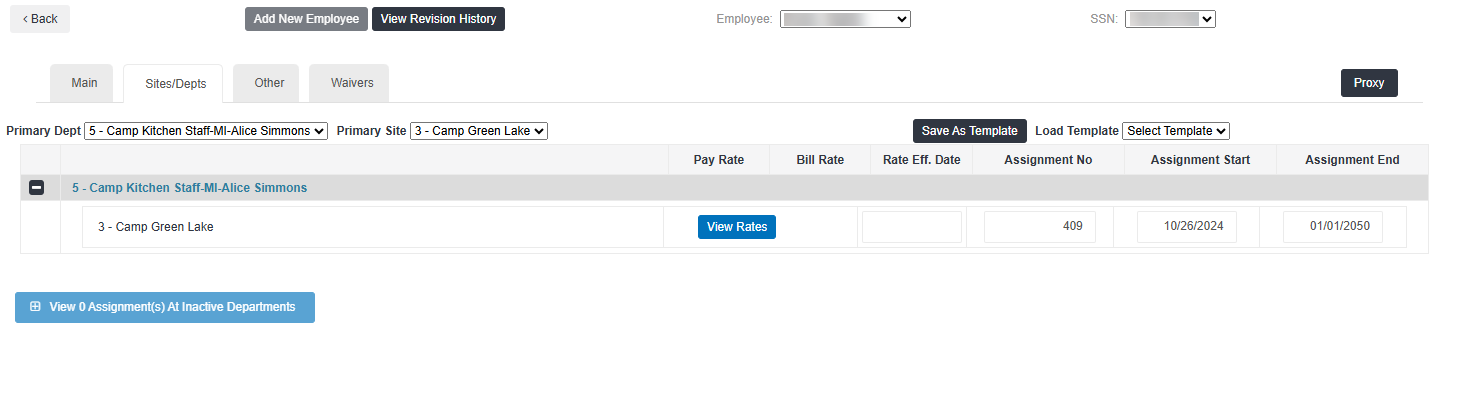
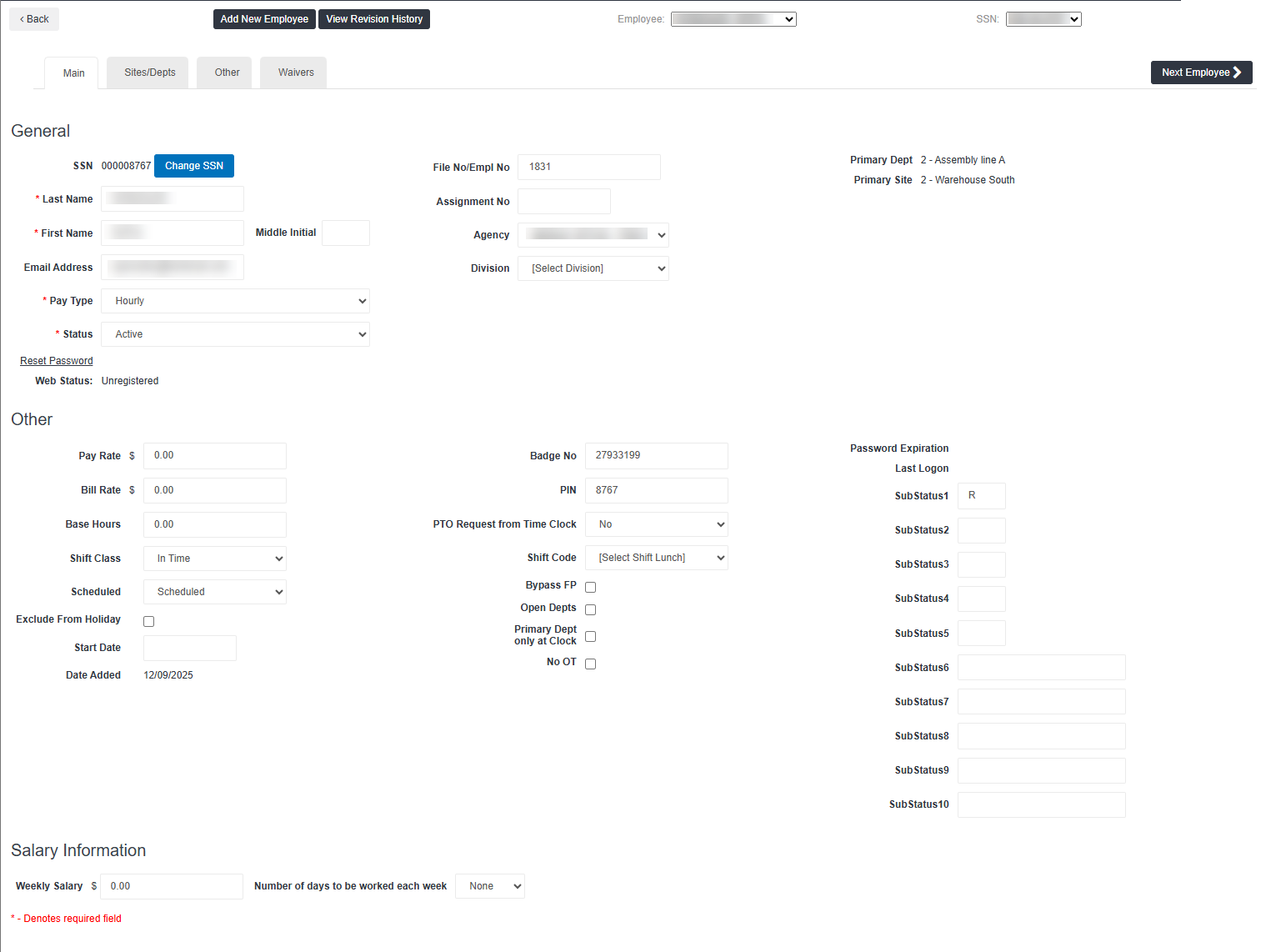
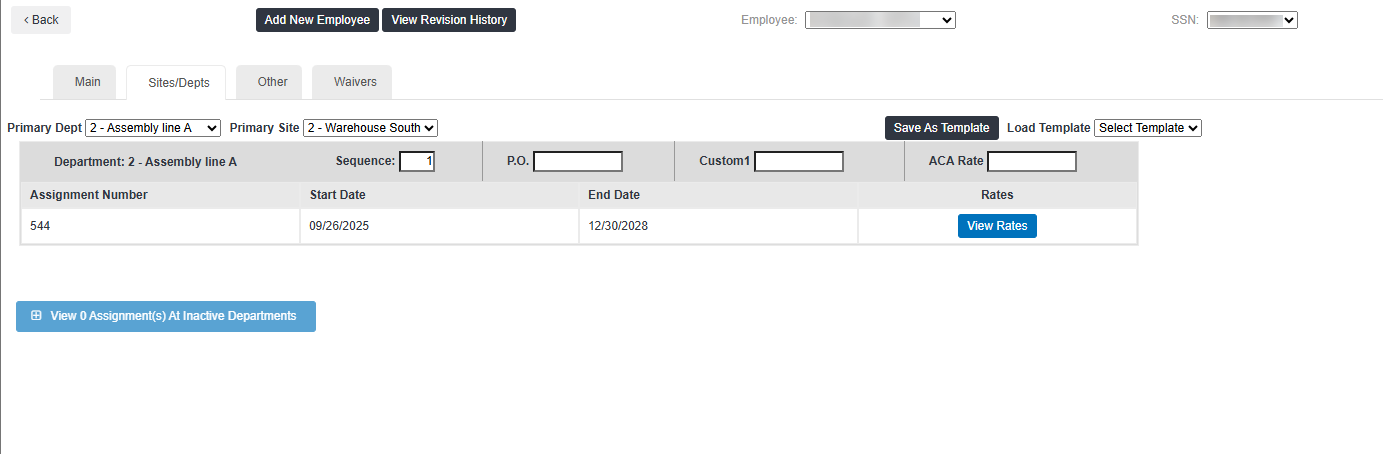
The Employee Setup screen contains insights and settings per employee. The employee setup may look different depending on if a customers uses vs a stand-alond , and/or if the group an employee belongs to is a Clock Group or a WTE Group. Use the resources below to understand which views correspond with each set up.
See Employee Setup for additional information on the Employee setup screen. For any needed SSN updates, contact Bullhorn Support.
| Placement Type | Main Tab | Sites/Depts Tab | Notes |
|---|---|---|---|
|
BTE Web Placement |
|
|
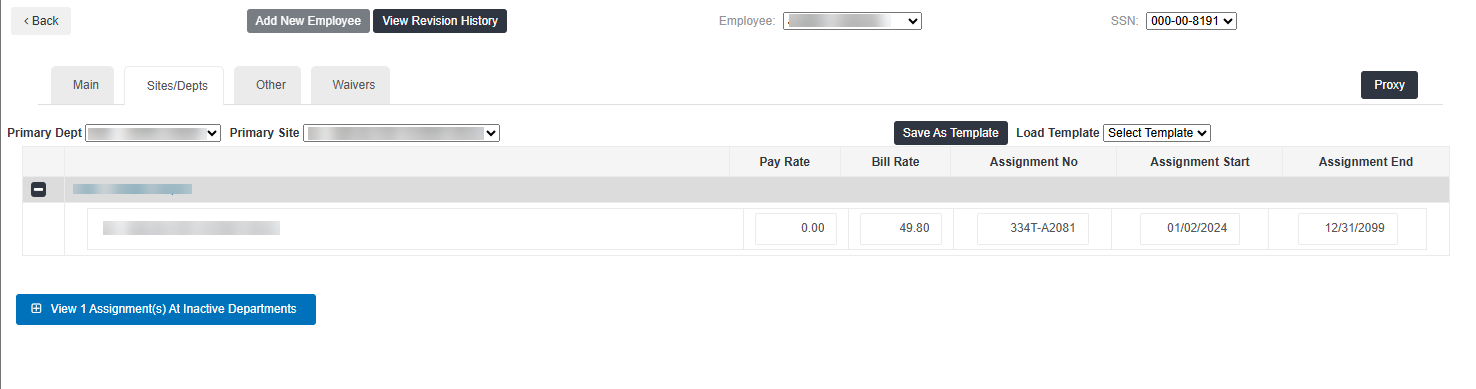
The Sites/Depts tab will include basic assignment information including the pay and bill rates, assignment number, and state and end dates. |
|
BTE Clock Placement |
|
|
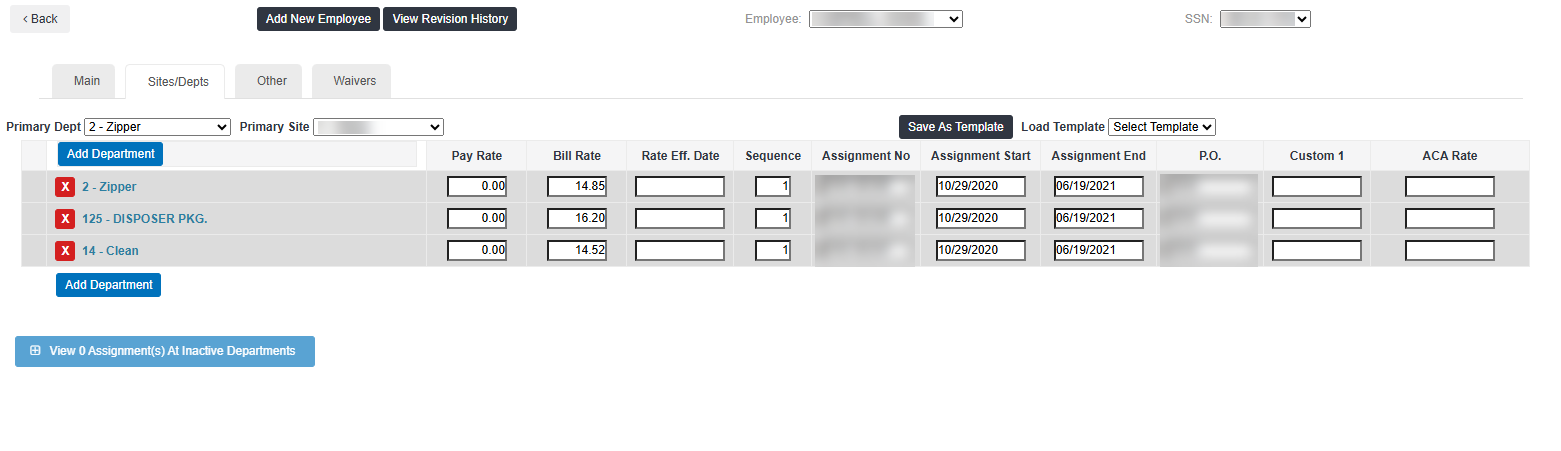
On the Sites/Depts tab, you can see all departments a Placement is assigned to. |
|
BH1 Web Placement |
|
|
In addition to the assignment information on the Sites/Depts tab, you'll see a View Rates button. This information comes from the Placement Rate Card. |
|
BH1 Clock Placement |
|
|
For multiple Placements on the same Department, the Sites/Depts tab includes Placement Rate Card details. This was previously on the separate Assignments tab, which has now been removed. |