Delete Branch
The delete branch workflow removes a staffing agency location record; if the record is tied to Candidate, Company and Job records the branch cannot be deleted. Permission for this component is granted via the manage branches permission under the general administration category; default with general and financial administration security profiles.
-
From the Manage Branches segment, select a branch and click the Delete button below the list box.
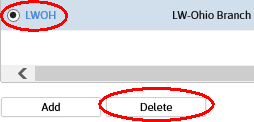
-
The Delete Branch workflow in a new window.
- If there are records attached to the branch the delete workflow will not complete; edit the branch record and remove the active flag instead.
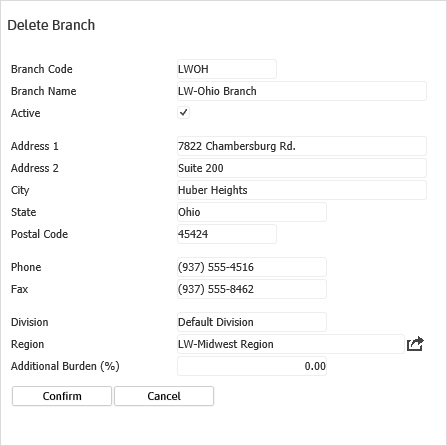
- Clicking confirm completes the workflow and returns to the Manage Branch segment.
- The branch is no longer listed in the listbox.
Was this helpful?