Update Divisions
Change the branch’s reporting divisions through the workflow buttons on the branch summary segment.
Permission for this component is granted via the manage branches permission under the general administration category; default with general and financial administration security profiles.
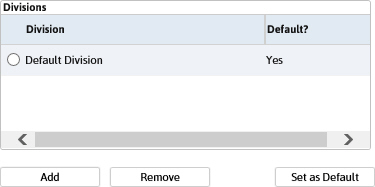
Add Division
- Click the Add button below the Divisions listbox.
-
The Add Division to Branch workflow will open in a new window.
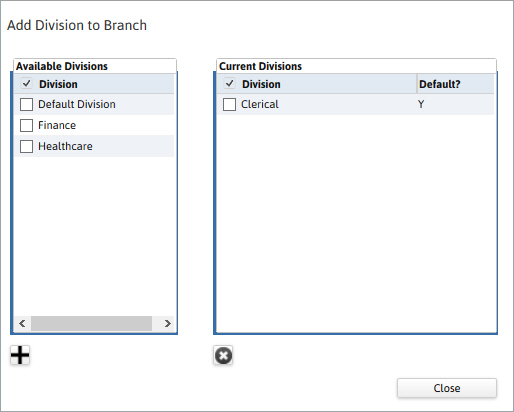
- Click close to complete the workflow and return to the summary segment.


Remove Division
- Select a division and click the Remove button below the Divisions listbox.
- Once the workflow is complete the division will no longer be visible in the listbox.
Set as Default
- Select a division and click the Set as Default button below the Divisions listbox.
- Once the workflow is complete the selected division will be the new default.
Was this helpful?