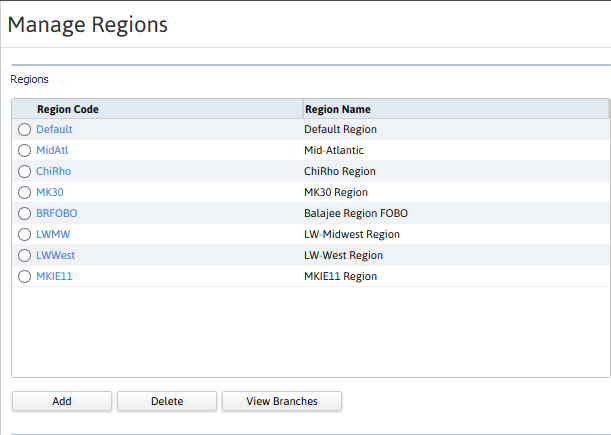
Manage Regions
Create and modify region records in the Manage Regions component. Branches and Regions are related. AS branch can be associated with one region, but one region can be associated with one or more branches. Permission for this component is granted via the manage regions permission under the general administration category; default with general and financial administration security profiles.
- Mouse over Administration on the main navigator and then select Administration..
- Select Manage Regions from the General Administration section of the segment to access the component.
-
The Manage Regions segment is displayed.
Was this helpful?