Region General Information
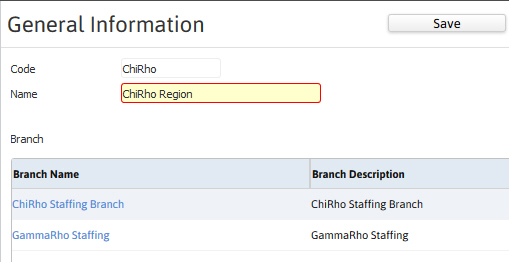
Details of the region record are located in the General Information segment. Edit the segment to modify the region name.
Permission for this component is granted via the manage regions permission under the general administration category; default with general and financial administration security profiles.
- Click on the region code from the Manage Regions segment. The screen refreshes to display the general information segment for the region record.
-
Click on the Edit button to modify the region name.

Was this helpful?