Positive Pay Report
The positive pay report is actually a data file that lists recently issued checks, including voids, employees present to the staffing firm’s bank for payment. The bank uses this report to verify which checks should be paid against the account. This report helps prevent fraudulent activity. This report is available to systems with an active back office license and users with the payroll report permission.
This reports filters both results and parameters based on the user's branch access.
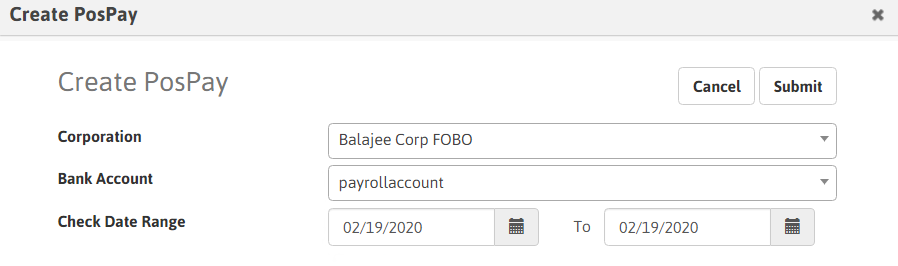
- Corporation: Corporation associated with the payroll process. This defaults to the Default Corporation of the logged-in User's Default Branch. While the filtering screen allows you to change the Condition, the report only accepts one corporation at a time.
- Select Bank Account in the segments drop-list.
- Check Date: Date associated with the check. The "From" date defaults to the first day of the current month. The "To" date defaults to the last day of the current month.
- Click Submit.
-
The PosPay report can be accessed from the File Retrieval once completed.
Was this helpful?