Troubleshooting WTE Login Issues
Email and password are required to sign in to Web Time Entry. If you have not set up your Web Time Entry account, see WTE Registration Guide. If you can't log into Web Time Entry and you are receiving an error, follow the steps below.
Invalid Username
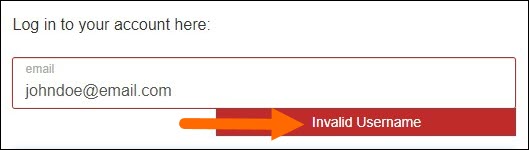
This error occurs when the email entered has not been registered in our system. Follow these steps to resolve the issue:
- Confirm the email is spelled correctly. If not, correct the spelling and try logging back in.
- If you have confirmed the email is spelled correctly but are still receiving this error, use our Web Time Entry Registration article to register an account with us.
Invalid Password
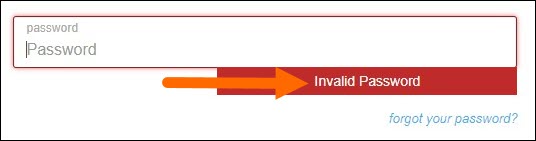
This error occurs when the password entered does not match the password that is registered for the email entered. Follow these steps to resolve the issue:
- Try re-entering your password carefully to ensure you are minimizing the chance of a typo.
- If you feel you are entering the password correctly, reset your password clicking the forgot your password? button.
Was this helpful?