Create Formatted Resume
Use these instructions to create a formatted resume for the candidate from a template.
- Select Create Formatted Resume from the Candidate Activities menu.
- A message ("Formatted Resume has been created") is displayed when the resume is created.
-
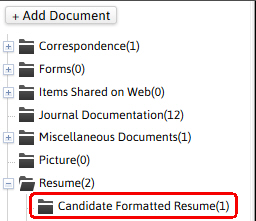
The updated document will be saved to the resume segment and the document library.

-
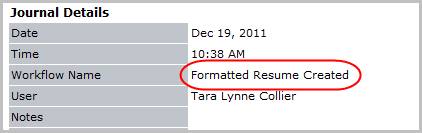
Verify the Formatted Resume Created entry is posted to the journal.
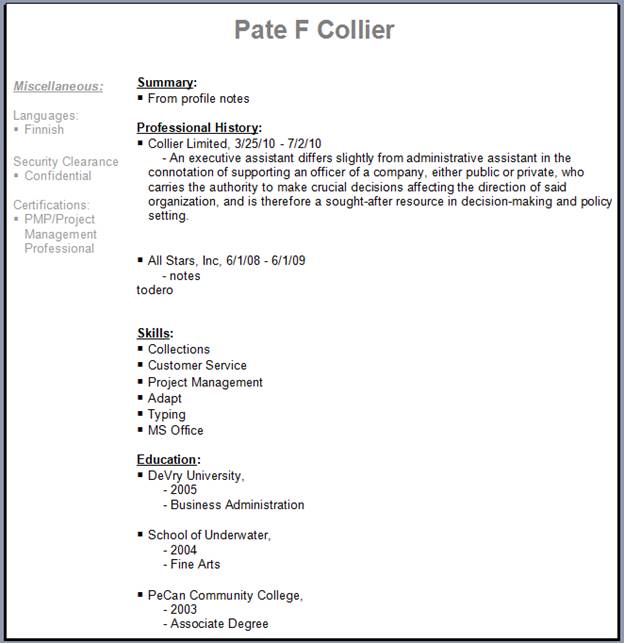
- The document is populated with data from the Candidate’s Summary, Skills and Education, and Experience segments; modify as necessary and close document.
-
You can open the document from the document library, modify and save it back to the record as needed.
Was this helpful?