| Edition: All Editions | Audience: All Users |
SSO from Bullhorn ATS to Analytics
With Single Sign-On (SSO), users can seamlessly log into the add-on through without requiring an extra login.
Access Points
There are two different ways to log into Bullhorn Analytics: via Bullhorn ATS, or via direct URL.
Access Analytics via Bullhorn ATS
While logged into Bullhorn ATS, navigate to the Analytics icon in the main menu.
By selecting the application icon, you will automatically be signed into the Analytics application through Single Sign-On as long as SSO is enabled for your system.
Access Analytics via URL
If you prefer to use the URL directly, you can still logto Analytics in via the legacy Bullhorn Analytics URL: http://app.cube19.io/.
If SSO is enabled, you can simply click the Sign in with Bullhorn button. Otherwise, you'll need to sign in using your Analytics credentials.
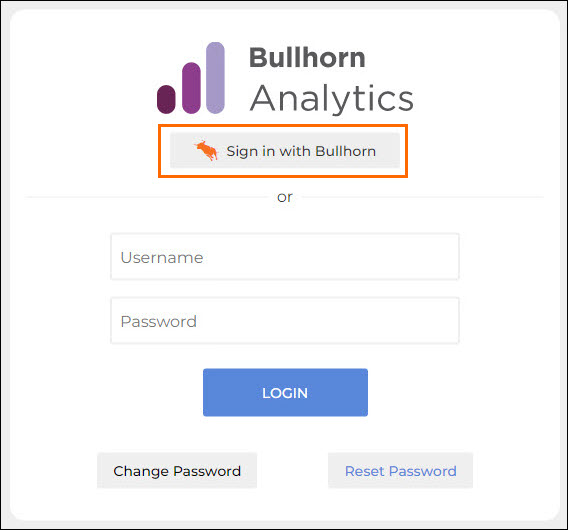
An error message will appear if a user with SSO enabled attempts to log in with their original Analytics user credentials.
Troubleshooting
Login Failed - Not Authenticated
Users that have not previously logged into Bullhorn ATS, or whose Bullhorn ATS session has expired, may receive the error message below while attempting to log in through the legacy Bullhorn Analytics URL (http://app.cube19.io/) and selecting the Sign in with Bullhorn button.
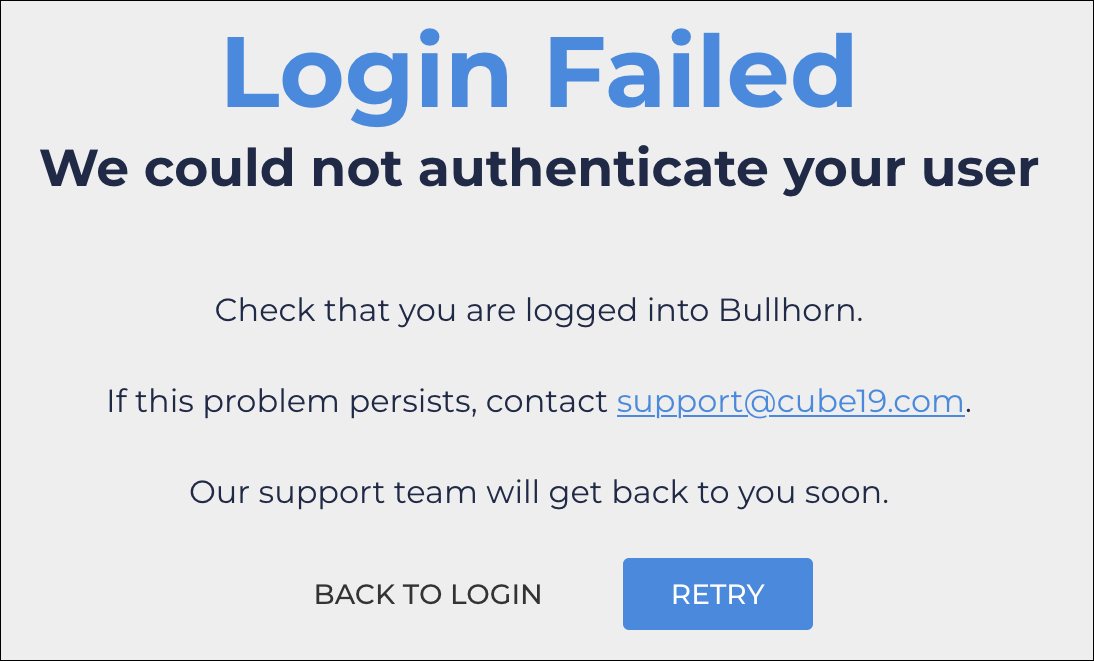
To resolve this issue, the user should establish / re-establish an active Bullhorn ATS session, at which time they may click the Retry button to SSO into Analytics successfully.
Login Failed - New User
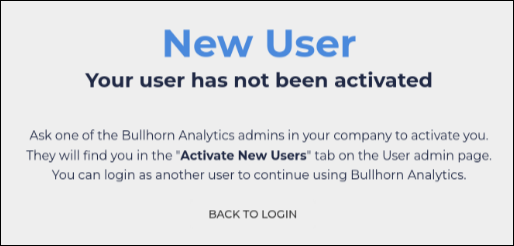
Users attempting to SSO from Bullhorn ATS to Bullhorn Analytics via the Analytics icon in the Bullhorn ATS menu who do not have an active user account in Bullhorn Analytics will receive the following error message: