Notifications
When creating automations, you can add a Send Notification step.
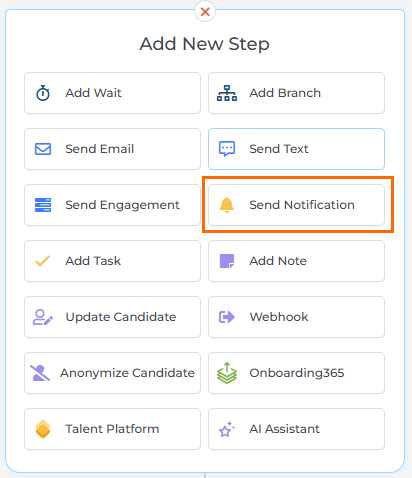
A notification is an email that's sent to your internal users. They can be used to alert users of candidates being placed, contacts that view your website, emails that are opened, and much more.
uses the following verbiage:
- Notifications: These are internal emails sent to members of your internal regarding candidates, placements, etc.
- External Emails: These are emails that you want to send to candidates, sales contacts, etc.
This section outlines the types of notifications that are available and how to create them.
How Notifications Work
A notification is an email that Bullhorn Automation sends to someone on your internal team. It is not an email to a candidate or contact. Think of it as a tap on the shoulder: when something happens in your automation, the system alerts the right person on your team so they can take action.
For example, you can set up a notification so that whenever a candidate reaches the placement stage in an automation, the recruiter who owns that record gets an email right away. Or you can have the automation collect all of those alerts throughout the day and send one daily digest instead of one email per candidate.
You control three things:
-
Who gets the notification: for example, the record owner, a specific user, or a team.
-
What the notification says: built in the Email Builder using merge tags to pull in record details.
-
When the notification sends: immediately, on a daily schedule, or on a weekly schedule.
The articles in this section walk through each of those decisions. If you are not sure where to start, begin with Choose a Notification Type in Bullhorn Automation to understand your send timing options.