Earning badges and points
You earn badges in Bullhorn Launch by completing certain courses and learning plans. Each badge is worth a set number of points. This topic shows you where to view your badges and how to share them.
View your badges
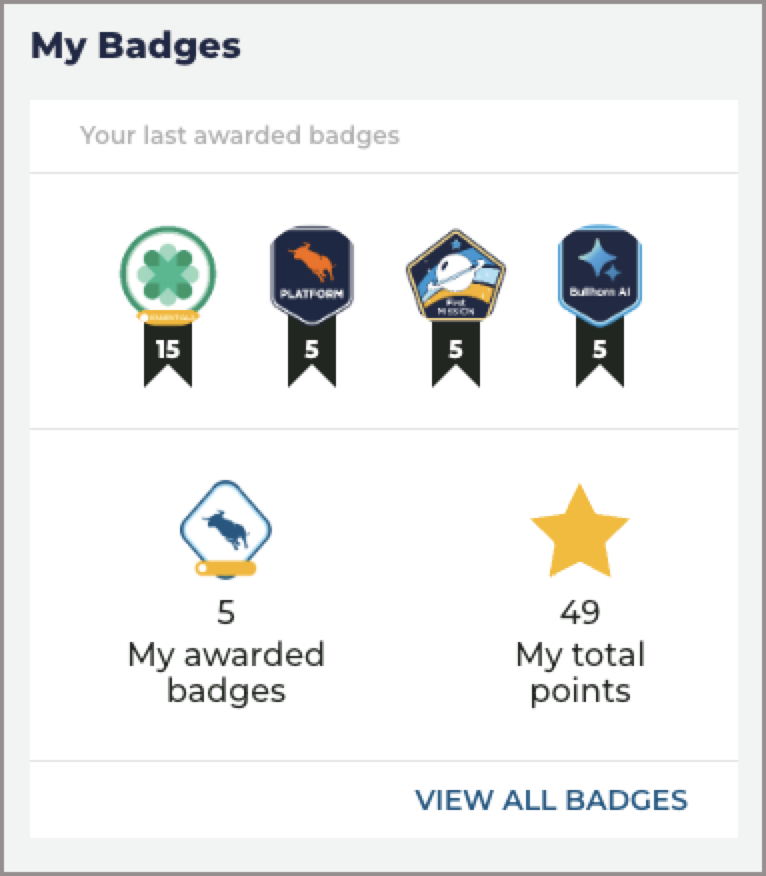
On the Bullhorn Launch dashboard, the My Badges widget displays badges you have recently earned and your total point count.
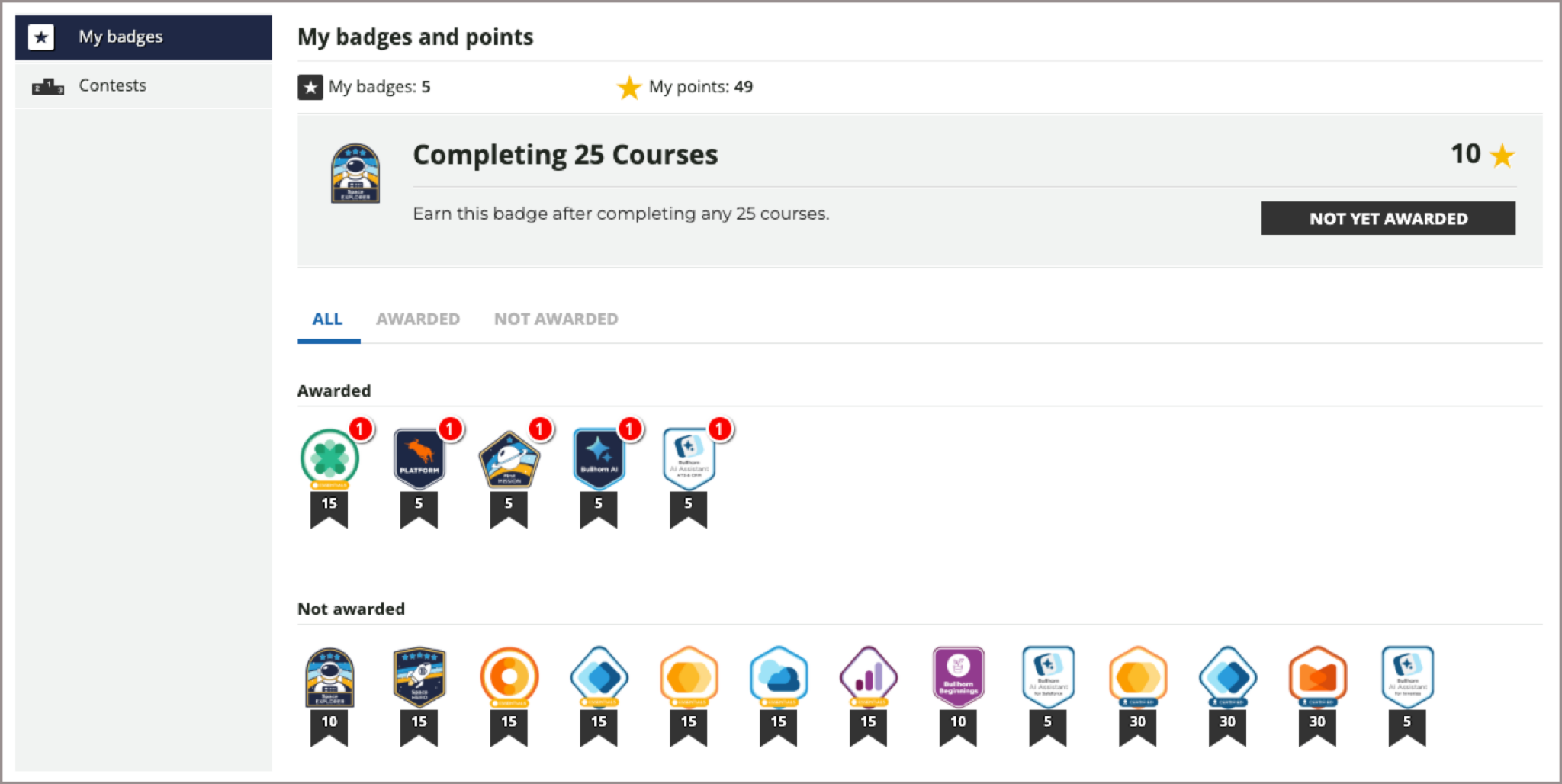
To see every badge you have earned and every badge that is still available:
-
On the My Badges widget, click View All Badges.
-
Click any badge to see more information about it, including the courses or learning plans that award it.
Share a badge
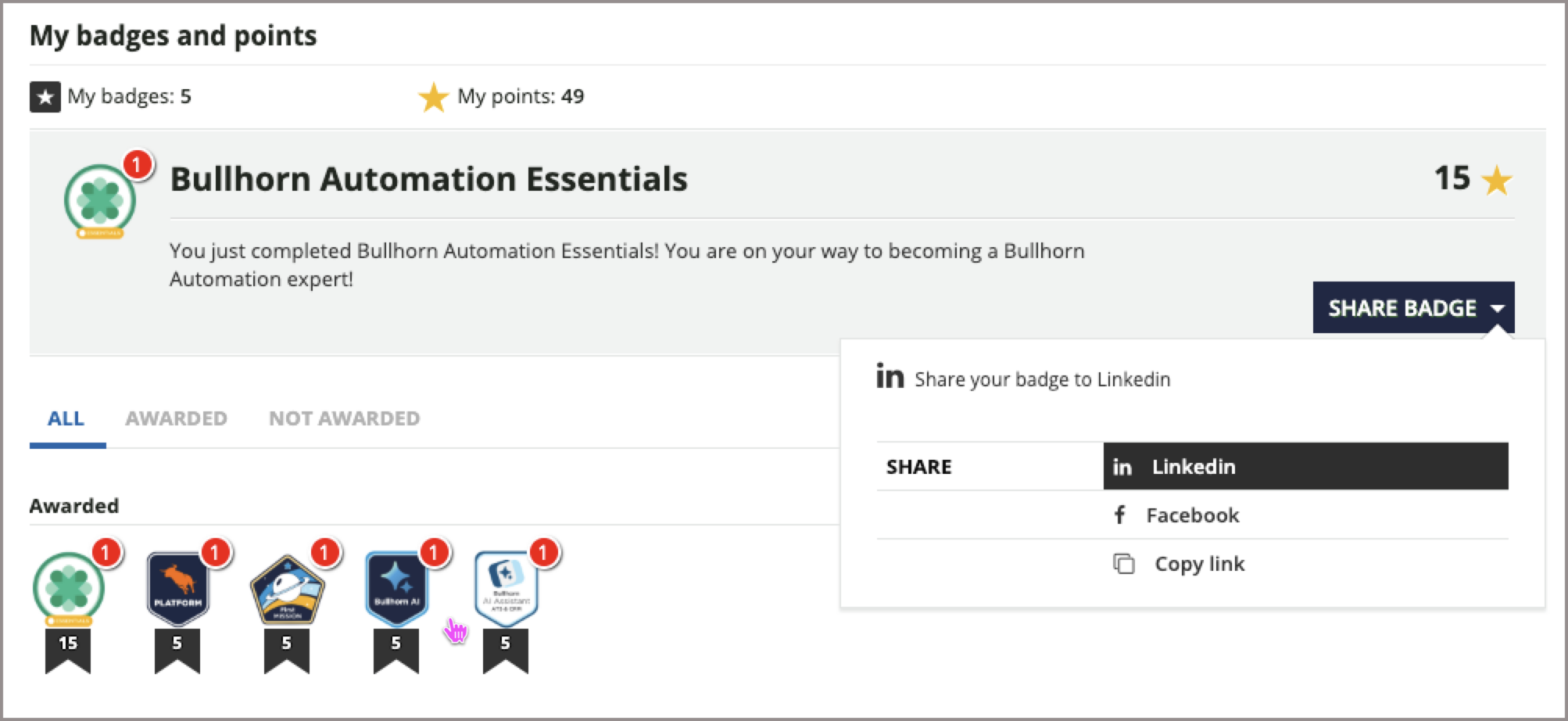
Certain badges can be shared to social networks so you can highlight your accomplishments.
-
Click the badge you want to share.
-
If the Share Badge menu is available, select the network where you want to share it.