Searching for and enrolling in courses and learning plans
This topic shows you how to find courses and learning plans in Bullhorn Launch and enroll in them from your dashboard. A learning plan is a curated sequence of related courses.
Browse the full course library
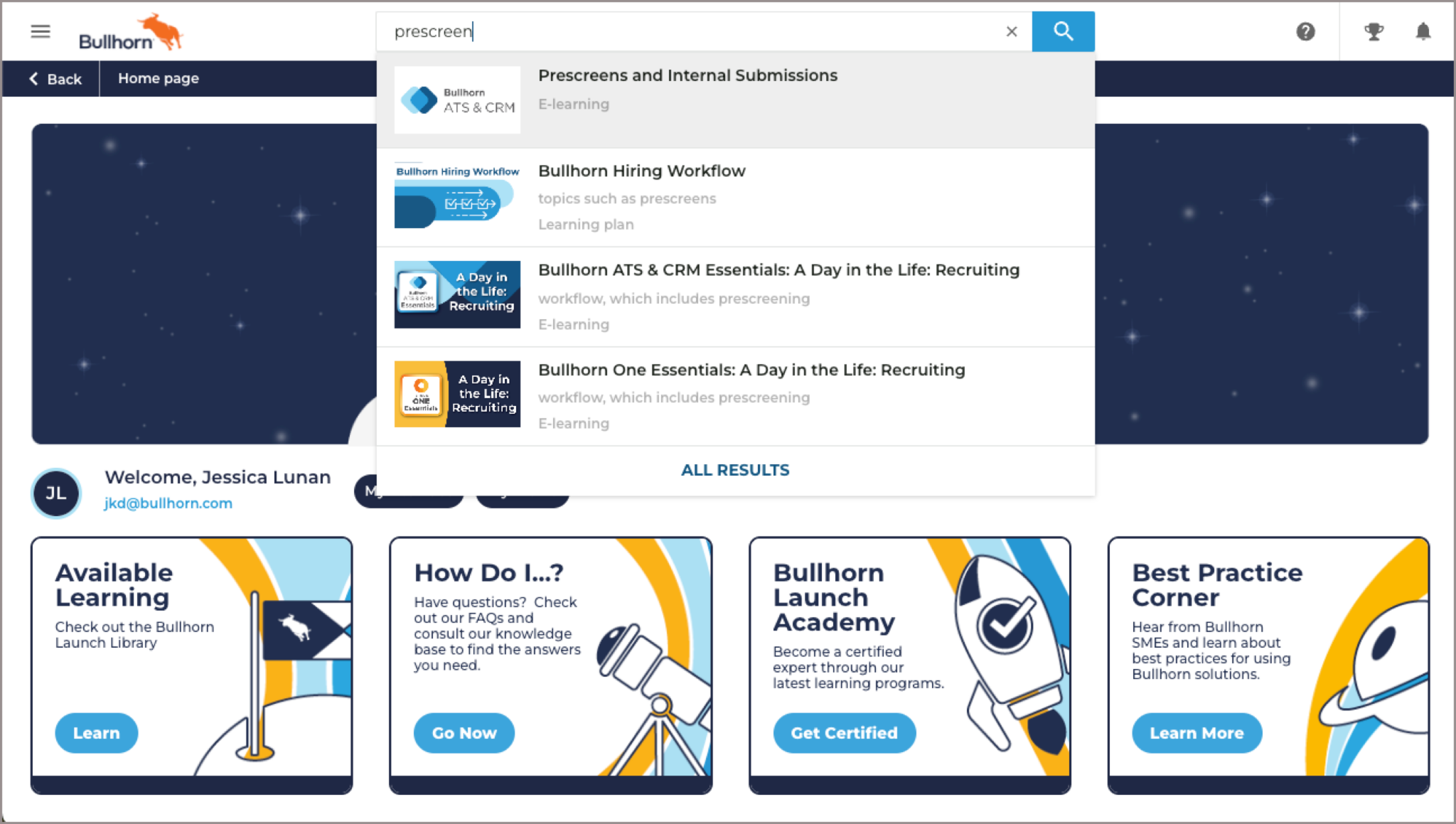
When you log into Bullhorn Launch, your dashboard is the first page you see.
-
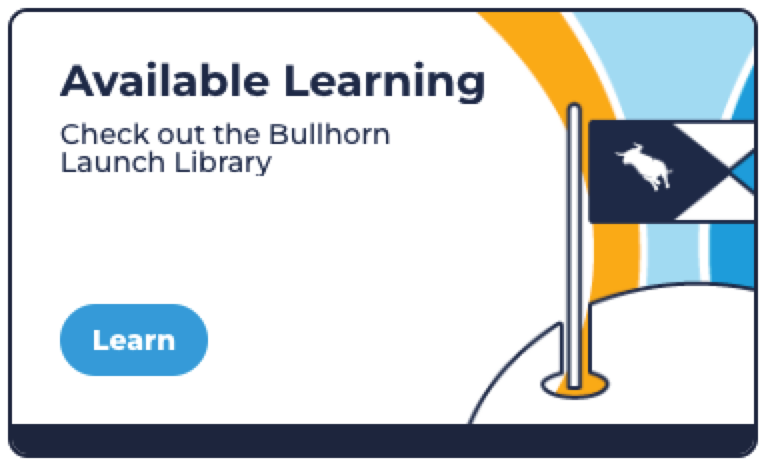
On the Available Learning tile, click Learn.
-
Scroll down to the All Courses section. Courses are organized into catalogs (for example, Bullhorn ATS & CRM, Analytics, Bullhorn One).
-
Click the catalog you want to explore to see its courses and learning plans.
Search for a course, learning plan, or topic
-
At the top of any page, enter your search terms in the search field.
-
Either select a result from the dropdown, or press Enter to view the full results page.
Enroll in a course or learning plan
-
Click the name of the course or learning plan.
-
Click Enroll.
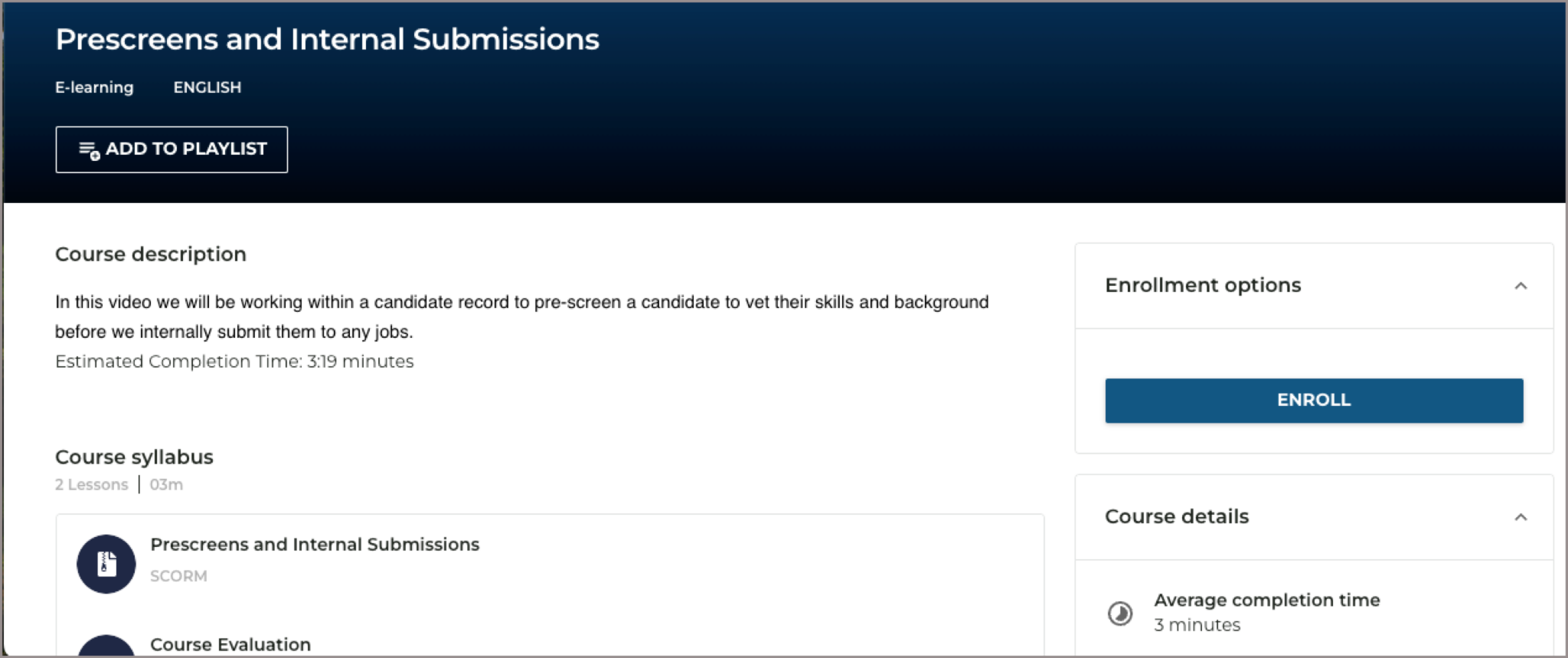
If you enroll by mistake, click Unenroll to undo the action.
You cannot currently enroll someone else in a course, but you can share a course by sending the URL. The recipient must be logged into Bullhorn Launch and have access to that course's catalog in order to view it.