Logging into Bullhorn Launch
Bullhorn Launch uses Single Sign On (SSO) from the Bullhorn Hub, so you do not have a separate username and password. To log into Bullhorn Launch:
-
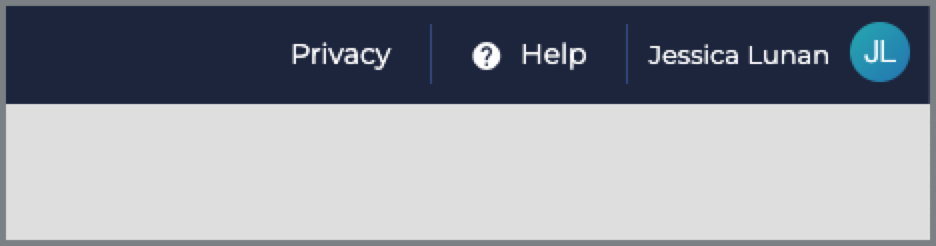
In the Bullhorn ATS & CRM, click Help in the top navigation.
-
On the Bullhorn Hub home page, click the Visit Bullhorn Launch link in the My Learning tile.

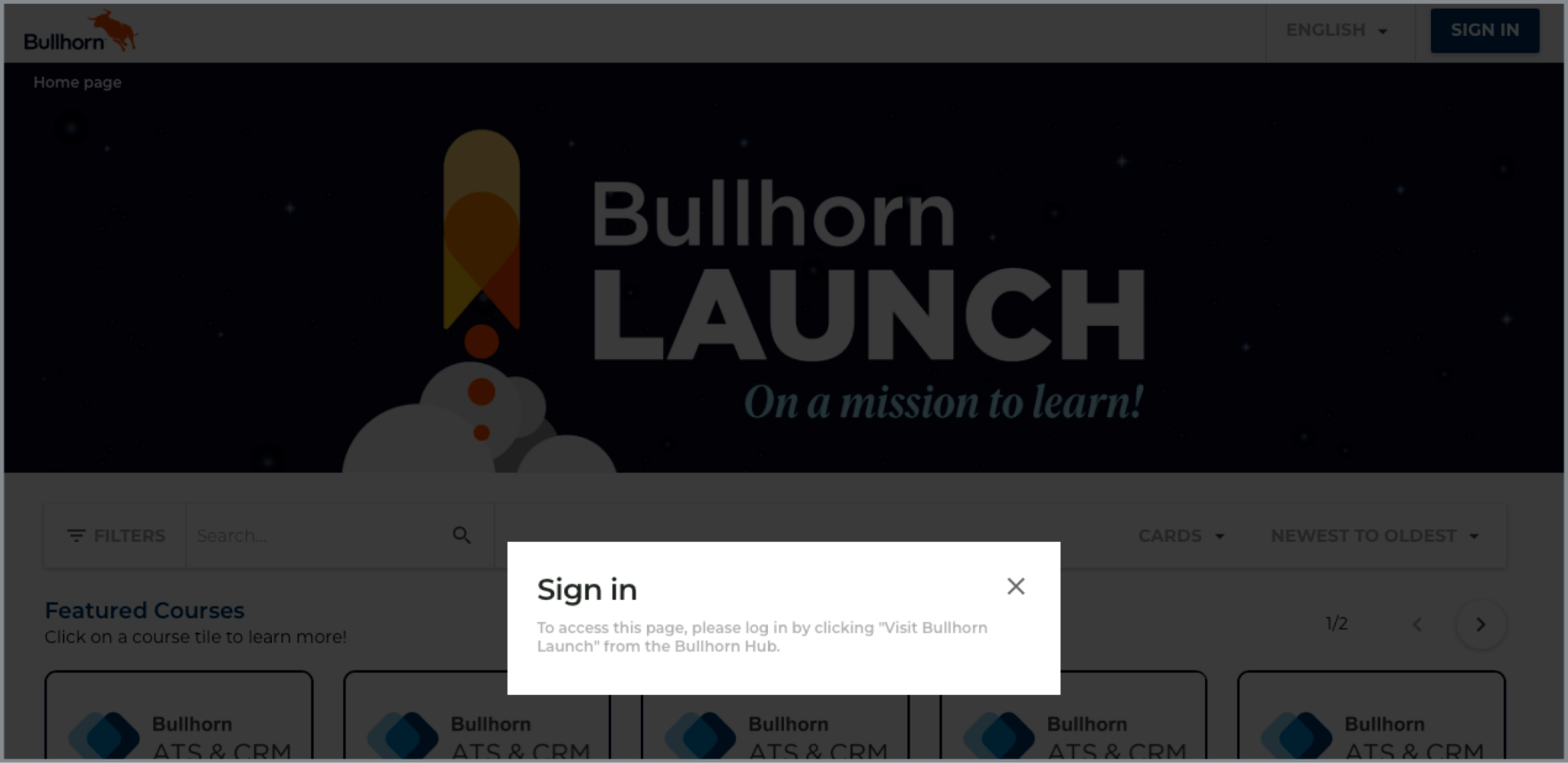
If you are not logged into Bullhorn Launch and click a direct link to a course, you are prompted to log in first:
If you receive an error after clicking Help, you likely do not have a Bullhorn Hub account yet. Contact Bullhorn Support for assistance.
If you do not use the Bullhorn ATS & CRM, see the Accessing Bullhorn Hub article for information about how to log in.