Add Evaluation
Use the Add Evaluation workflow to record a client evaluation of the candidate’s performance.
-
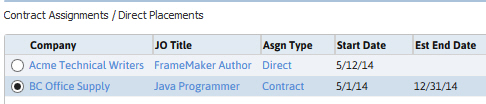
From the Experience segment,Contract Assignments/Direct Placements grid, select the Assignment to use in the workflow.
-
Select Add Evaluation from the workflow buttons below the Contract/Direct Assignments list box.

-
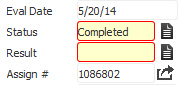
The Add Client Evaluation workflow will open in a new window. While updating the form notice that fields marked in red are required to complete the workflow; and that by clicking on the buttons to the right of certain fields, a new window will open, allowing you to search and select options related to that specific field, or choose a date.
-
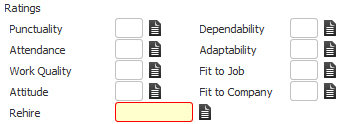
Choose from a 1 - 10 scale to update Ratings on eight categories. The results will automatically calculate an average for the Overall Rating.
- Enter notes and follow-up information.
- Click Confirm to complete the workflow.
-
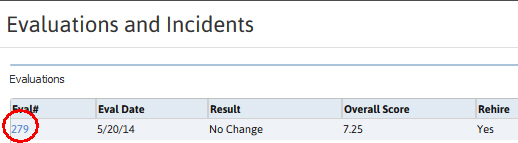
After the Add Client Evaluation workflow is complete, the evaluation can be accessed through the Evaluation List Box at the top of the Evaluations and Incidents Segment. Click on the Evaluation # to view the record.
-
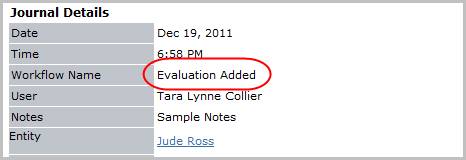
Verify the Evaluation Added entry and notes from workflow posted to the journal.