Candidate Experience
Use these instructions to view and modify the Experience Segment of a Candidate record. This segment will display all work history records associated with the Candidate, which can be included in an Adapt generated resume.
- Select Experience from the segments drop-list at the top of the record.
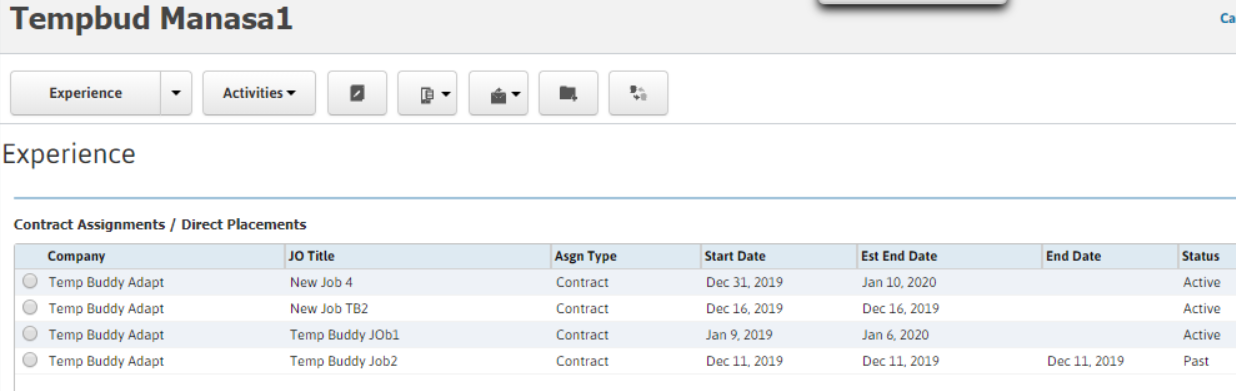
- The segment is divided into sections, with the top section displaying Contract Assignments / Direct Placements. This section is automatically updated as you perform assignments/placements workflows with the Candidate.
- You can perform an Arrival Call, create an Evaluation or add an Incident by selecting an Assignment/Placement and then clicking the appropriate button. For more information on these actions, click the link.
-
The bottom grid displays Previous Employment. You can add a previous employment record by using the Add Previous Employment workflow. For more information on this workflow, click on the link.
Was this helpful?