Add Incident
Use the Add Incident workflow to record an occurrence that happened on a specific assignment.
-
From the Experience segment, Contract Assignments/Direct Placements grid, select the Assignment to use in the workflow.
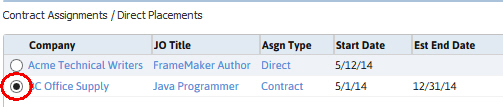
- Select Add Incident from the workflow buttons below the Contract Assignments list box.
- The Add Incident workflow will open in a new window.
- While updating the form notice that fields marked in red are required to complete the workflow; and that by clicking on the buttons to the right of certain fields, a new window will open, allowing you to search and select options related to that specific field, or choose a date.
- Enter the Incident Details in the open text box and click confirm when finished.
- The Adapt screen will refresh to display the newly created Incident record.
-
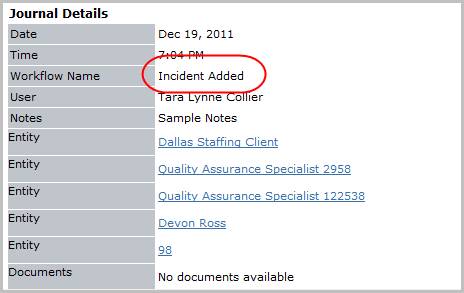
Verify the Incident Added entry and notes from workflow posted to the journal.
Was this helpful?