Company Logo
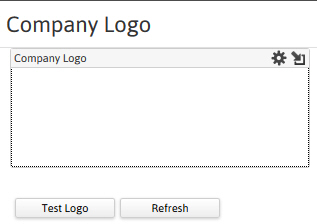
The company logo segment stores the image used when printing invoices and other documents from the financial component. You can also use the Company Logo on custom invoices created using the Reporting & Analytics tool (Report Designer license required).
Permission for this component is granted via the manage corporation permission under the financial administration category.
The following logo formats can be used: .bmp, .gif, .jpg and .png.
- Select Company Logo in the segments drop-list.
-
The segment displays a list box of available logo images.
- Use the
 icon to add an image.
 - Use the
 icon to change the manner in which images are displayed in the list box.
 - Click on the image to display additional workflow icons (Delete and Print).
- Use the
-
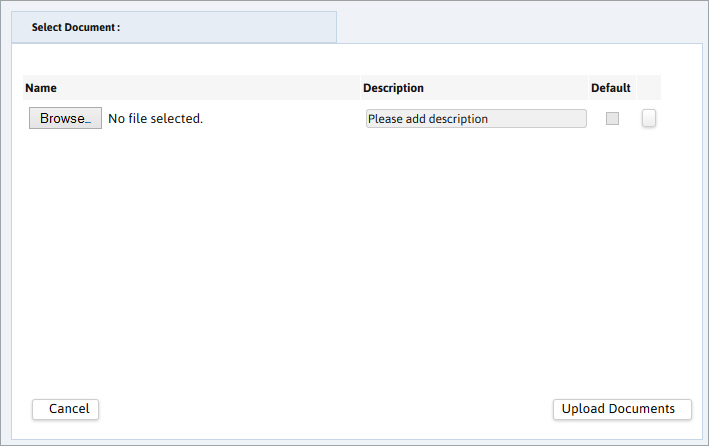
Add Image by clicking the
icon.- The add document dialog box opens.
- Browse to locate the file saved to your local drive.
- Once the file is located, click Upload Documents at the bottom of the dialog box.
- Once you see the Uploaded Successfully message, click OK.
-
If there are multiple images in the list box, click on the one to modify and then choose one of the workflow icons.
- To remove the image click on the
 icon.
icon. - To print the image click on the
 icon.
icon. - To make the image the default or view/change it’s properties click on the icon.
- To remove the image click on the
-
Test the default image as the corporation logo in the financial documents.