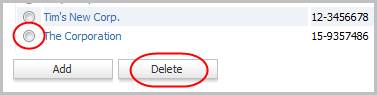
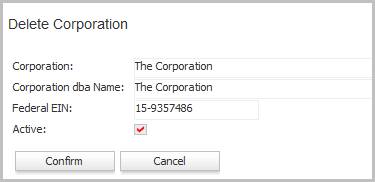
Delete Corporation
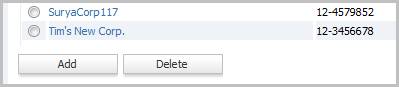
This workflow will remove a corporation record as long as no records are attached to the record. If there are records that use this corporation, edit the record and remove the active flag.
Permission for this component is granted via the manage corporation permission under the financial administration category.
Was this helpful?