Corporation Summary
Record general details in the Corporation segment.
Permission for this component is granted via the manage corporation permission under the general administration category.
- Select Corporation in the segments drop-list.
-
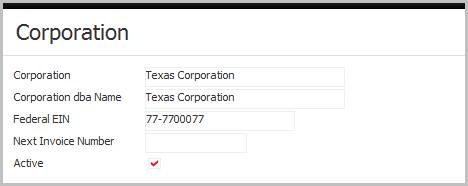
The details for the corporation are listed.
-
Corporation name and Corporation dba Name can be different and can duplicate another corporation record, but the Federal EIN must be unique.
-
Next Invoice Number tells the bill processing workflows where to start numbering for each process run.
This field is updated at the end of each billing process run.
-
Deactivate the corporation by removing the Active flag.
-
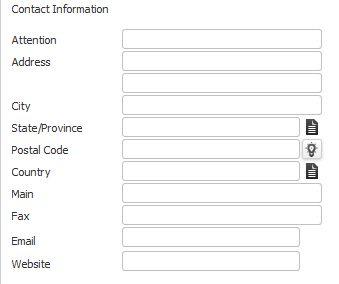
Contact Information for the corporation is very straight forward address, phone and online contact data.
-
-
Click on the Edit button to modify the corporation name, EIN, address, contact numbers and email/online addresses.
-
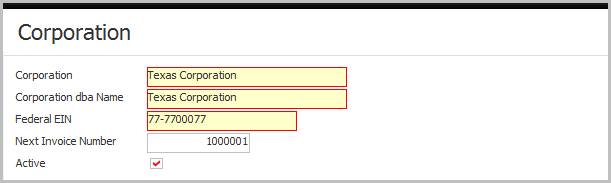
While updating the form, fields marked in red are required to complete the workflow. Click on the buttons to the right of certain fields to open a new window which will allow you to search and select options related to that specific field.
-
Click Save to keep changes or Cancel to discard.
