| Edition: Growth, Corporate, Enterprise | Audience: Company Settings Admin |
Amend Financial Year and OneView Default Timeframe
This article explains how to set a custom financial year and the default OneView timeframe in Bullhorn Analytics.
Steps
- Go to Admin > Company Settings.
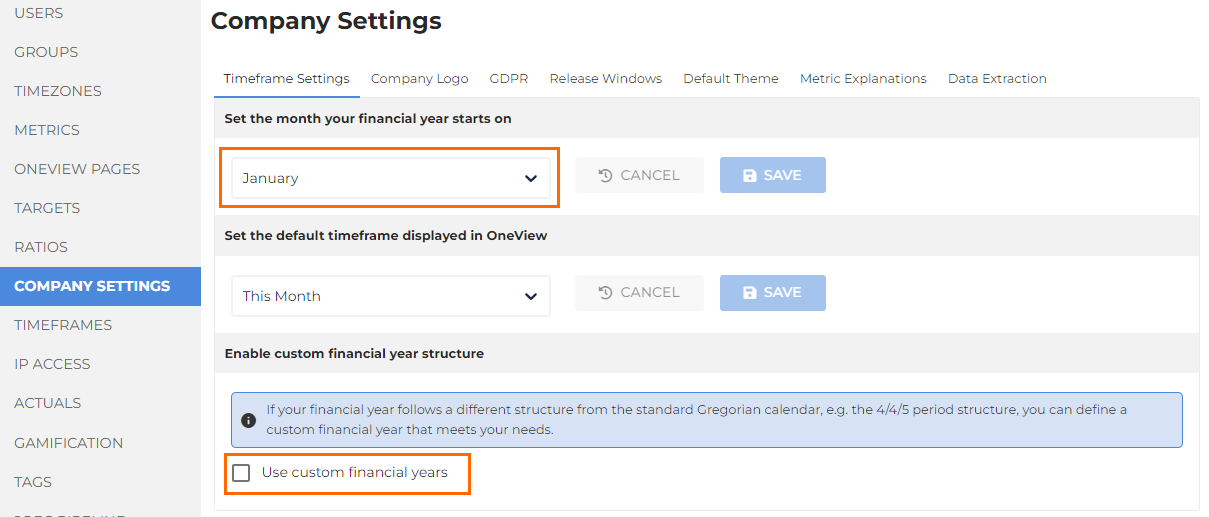
- You can pick the month your financial year starts from the dropdown under Set the month your financial year starts on, or change your financial year structure under the Enable custom financial year structure section.
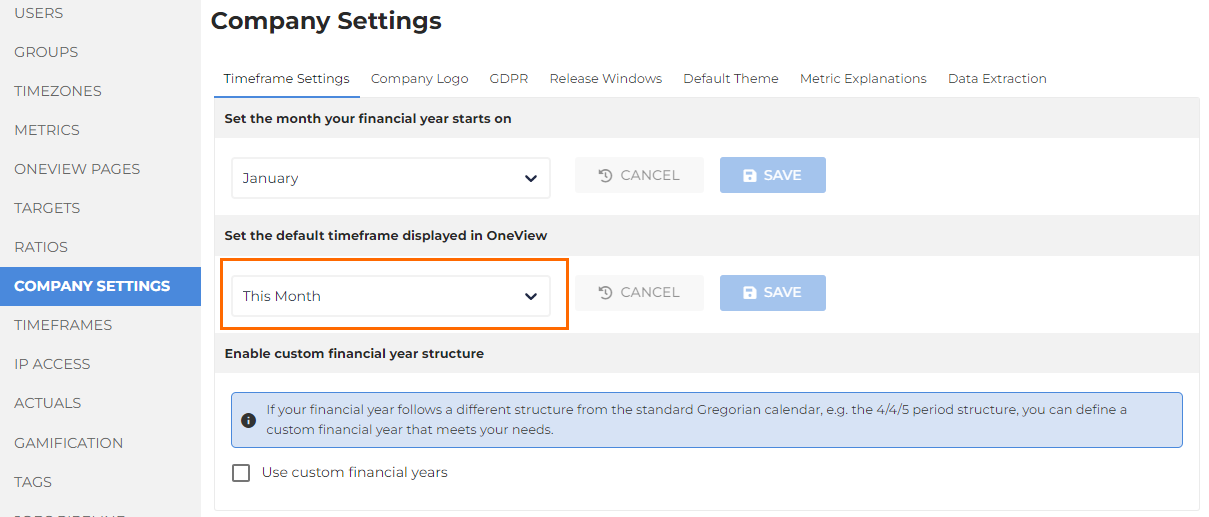
- Set the default timeframe of your OneView page via the dropdown menu in the Set the default timeframe displayed in OneView section.
Was this helpful?