| Edition:Growth, Corporate, Enterprise | Audience: Company Settings Admin |
Upload Company Logo
This article explains how to upload a company logo in Bullhorn Analytics. The company logo appears on Gamification and the main OneView page at the overall group level.
How to Upload a Company Logo
- Go to Admin > Company Settings.
- Click the Company Logo tab.
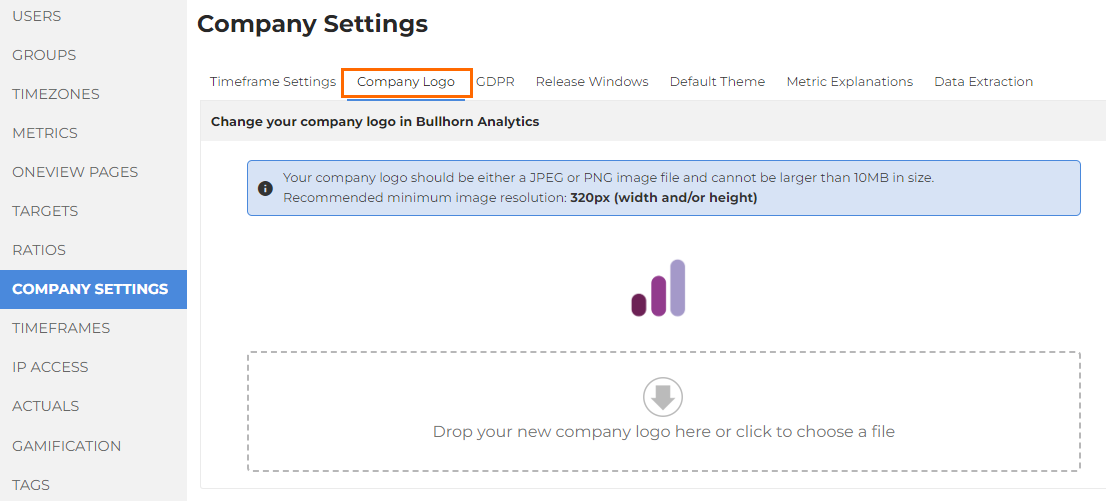
- Drag and drop the logo file onto the indicated area, or click to select a file to upload.
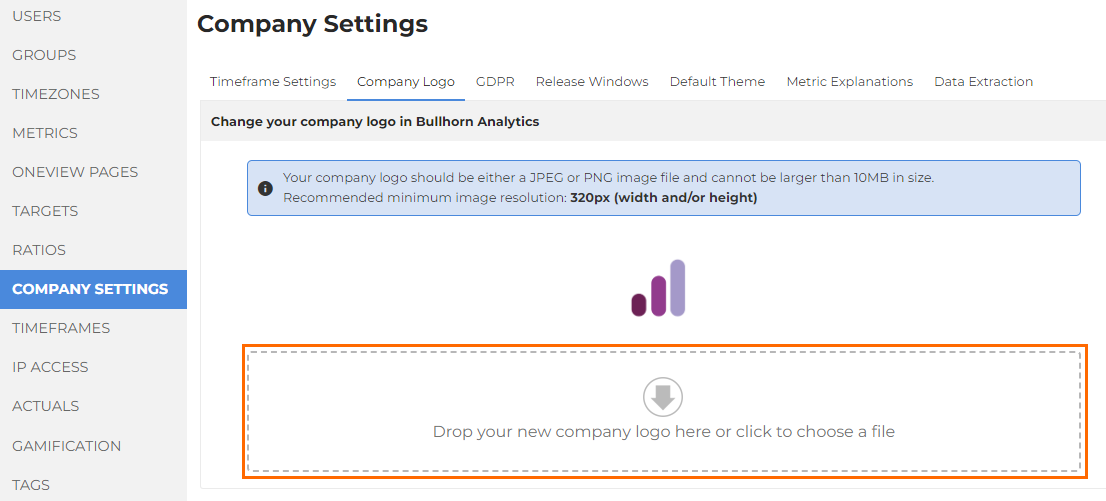
- Click UPLOAD to upload the file.
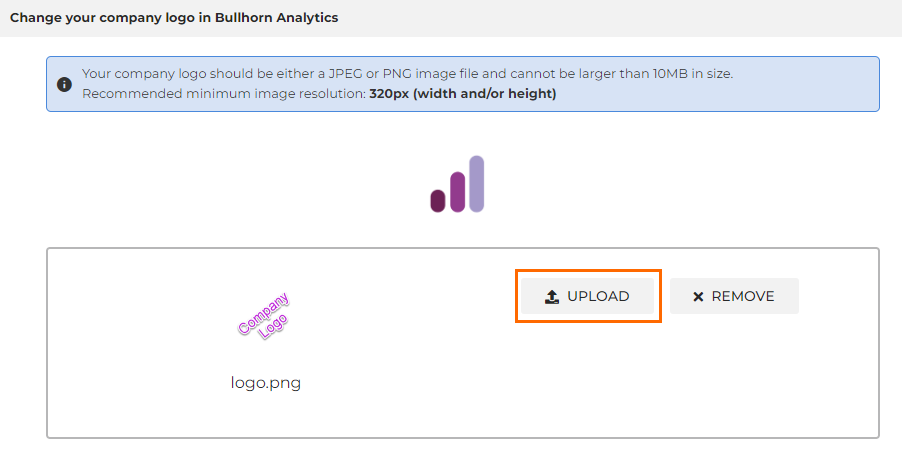
- To go back and upload a different file, click REMOVE.
File Upload Guidelines
- The file you upload should be a JPEG or PNG image file.
- You cannot upload a file larger than 10 MB.
- We recommend a minimum image resolution of 320px (width and/or height).
Was this helpful?