| Edition: Enterprise | Audience: All Users |
Tags Admin
What Are Tags?
Tags allow you to break free of the hierarchical structure within Bullhorn Analytics to facilitate customised reporting to fit your business’s individual needs. By tagging users and groups with similar characteristics, you can collate their performance even if they sit in different parts of the business. Use the Tag feature to report on virtually any attribute that certain users share - from how a vertical performs across all your offices to what activities your most successful consultants from each division do daily. You can even create bespoke Gamification leaderboards for your Perm/Direct Hire or Contract/Temp consultants!
Tags can be utilised in OneView, Slice & Dice, Gamification, and Trends.
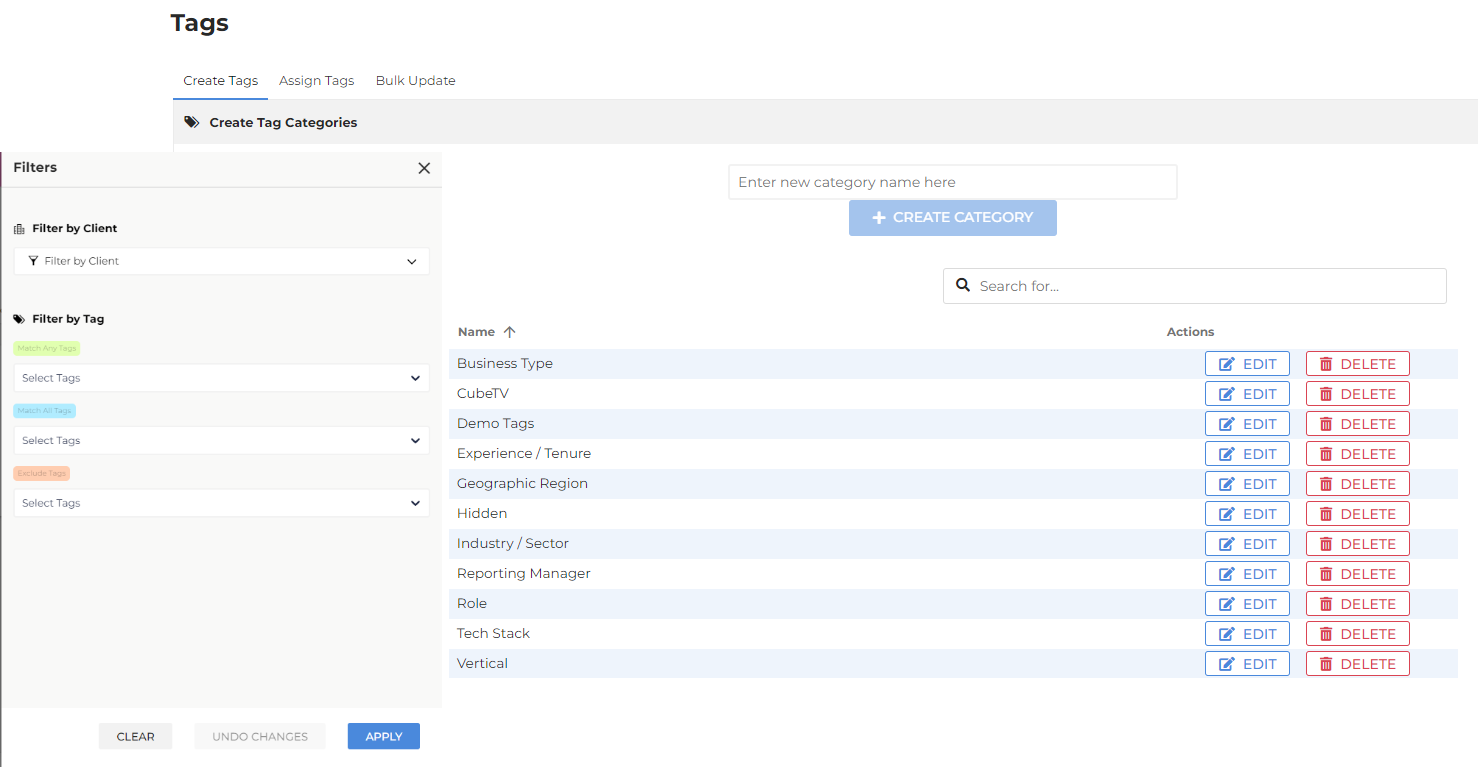
Managing Tags requires Tags Admin permission. To enable this, an administrator must go to Users Admin > [User Profile] > Admin Permissions and select the Tags Admin checkbox. For detailed instructions, see Setting App and Admin Permissions. Once the permission is active, log in to Bullhorn Analytics and go to Admin->Tags.