| Edition:Growth, Corporate, Enterprise | Audience: Company Settings Admin |
Light and Dark Theme
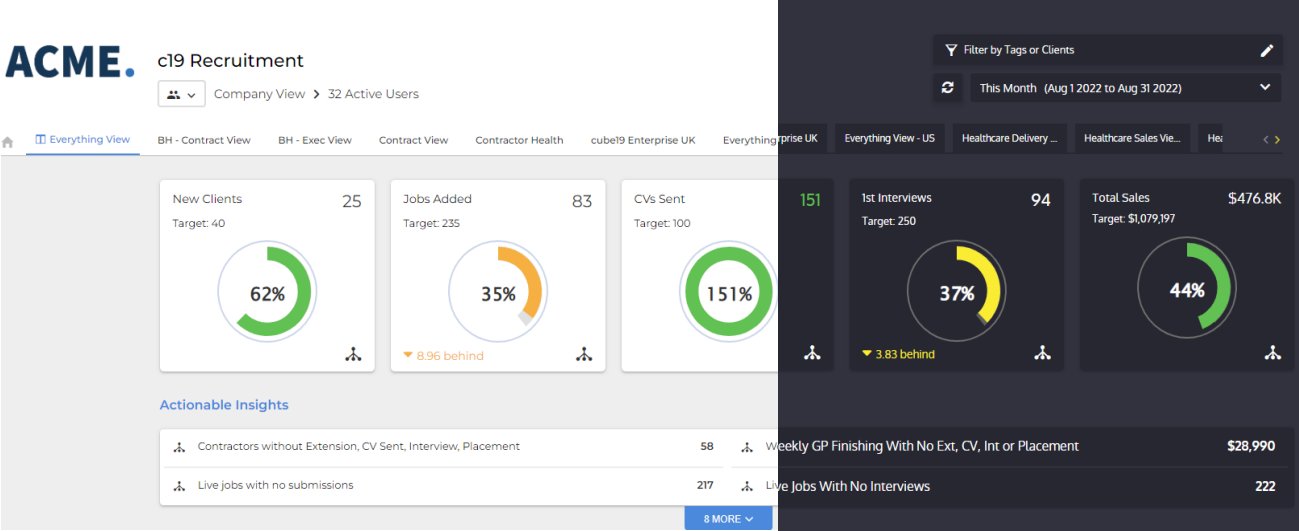
Bullhorn Analytics can be viewed in Light Theme or Dark Theme. Your selected theme affects the appearance of other UI elements too, such as tooltips, which display with a light or dark background to match, providing a consistent and polished experience throughout the product.
Light and Dark Theme Comparison
Setting Light or Dark Theme
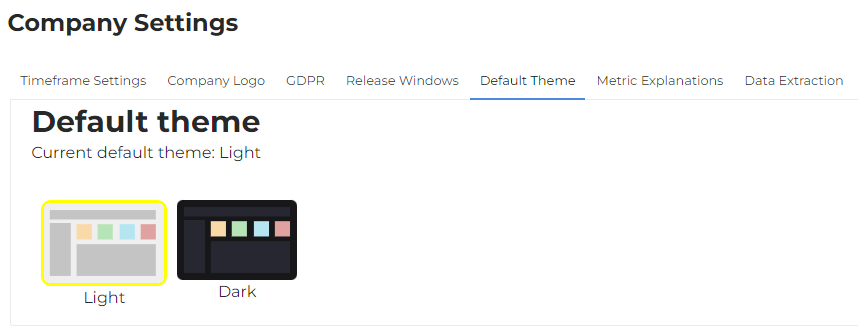
Light or Dark theme can be set at a company level, or individually at a user level.
At a Company Level
To set a default company theme, go to Admin > Company Settings > Default Theme.
At a User Level
As an individual user you can choose to override the company default and display Bullhorn Analytics in the theme of your choice by going to Your Settings > Display.
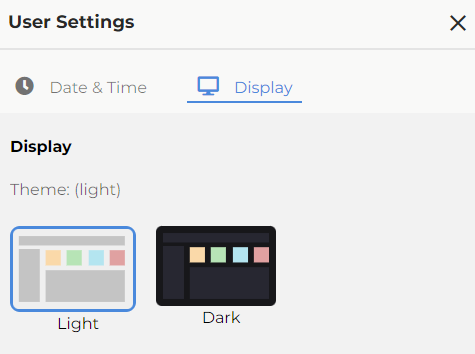
If you clear your cookies or cache, any override you have picked for your theme will be reset.