| Edition: Growth, Corporate, Enterprise | Audience: Jobs Pipeline Admin |
Creating a New Jobs Pipeline
This article explains how to create a new pipeline in Jobs Pipeline Admin.
Create a New Jobs Pipeline
- Go to Admin > Jobs Pipeline.
- Click the CREATE PIPELINE button.
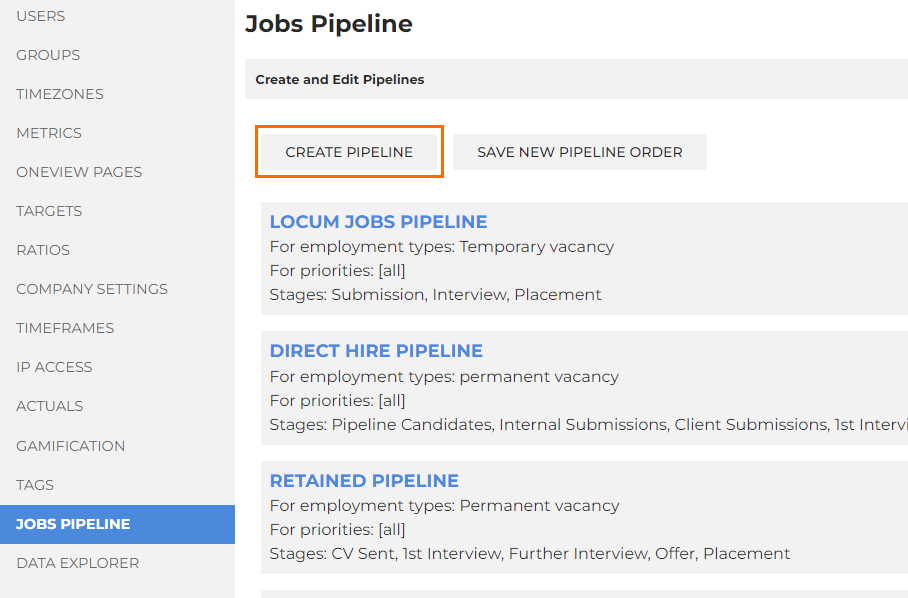
- This will create a new pipeline at the bottom of the list.
- Click on the name of the new pipeline to open the Edit screen.
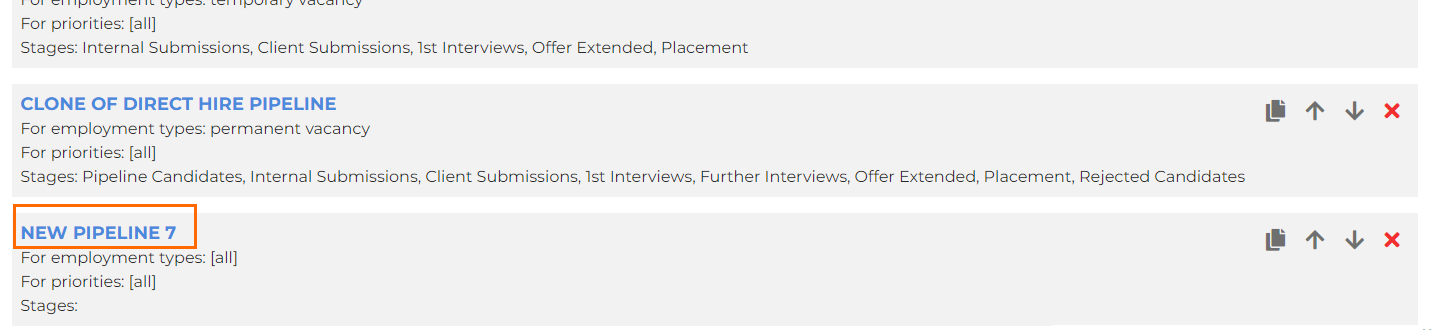
- Enter a name for your pipeline in the Pipeline Name field.
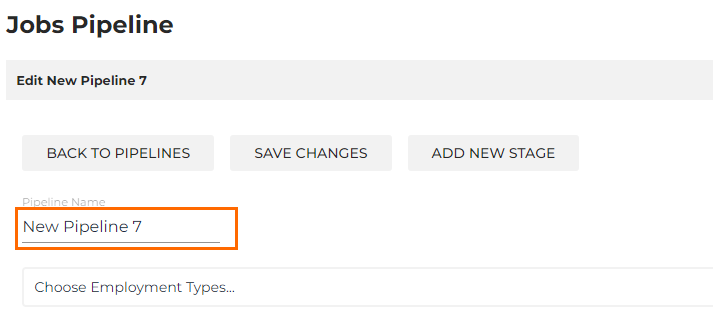
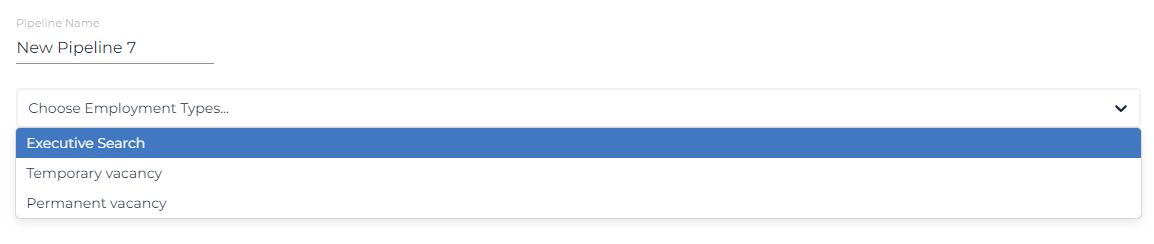
- Select the appropriate employment type from the Choose Employment Types dropdown.
- The list in the dropdown should reflect the Employment Types you have set up to be available/reportable in Bullhorn Analytics.
- The list in the dropdown should reflect the Employment Types you have set up to be available/reportable in Bullhorn Analytics.
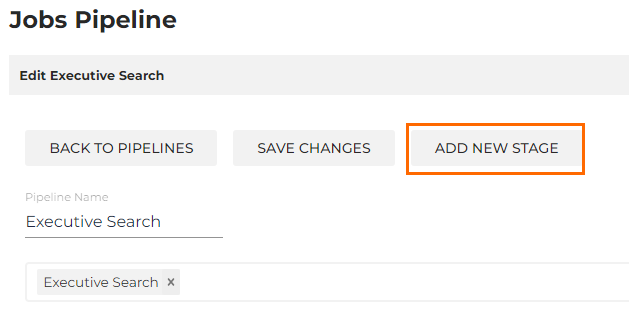
- You can now proceed to add stages to the new pipeline by clicking the Add New Stage button. For information on how to configure stages in the pipeline, see Configuring Jobs Pipeline Stages.
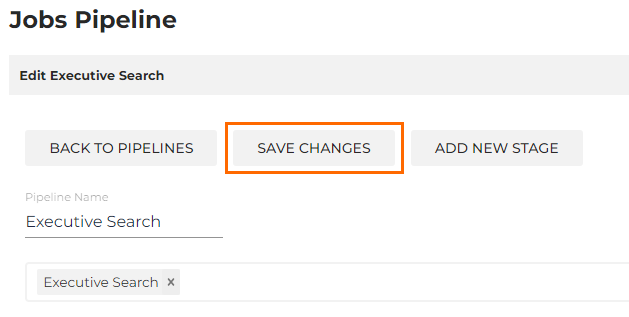
- After adding all required stages, click Save Changes to save your new pipeline.
Was this helpful?