| Edition: Enterprise | Audience: All Users |
Filtering a Slice & Dice Report
This article explains how to filter on variables in a Slice & Dice report. For a guide to adding variables as rows and columns in a report, see Adding Rows and Columns to a Slice & Dice Report.
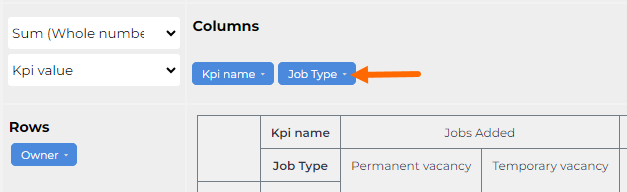
Each variable in a Slice & Dice report can be filtered to drill down on specific data. Click the small arrow next to the variable to open the menu and deselect the data you do not want to show.
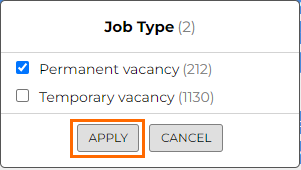
Scroll to the bottom of the pop up and click Apply to put the filter into effect.
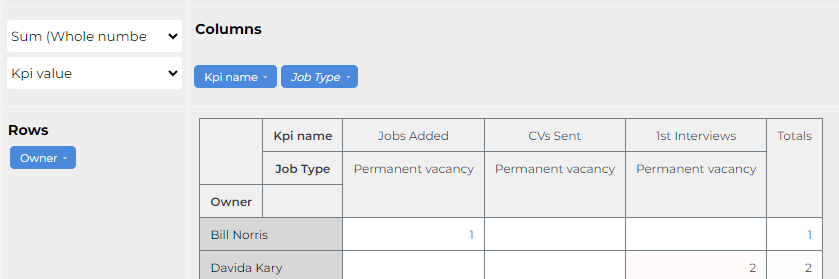
The text of the filter will change to italic to indicate there is a filter in use for that variable.
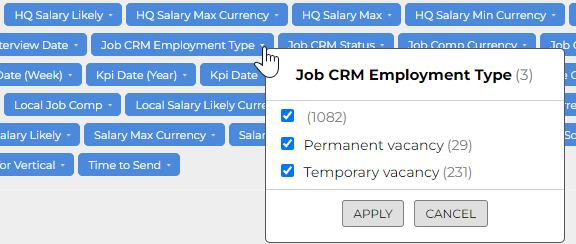
You can filter on any of the variables whether they have been added to the report or not. For example, you could filter the report to exclude any Permanent vacancies without having to pull the Job CRM Employment Type variable into the report.