Email Job Details
Use the Email Job Details workflow to email the description of a job order to the candidate.
- Select Email Job Details from the Calls and Emails menu in the Activities drop-list.
-
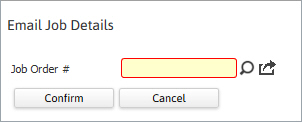
The Email Job Details workflow will open in a new window. Enter the job order # and click Confirm to continue workflow.
-
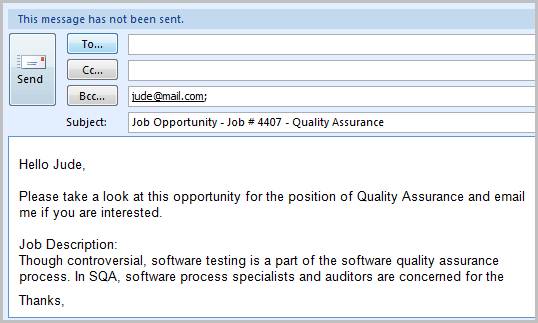
After the Email Job Details workflow closes, an email will open displaying the job description from the job order. Edit the email as necessary and click send.
-
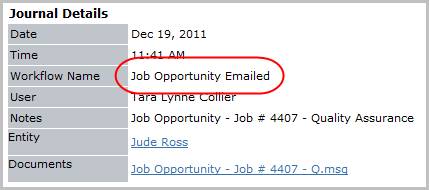
Verify the Job Opportunity Emailed entry posted to the journal. The activity details will be saved and will be available for reporting purpose.
Was this helpful?