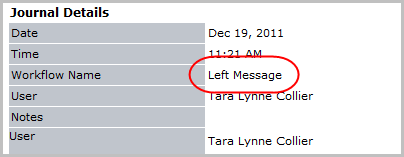
Left Message
Use this workflow to quickly log that a message was left for the candidate.
- Select Left Message from the Calls and Emails menu in the Activities drop-list.
- A "Call Logged" confirmation will open in a new window; click OK to close the message.
-
Verify the Left Message entry is posted to the journal.