Change Candidate Recruiter
Use these instructions to add or change the recruiter.
-
Click on the workflow icon to the right of the Recruiter field in the top section of the Summary segment.

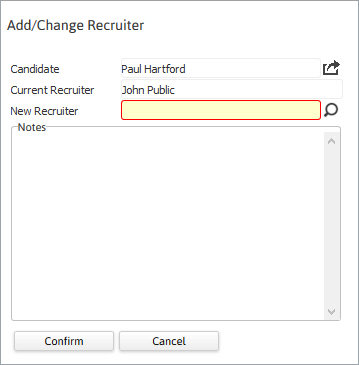
- The Add/Change Recruiter workflow will open in a new window; with the current Recruiter populated, if applicable.
- Enter a new Recruiter name. By clicking on icons to the right of the view field a new window will open to allow you to look up a record.
- Enter notes in the Notes free text field as needed.
-
After making the necessary changes click Confirm to complete the workflow.
-
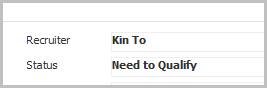
After completing the workflow you are returned to the Summary segment and the updated field.
-
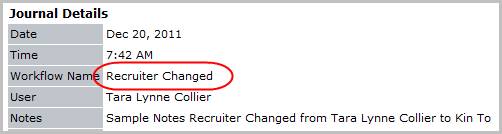
Verify the Recruiter Changed entry and notes from workflow are posted to the journal.
Was this helpful?