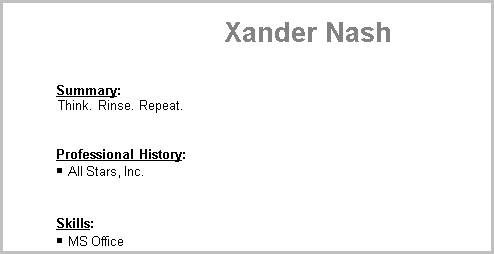
Include in Formatted Resume
Use this workflow to add the candidate’s profile text to the Adapt created resume. This text will be placed in the objective or summary section of the formatted resume.
- Edit the candidate’s summary segment and add a summary to the Profile text box.
-
After updating the profile, click on the Include in Formatted Resume workflow button.
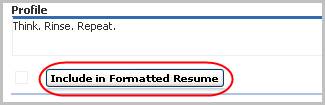
-
Clicking this button will add/remove a checkmark to the field to the left of the button.
The option can be selected while editing the segment. The purpose of this workflow is to quickly select the option without the need to edit the segment.
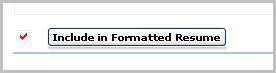
-
After checking the box run the Create Formatted Resume workflow in the Candidate Activities menu to add the profile to the Adapt generated resume.