Change Referred By
Use these instructions to change the person who referred the candidate to the staffing agency. The name that is in the Referred By list box will be the default name used if a referral bonus is tracked for job orders in which the candidate is assigned.
-
Click on the workflow icon to the right of the Referred By field on the Summary segment.
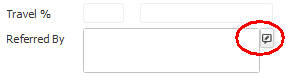
- The Change Referred By workflow will open in a new window; with the referring person populated, if applicable.
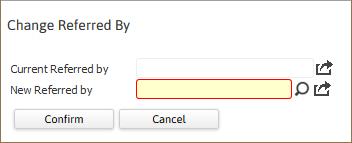
- Enter a new name in the field; the icon to the right of the field can be used to look-up the name if you do not know the exact spelling.
-
After making the necessary changes, click Confirm to complete the workflow.
-
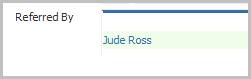
After completing the workflow you are returned to the Summary segment and the changes should be reflected in the Referred By view field.
-
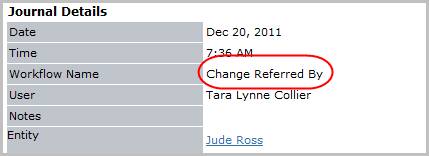
Verify the Change Referred By entry is posted to the journal.