Change Candidate Status and Availability
Use these instructions to change the status and / or availability of a candidate.
-
From the candidate’s summary segment, click on the workflow button beside the Status or the Availability field, at the top of the page. Both buttons open the same workflow.

- The Change Status and Availability workflow will open in a new window. Update the form with the necessary information
- By clicking on the buttons to the right of certain fields, a new window will open, allowing you to search and select options related to that specific field, or choose a date.
- Click Confirm to complete the workflow.
-
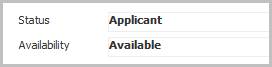
After completing the workflow you are returned to the Summary segment and the changes reflected in the Status and Availability view fields.
-
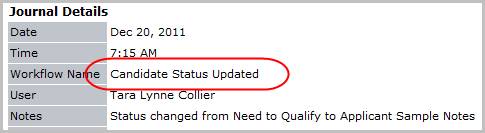
Verify the Candidate Status Updated entry and notes from workflow posted to the journal. The activity details will be saved and will be available for reporting purpose.
-
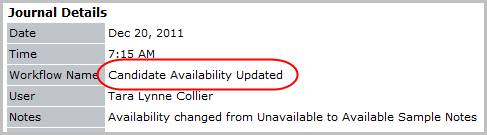
Verify the Candidate Availability Updated entry and notes from workflow posted to the journal. The activity details will be saved and will be available for reporting purpose.