| Edition: All Editions | Audience: Group Admin |
Delete a Group
This article shows how to delete groups within Bullhorn Analytics. You can add and delete as many groups as you like. All users need to have a group affiliation to be visible within Bullhorn Analytics.
Steps to Delete a Group
-
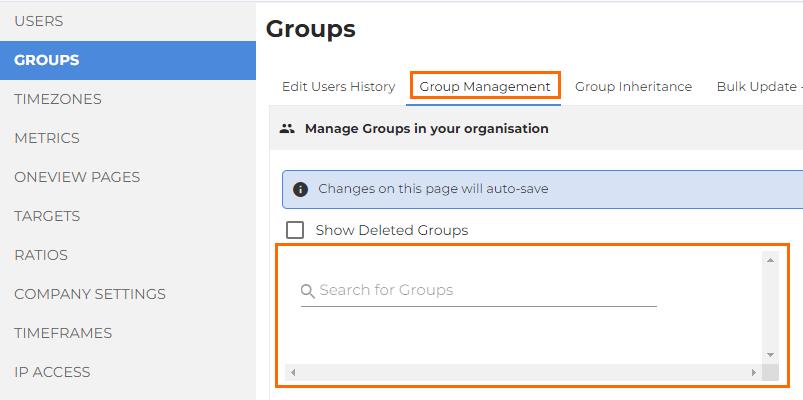
Go to Admin > Groups.
- Under the Group Management tab, click on the group you would like to delete.
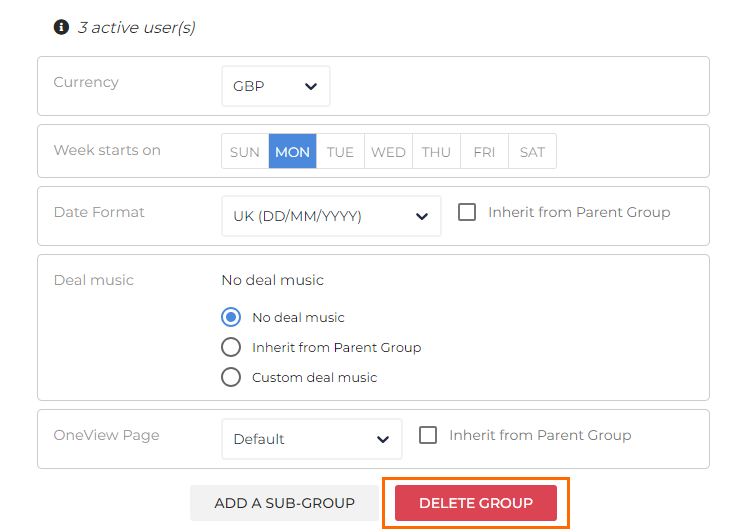
- Scroll to the bottom of the group settings on the right side and click on the red Delete Group button.
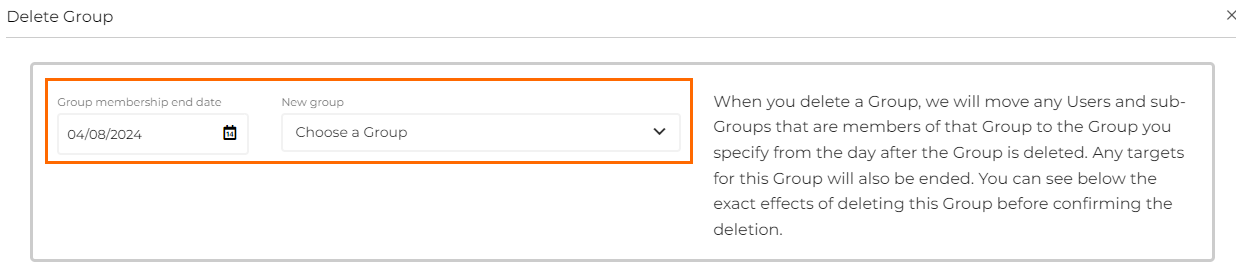
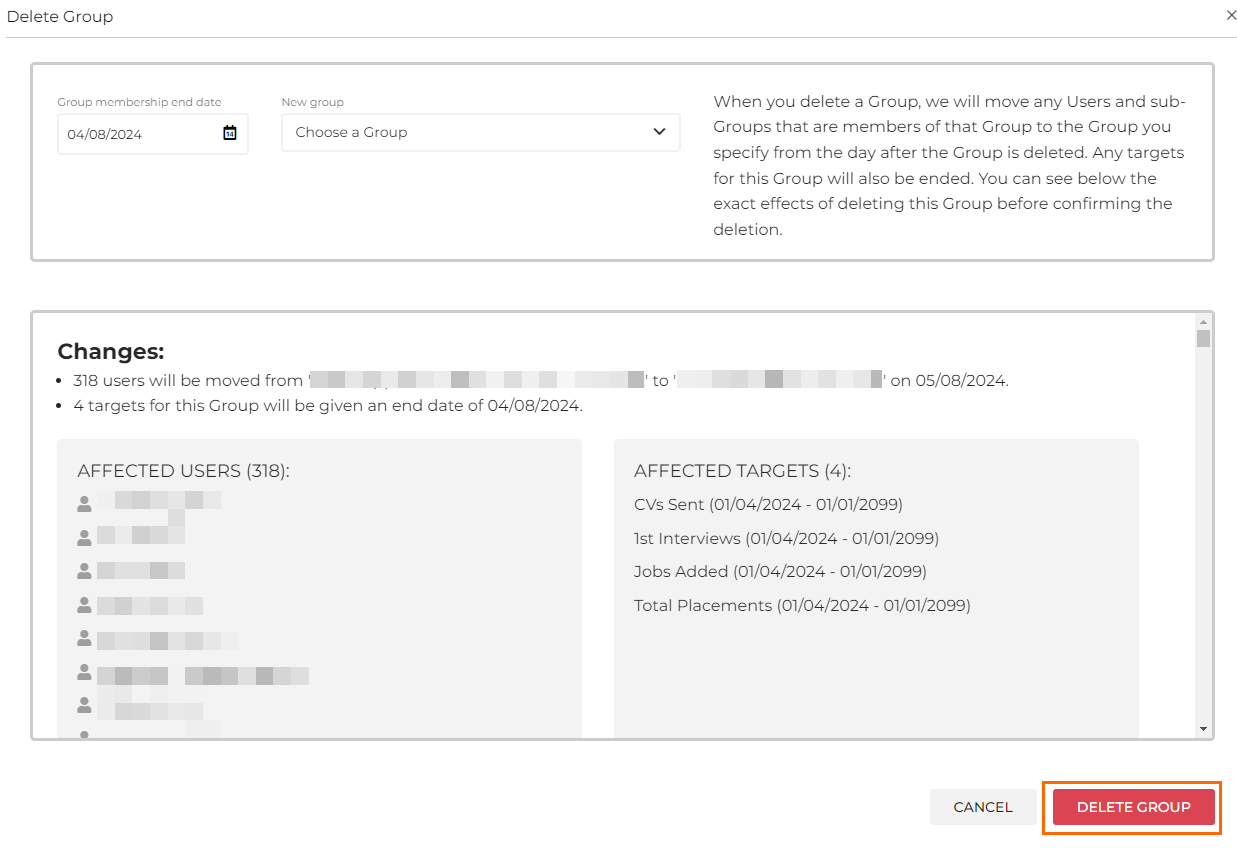
- A box will appear, highlighting which users / targets will be affected by the deletion.
- Specify which group you would like to move these users under, and the date you would like this to occur.
- Click on Delete Group to finalize the deletion.
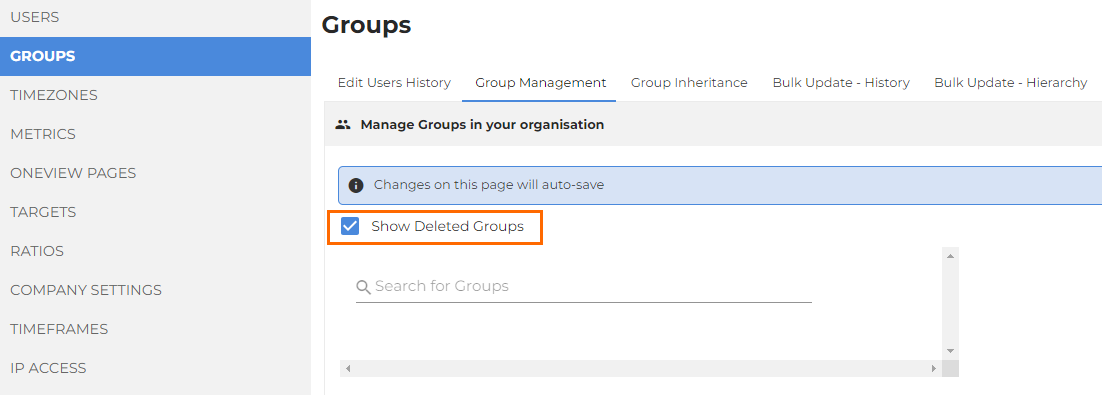
You can view deleted groups on the Group Management tab by selecting the Show Deleted Groups checkbox.
Was this helpful?