| Edition: All Editions | Audience: Group Admin |
Export Group / User History
This article explains how to download group history and user list.
Steps
- Go to Admin > Groups.
- Under the Bulk Update - History tab, click on the GROUPS HISTORY button to download a full history of all your users and groups.
- To view just the list of users / groups and their IDs, click on the USERS LIST or GROUPS LIST button.
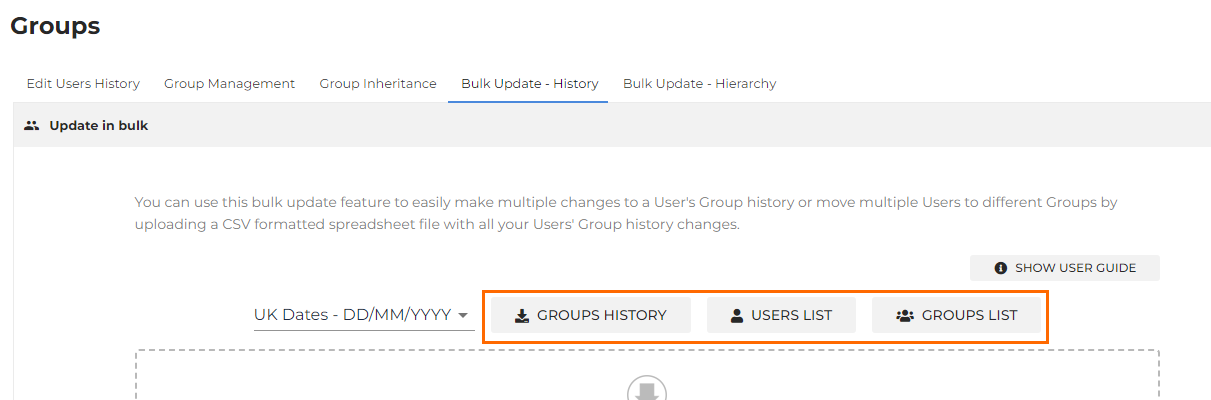
- To view just the list of users / groups and their IDs, click on the USERS LIST or GROUPS LIST button.
This will download as a comma separated CSV. If you are based in Europe, you may need to use Excel to put the comma separated list back into individual columns due to regional differences.
Was this helpful?