| Edition: Growth, Corporate, Enterprise | Audience: Target Admin |
Copy Targets Between Users / Groups
This article explains how to copy targets from one user or group to another user or group.
Steps
- Open Onpoint.
- Select the metric(s) that you want to copy the targets for from the Add Metric dropdown.

- Select the user or group that you want to copy the targets from, and the user or group that you want to copy the target to, from the Add User or Group dropdown.

- Select the timeframe, depending on whether you want to copy weekly or monthly targets.

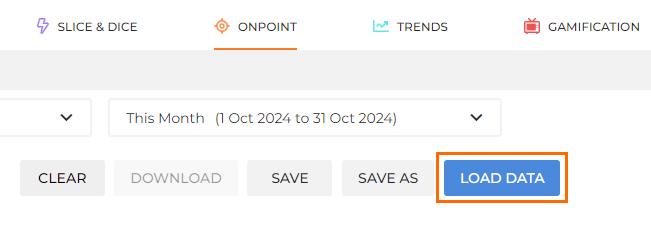
- Click on Load Data to generate the report.
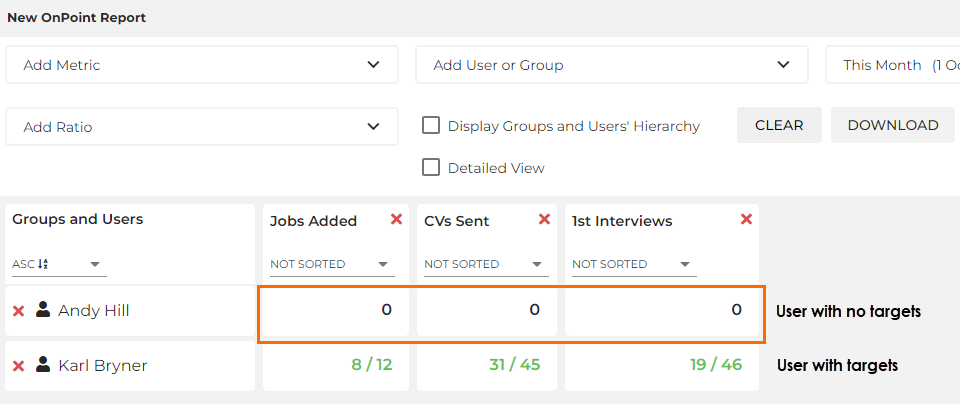
- From here, click on each metric for the user or group with no target, go the Targets tab and set the target to be the same as the target showing for the user or group with targets:
Was this helpful?